
Desktop Pi Computer Notification
 von jamerson90


Druckbare Dateien (2)
-
 stl
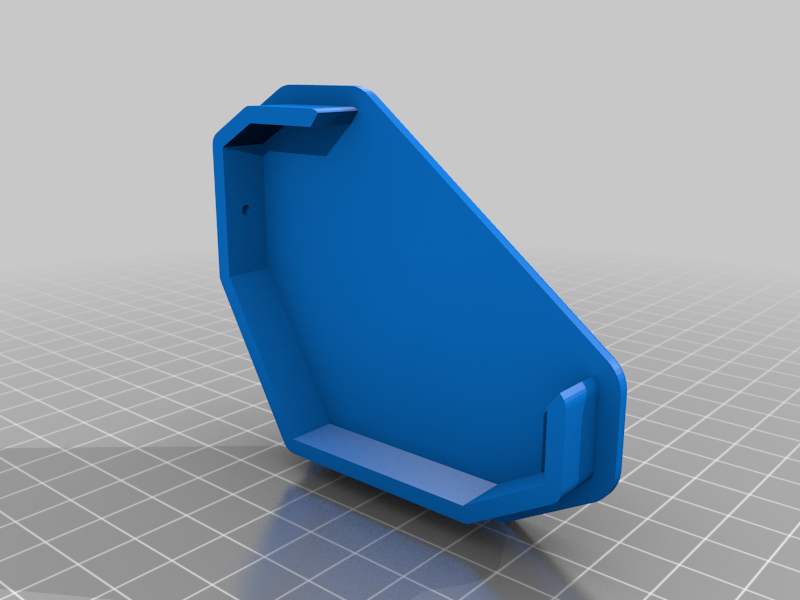
stlDesktop_Pi_Computer_SIDE_PLATE.stl
59 Ko · 2 843 Downloads
-
 stl
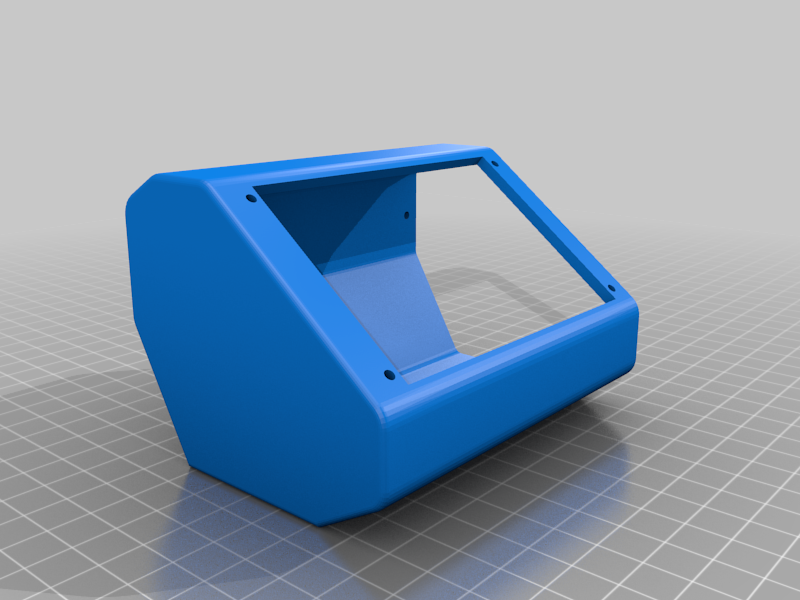
stlDesktop_Pi_Computer_BASE.stl
109 Ko · 2 858 Downloads
Beschreibung
Install the screen in place on the enclosure, then install the Pi 3B+ onto the screen and finally the side plate. If you need to access the USB ports for any reason, remove the side plate for full access
(1) 90 Degree Micro USB Cable
(1) Raspberry Pi 3 - Model B+ - 1.4GHz Cortex-A53 with 1GB RAM
https://www.adafruit.com/product/3775
(1) PiTFT Plus 480x320 3.5" TFT+Touchscreen for Raspberry Pi
https://www.adafruit.com/product/2441
(5) 18-8 Stainless Steel Button Head Hex Drive Screw 3-48 Thread Size, 3/8" Long
https://www.mcmaster.com/92949a326
(4) 18-8 Stainless Steel Hex Nut 3-48 Thread Size
https://www.mcmaster.com/91841a004
Fusion 360 Link
https://a360.co/2IVrsxR