
OctoBuddy
 von FactoryRestart


Druckbare Dateien (35)
-
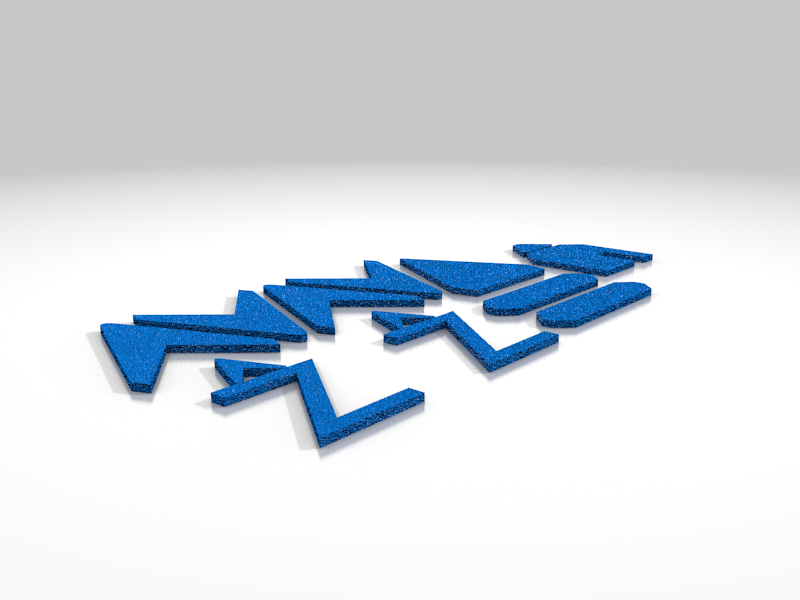 stl
stlOctoBuddy_TableTopVersion_ButtonLabels.stl
25 Ko · 390 Downloads
-
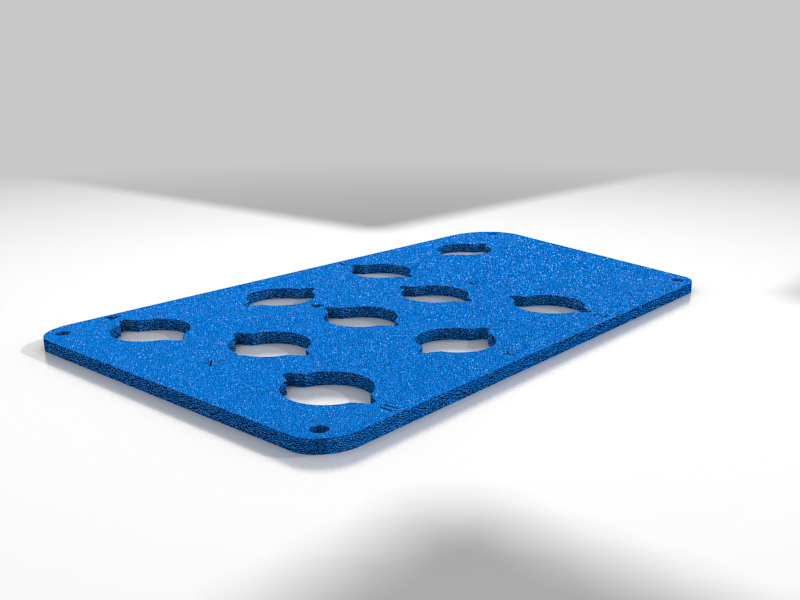 stl
stlOctoBuddy_TableTopVersion_FrontPanel.stl
264 Ko · 387 Downloads
-
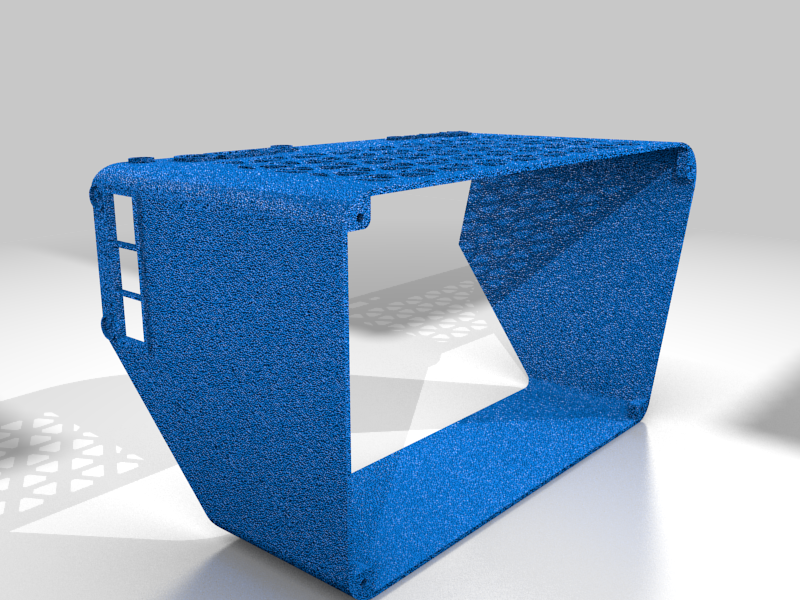 stl
stlOctoBuddy_TableTopVersion_Base.stl
380 Ko · 390 Downloads
-
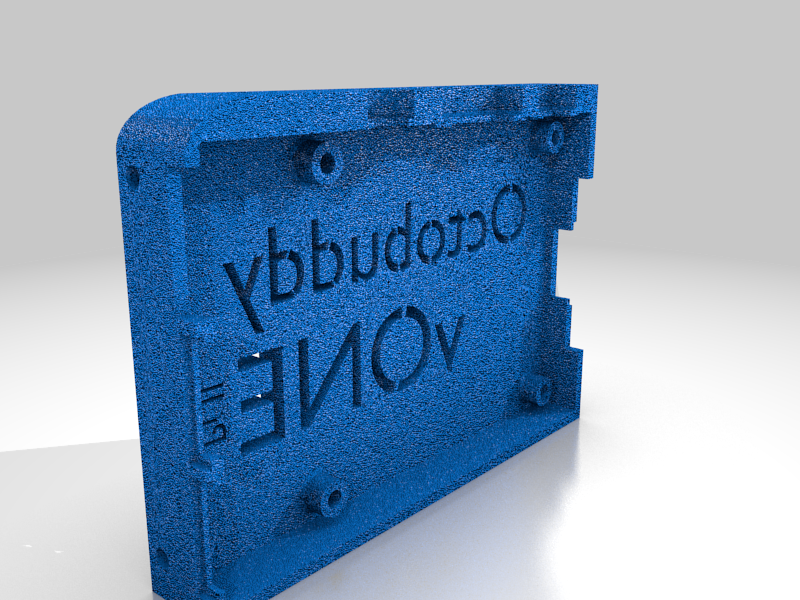 stl
stlOctoBuddy_TableTopVersion_Pi3Mount.stl
277 Ko · 389 Downloads
-
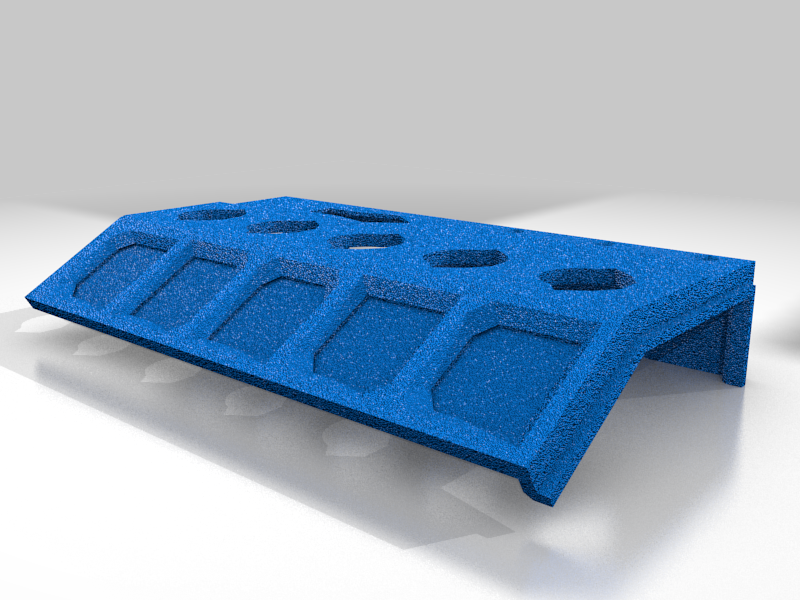 stl
stlOctoBuddy_ShelfVersion_Base_TwoPiece_Top.stl
87 Ko · 390 Downloads
-
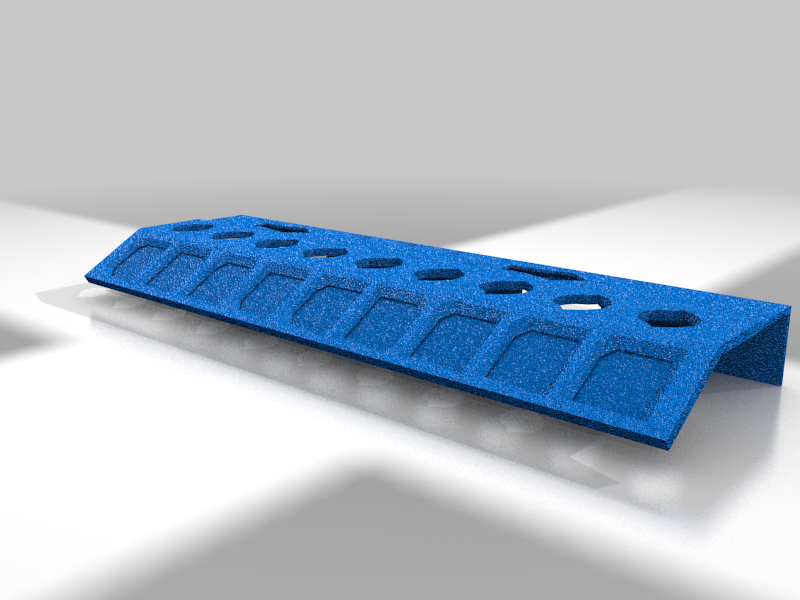 stl
stlOctoBuddy_ShelfVersion_Base.stl
125 Ko · 387 Downloads
-
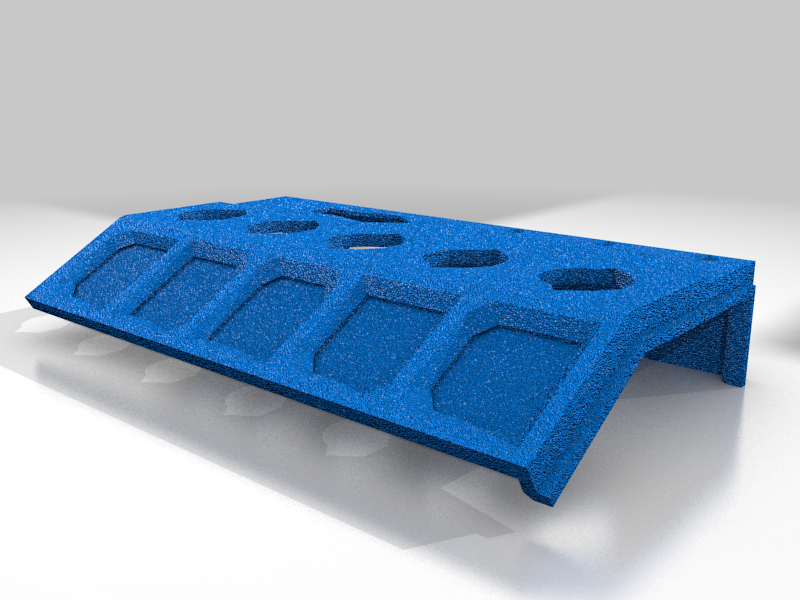 stl
stlOctoBuddy_ShelfVersion_Base_TwoPiece_Bottom.stl
87 Ko · 389 Downloads
-
 stl
stlPiMount.stl
298 Ko · 391 Downloads
-
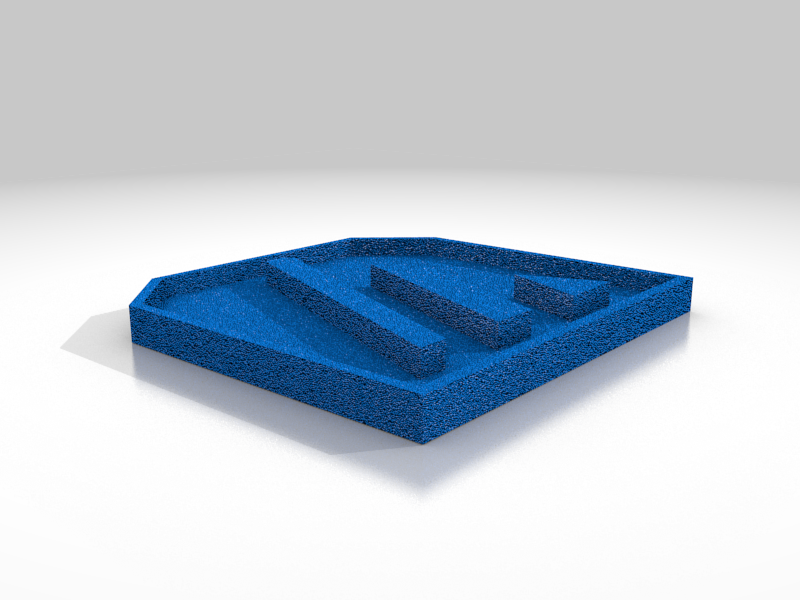 stl
stlLabel_Arrow_UpOrDown_TwoParts_PartOne_Base.stl
5 Ko · 390 Downloads
-
 stl
stlLabel_Home_TwoParts_PartOne_Base.stl
5 Ko · 385 Downloads
-
 stl
stlLabel_Arrow_LeftOrRight_TwoParts_PartOne_Base.stl
5 Ko · 388 Downloads
-
 stl
stlLabel_Pause_TwoParts_PartOne_Base.stl
4 Ko · 390 Downloads
-
 stl
stlLabel_Pause_TwoParts_PartTwo_Insert.stl
3 Ko · 389 Downloads
-
 stl
stlLabel_Resume_TwoParts_PartTwo_Insert.stl
7 Ko · 389 Downloads
-
 stl
stlLabel_Resume_TwoParts_PartOne_Base.stl
7 Ko · 389 Downloads
-
 stl
stlLabel_Home_TwoParts_PartTwo_Insert.stl
5 Ko · 390 Downloads
-
 stl
stlLabel_SetBedTemp_TwoParts_PartTwo_Insert.stl
57 Ko · 388 Downloads
-
 stl
stlLabel_Z_Up_TwoParts_PartTwo_Insert.stl
7 Ko · 392 Downloads
-
 stl
stlLabel_Arrow_UpOrDown_TwoParts_PartTwo_Insert.stl
5 Ko · 388 Downloads
-
 stl
stlLabel_Z_Down_TwoParts_PartOne_Base.stl
9 Ko · 390 Downloads
-
 stl
stlLabel_Z_Up_TwoParts_PartOne_Base.stl
9 Ko · 389 Downloads
-
 stl
stlLabel_Arrow_LeftOrRight_TwoParts_PartTwo_Insert.stl
5 Ko · 388 Downloads
-
 stl
stlLabel_Z_Down_TwoParts_PartTwo_Insert.stl
7 Ko · 389 Downloads
-
 stl
stlLabel_SetBedTemp_TwoParts_PartOne_Base.stl
76 Ko · 389 Downloads
-
 stl
stlLabel_SetNozzleTemp_TwoParts_PartOne_Base.stl
67 Ko · 388 Downloads
-
 stl
stlLabel_SetNozzleTemp_TwoParts_PartTwo_Insert.stl
56 Ko · 390 Downloads
-
 stl
stlLabel_Arrow_UpOrDown_OnePiece.stl
10 Ko · 388 Downloads
-
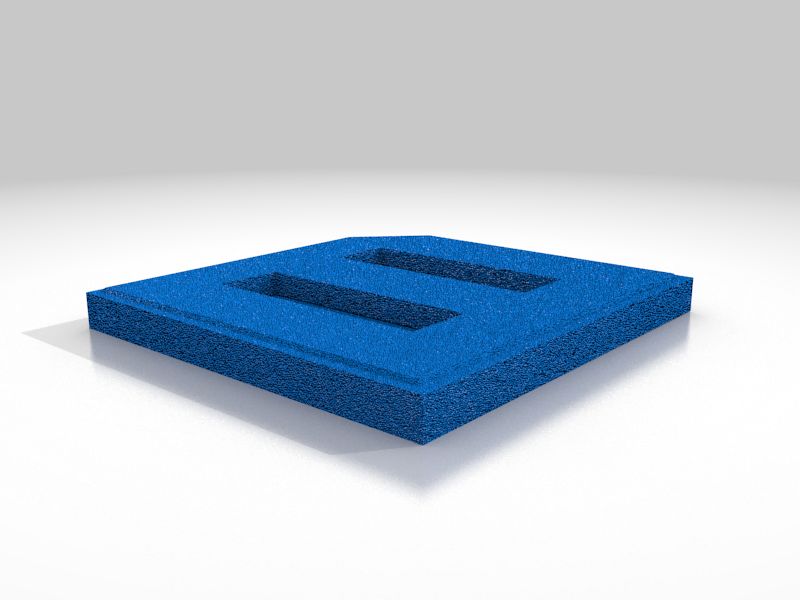 stl
stlLabel_Pause_OnePiece.stl
7 Ko · 388 Downloads
-
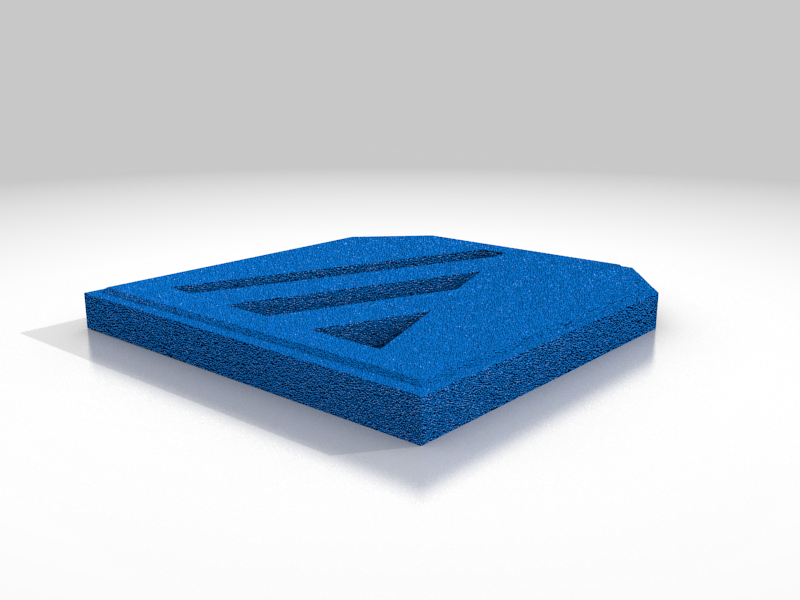 stl
stlLabel_Arrow_LeftOrRight_OnePiece.stl
10 Ko · 388 Downloads
-
 stl
stlLabel_Home_OnePiece.stl
11 Ko · 387 Downloads
-
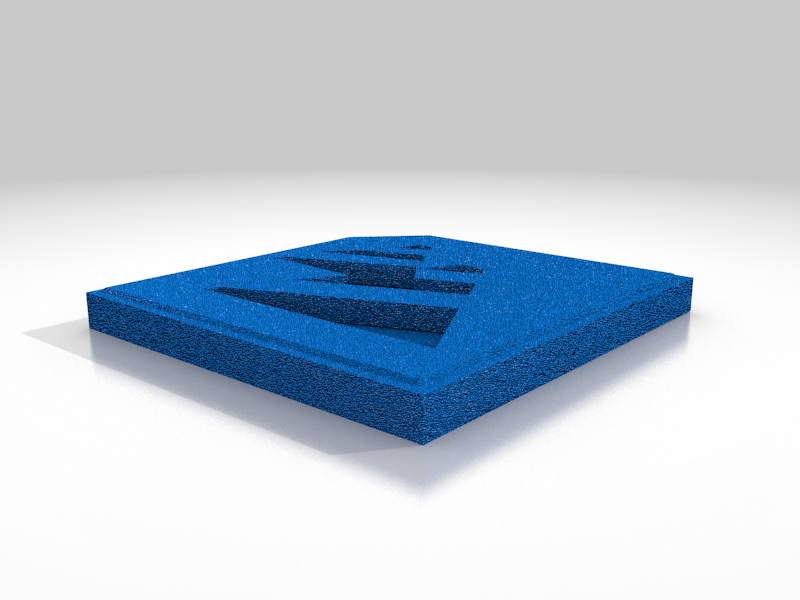 stl
stlLabel_Resume_OnePiece.stl
14 Ko · 388 Downloads
-
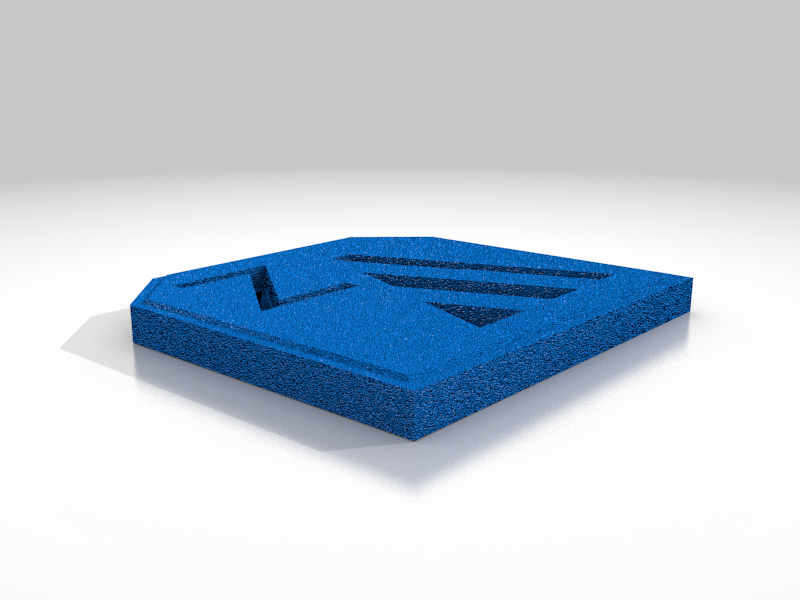 stl
stlLabel_Z_Up_OnePiece.stl
16 Ko · 390 Downloads
-
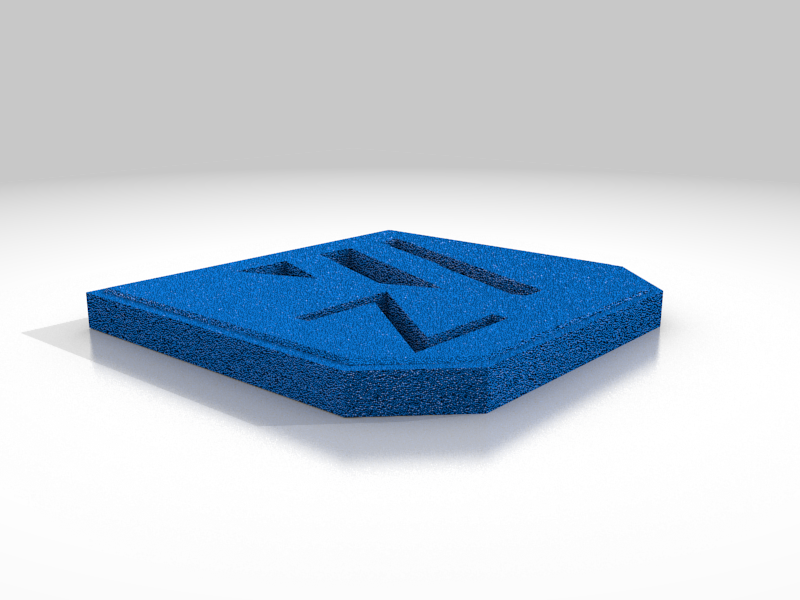 stl
stlLabel_Z_Down_OnePiece.stl
16 Ko · 391 Downloads
-
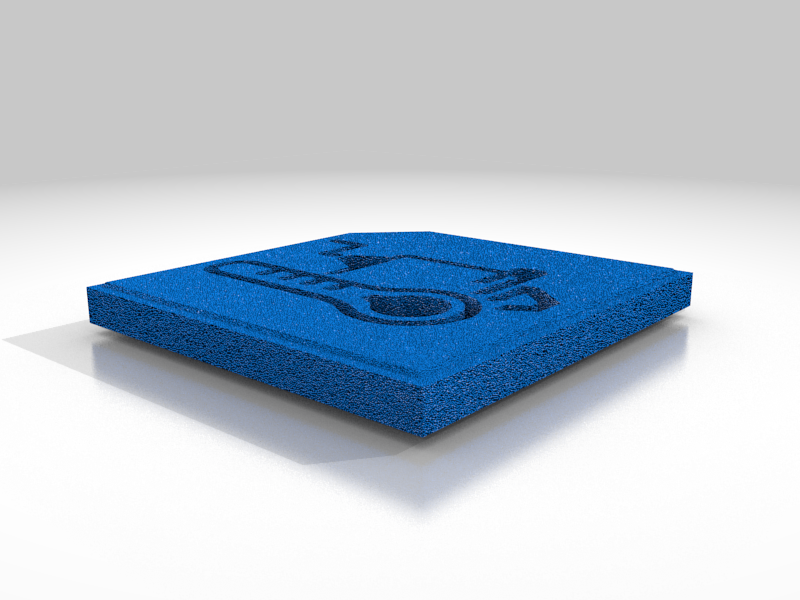 stl
stlLabel_SetNozzleTemp_OnePiece.stl
123 Ko · 388 Downloads
-
 stl
stlLabel_SetBedTemp_OnePiece.stl
133 Ko · 387 Downloads
Beschreibung
OctoBuddy is 3D printable button panel with an accompanying OctoPrint plugin that lets perform common printer actions like moving your print head with the push of a single button. It let’s you speed up things like maintenance, troubleshooting, and filament changes much quicker and easier by bypassing the need to access OctoPrint interface or cumbersome printer menus. The concept is simple, connect a button to the Raspberry Pi GPIO interface and tell the plugin which what action you want the port to perform. You can mount your buttons to one of the my button panels or make your own.
OctoBuddy can currently perform the following actions:
- Home Printer
- Jog any Axis by a configurable distance
- Toggle bed temperature between a configurable temperature and 0
- Toggle nozzle temperature between a configurable temperature and 0
For a full how-to on building your own OctoBuddy go here: https://www.factoryrestart.com/octobuddy
I build these things cause I like it. I make them available to you because… well, why not. If you like my work and would like to donate just click here. All contributions are much appreciated.