
Parametric Gridfinity Tray - OpenSCAD
 von WouldYouLike


Druckbare Dateien (3)
-
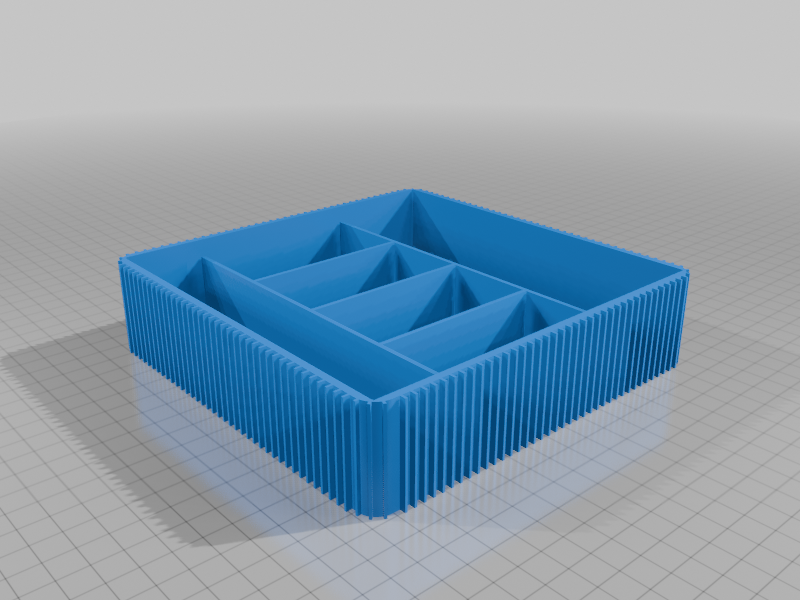 stl
stlexample_tray.stl
233 Ko · 208 Downloads
-
 3mf
3mfExample_tray.3mf
91 Ko · 154 Downloads
-
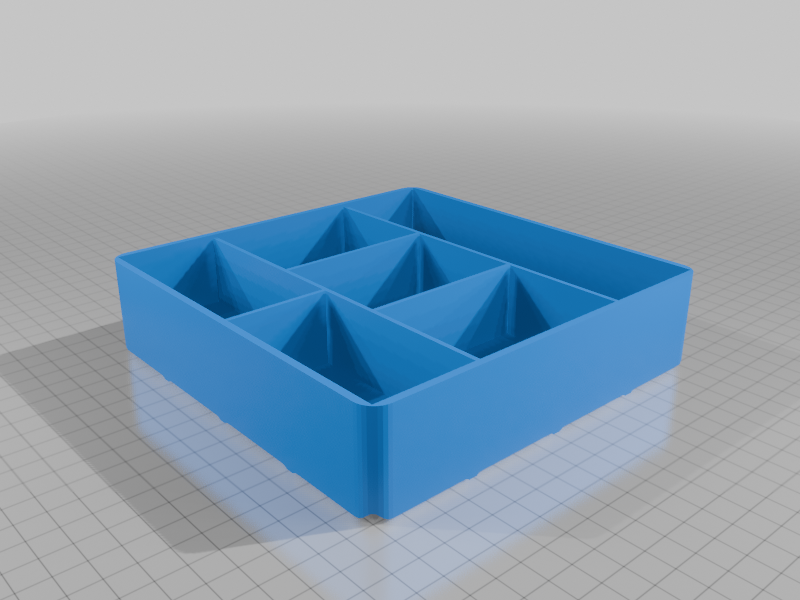 stl
stltray_gridfinity.stl
196 Ko · 205 Downloads
Beschreibung
Parametric Storage Tray / Gridfinity Organizer
This is a fully parametric storage tray system designed inOpenSCAD. Whether you need a simple desk organizer, a specific divider for your tool drawer, or a customized Gridfinity bin, this model allows you to define dimensions, partitions, and textures down to the millimeter. Version with fix gridfinity grid holder and flat version.
Heavilly inspired in https://www.thingiverse.com/thing:7305291 but I wanted one way to create a parametric way to do these :-)
Repository for code in https://github.com/ToledoEM/Build_your_tray
Main Features
- Two Versions: Includes
tray.scadfor standalone custom sizes andtray_gridfinity.scadfor seamless integration into the Gridfinity ecosystem. - Advanced Partitioning: Go beyond simple grids. You can set specific column widths (including Golden Ratio support) and define unique row subdivisions for every single column.
- Surface Textures: Sinusoidal Waves: Add a corrugated wave to the floor of a specific column to make it easier to grab small parts or hardware.
- External Ribbing: Decorative vertical ribs on the outer walls with adjustable taper.
- Hatch Texture: A diagonal hatch pattern on the bottom (or inside floor for Gridfinity) for added grip and aesthetic.
- Gridfinity Ready: The Gridfinity variant automatically handles 42mm cell spacing, magnet pockets (6.5mm), and the standard stacking profile.
Customization Parameters
You can edit these values directly in the OpenSCAD file:
CategoryKey ParametersDimensionstray_width, tray_length, wall_height, corner_rInternal Layoutcol_count, col_widths (array), col_rows (array)Wave Texturecol_wave_col (index), wave_amp, wave_periodExternal Ribsrib_width, rib_gap, rib_taperGridfinitygf_cells_x, gf_cells_y, gf_magnet_odHow to Use
- Open
tray.scad(standalone) ortray_gridfinity.scad(Gridfinity) in OpenSCAD. - Adjust the variables at the top of the script. No sliders are required; simply input your desired measurements.
- Render (F6) and Export as STL (F7).