
QuickClamp
 by lynxdvm


Printable files (25)
-
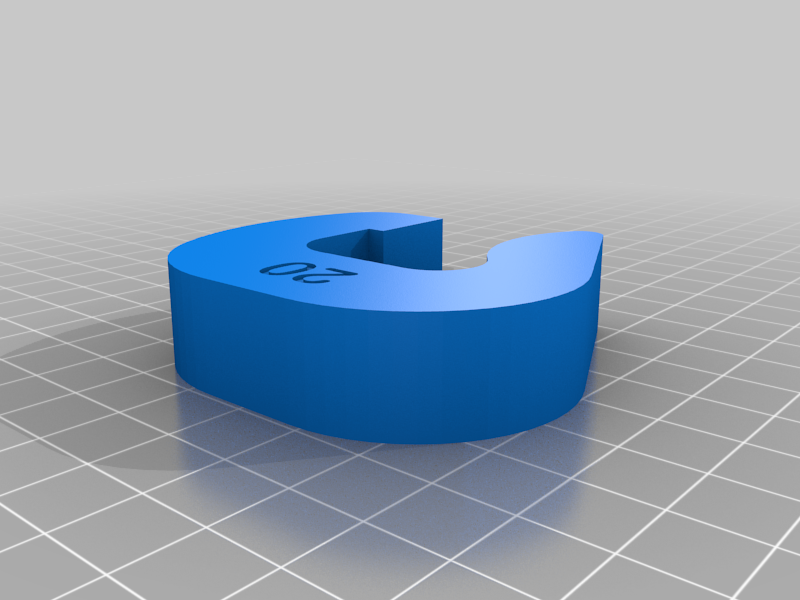 stl
stlQuickClamp_20.STL
59 Ko · 536 downloads
-
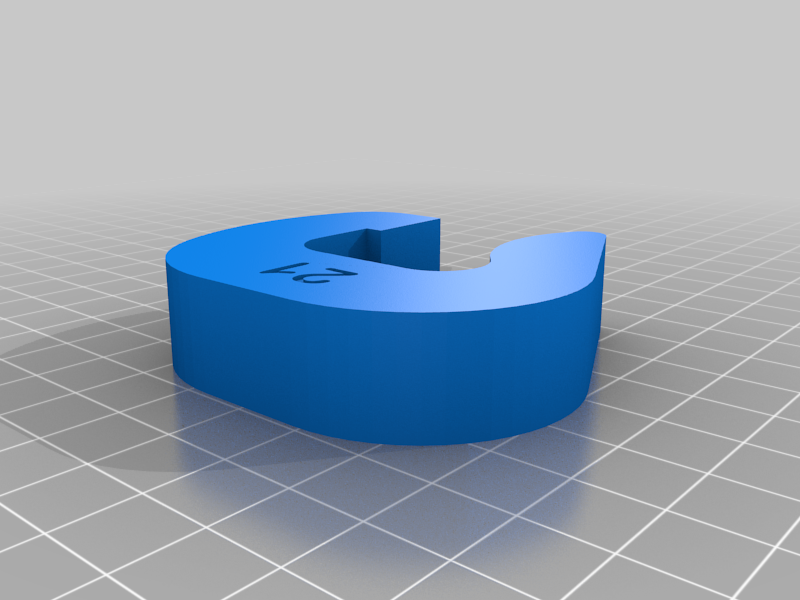 stl
stlQuickClamp_21.STL
56 Ko · 535 downloads
-
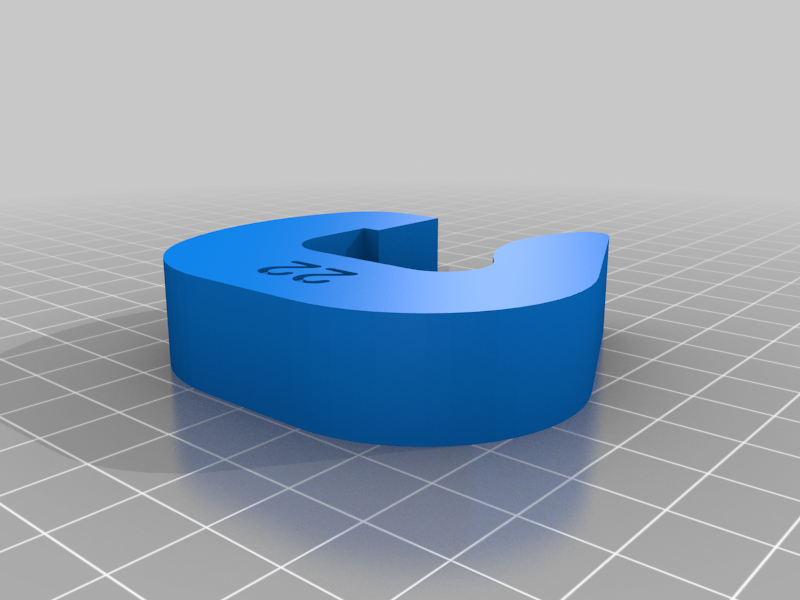 stl
stlQuickClamp_22.STL
64 Ko · 543 downloads
-
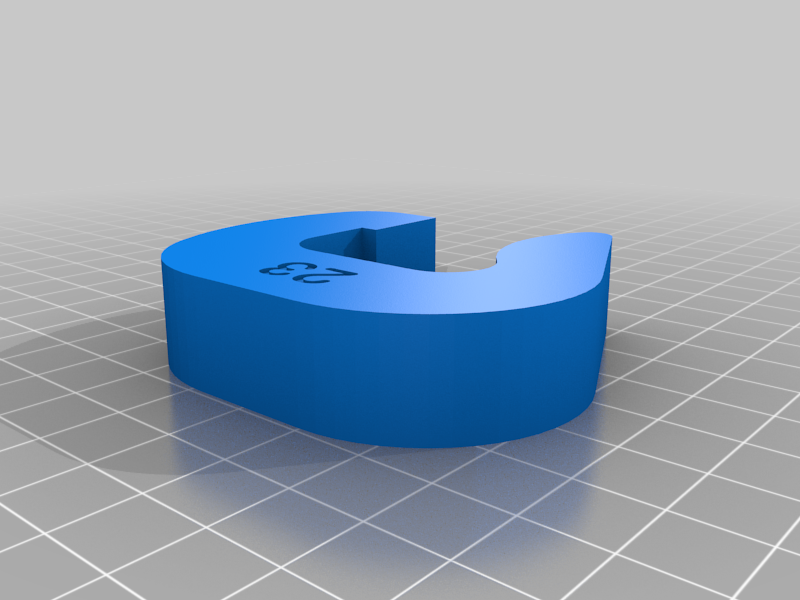 stl
stlQuickClamp_23.STL
75 Ko · 525 downloads
-
 stl
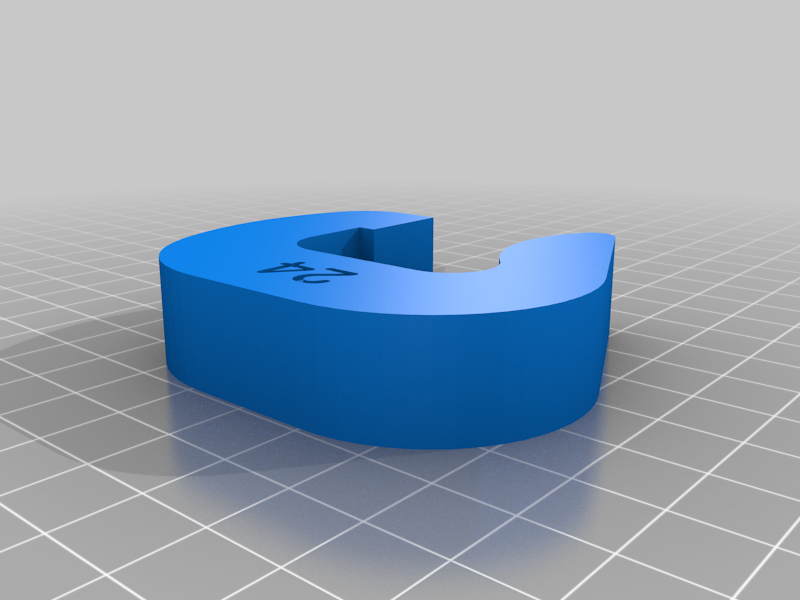
stlQuickClamp_24.STL
58 Ko · 526 downloads
-
 stl
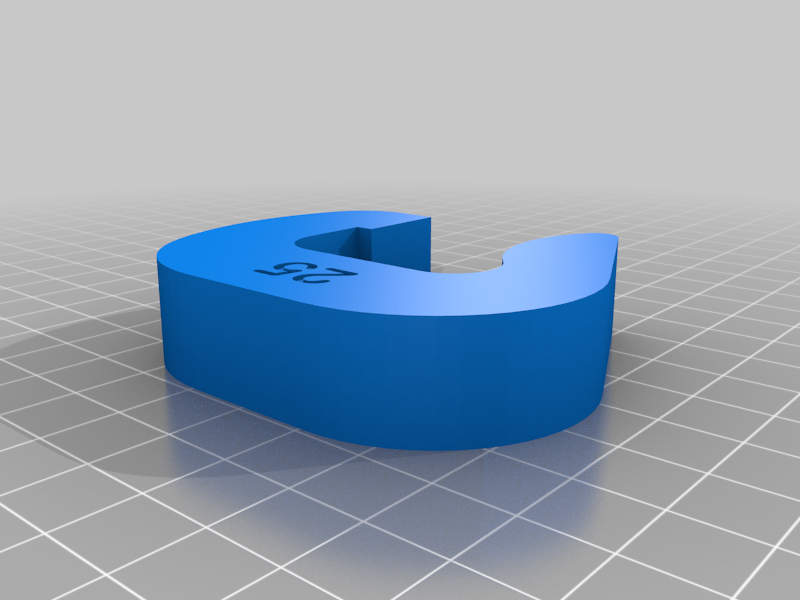
stlQuickClamp_25.STL
69 Ko · 529 downloads
-
 stl
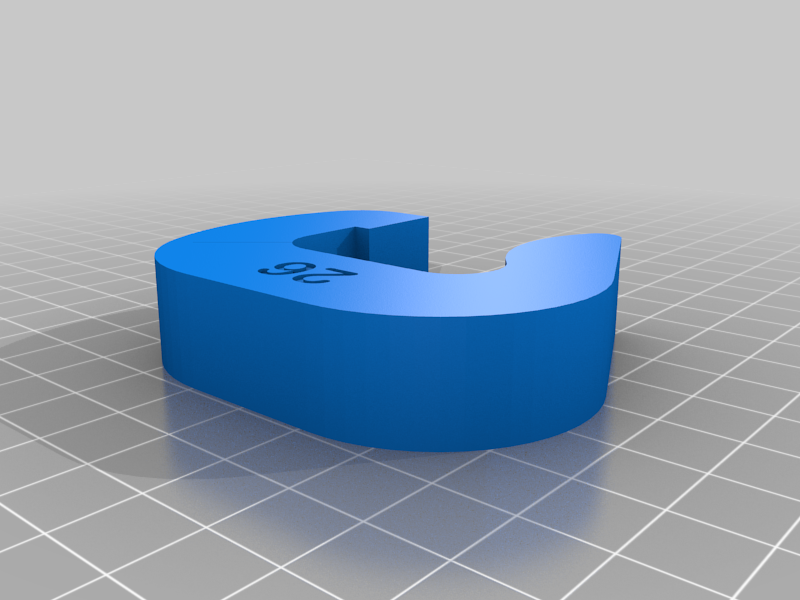
stlQuickClamp_26.STL
68 Ko · 531 downloads
-
 stl
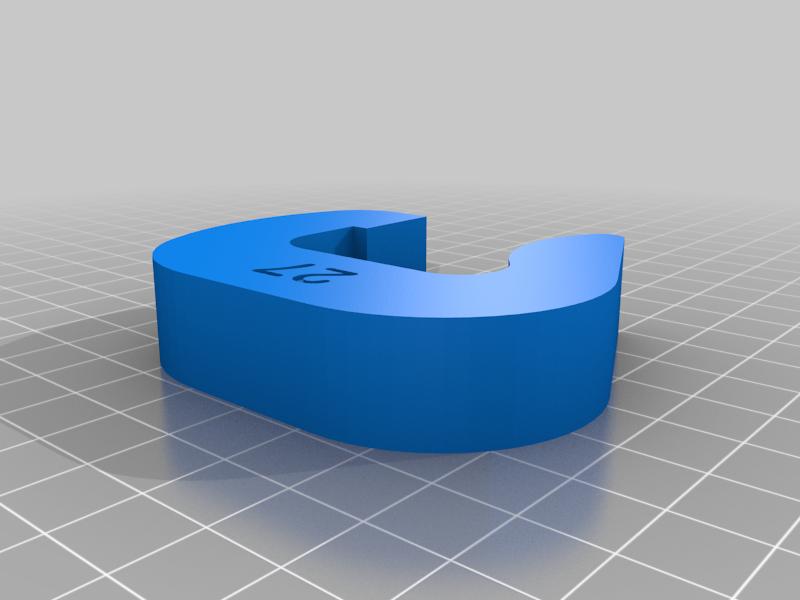
stlQuickClamp_27.STL
56 Ko · 526 downloads
-
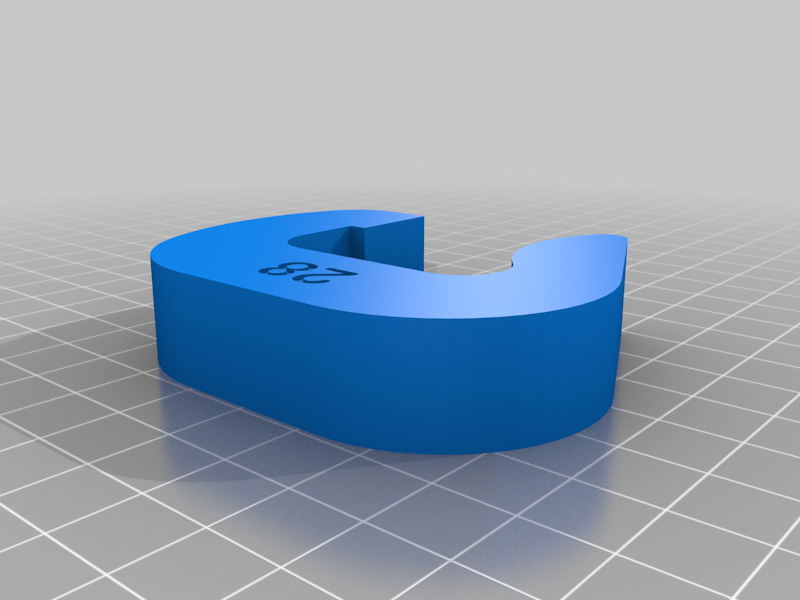 stl
stlQuickClamp_28.STL
71 Ko · 540 downloads
-
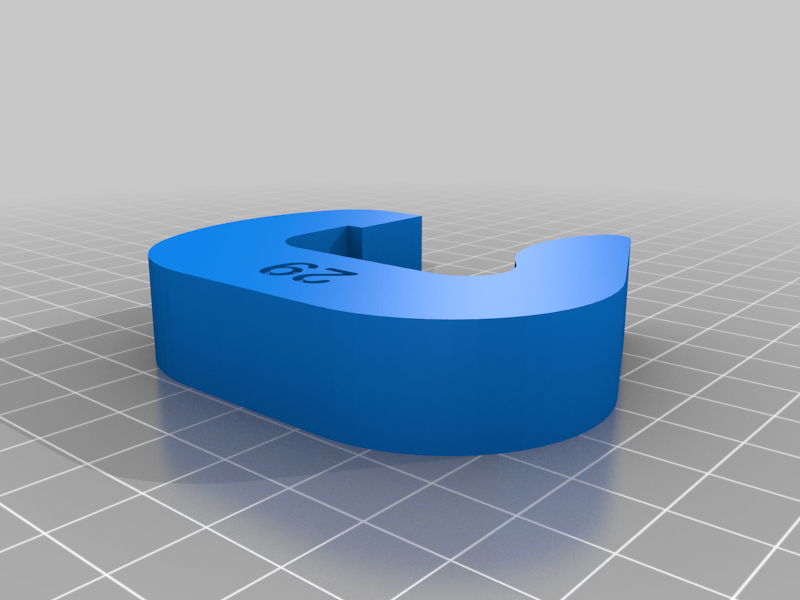 stl
stlQuickClamp_29.STL
68 Ko · 527 downloads
-
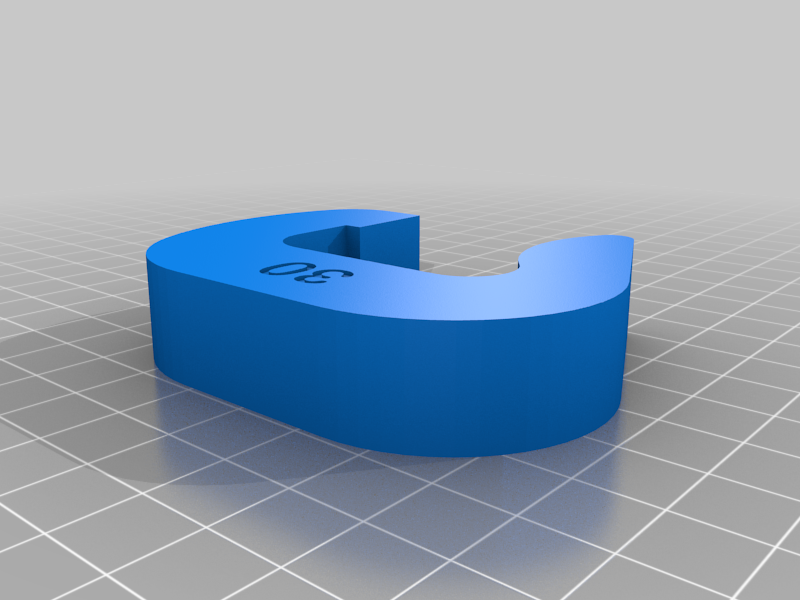 stl
stlQuickClamp_30.STL
70 Ko · 536 downloads
-
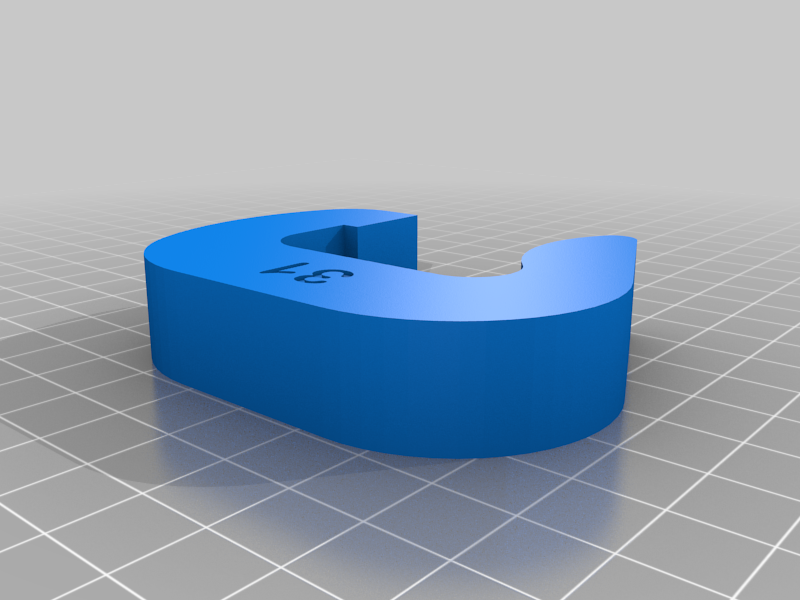 stl
stlQuickClamp_31.STL
67 Ko · 528 downloads
-
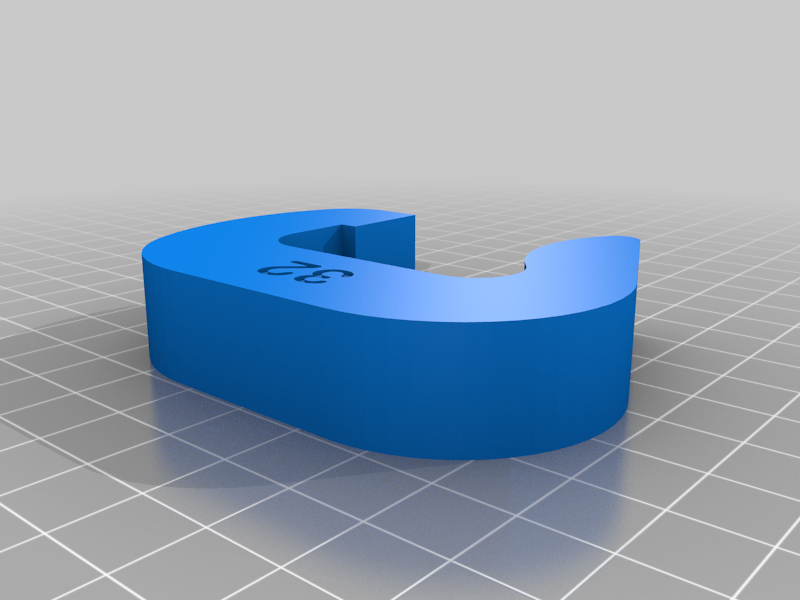 stl
stlQuickClamp_32.STL
75 Ko · 531 downloads
-
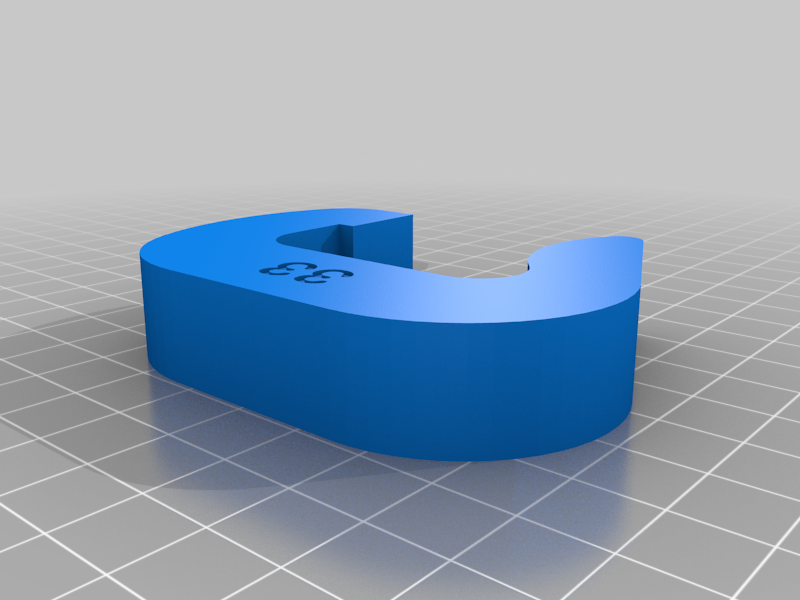 stl
stlQuickClamp_33.STL
86 Ko · 533 downloads
-
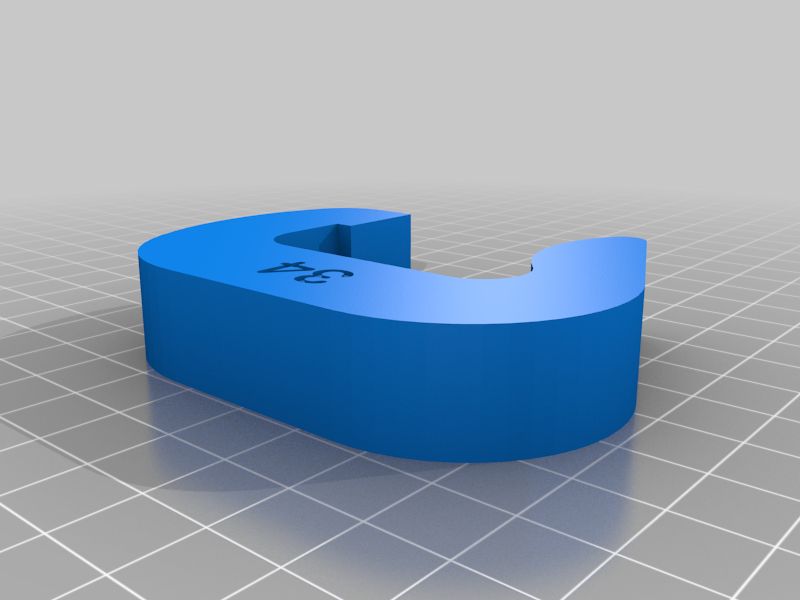 stl
stlQuickClamp_34.STL
69 Ko · 528 downloads
-
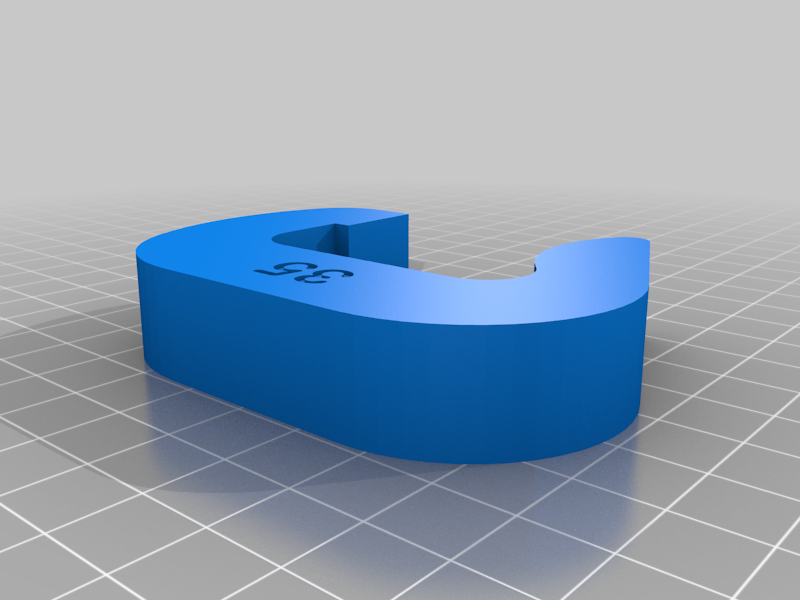 stl
stlQuickClamp_35.STL
79 Ko · 521 downloads
-
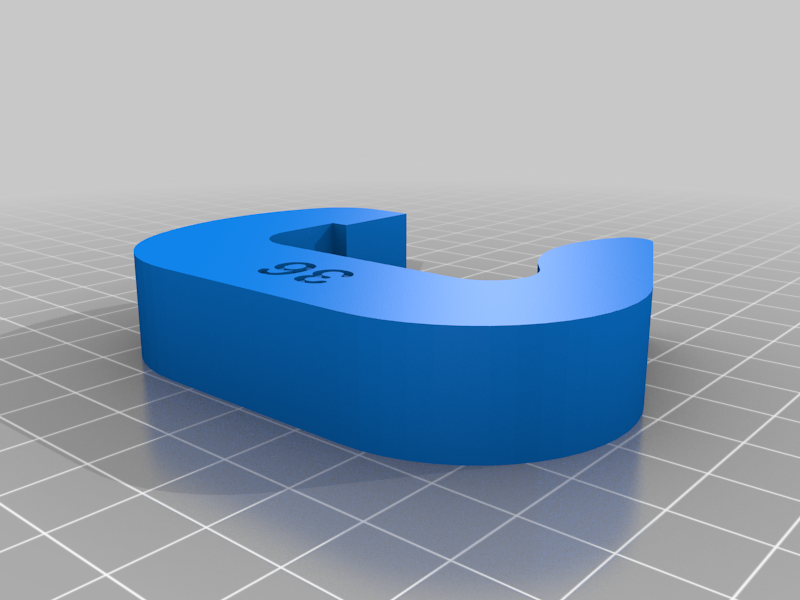 stl
stlQuickClamp_36.STL
79 Ko · 527 downloads
-
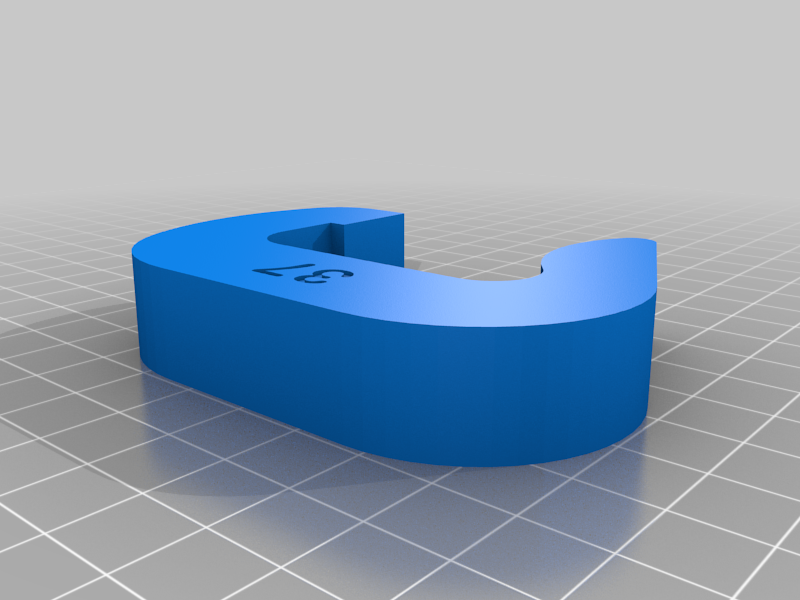 stl
stlQuickClamp_37.STL
66 Ko · 532 downloads
-
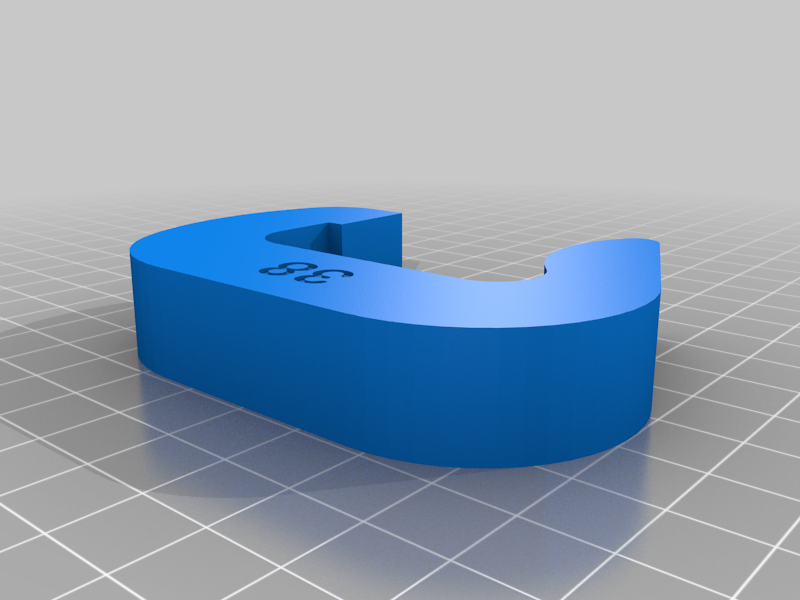 stl
stlQuickClamp_38.STL
82 Ko · 526 downloads
-
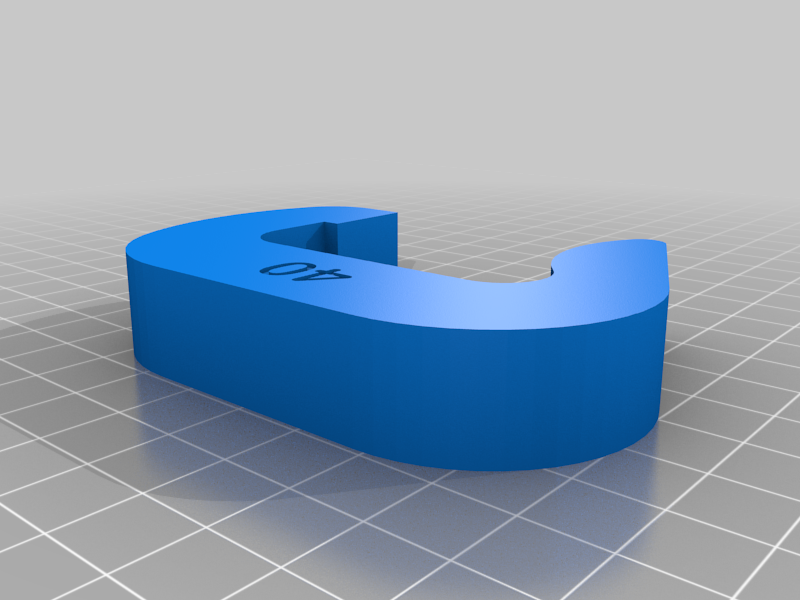 stl
stlQuickClamp_40.STL
53 Ko · 528 downloads
-
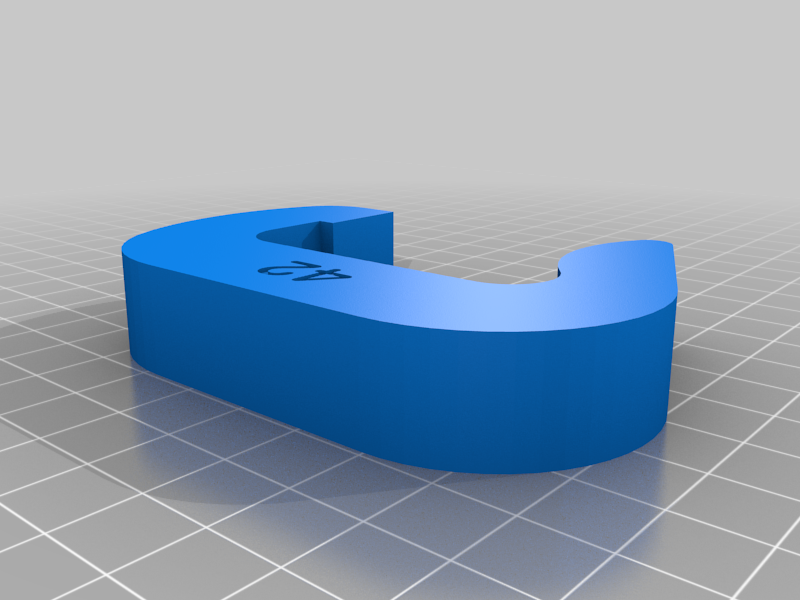 stl
stlQuickClamp_42.STL
58 Ko · 529 downloads
-
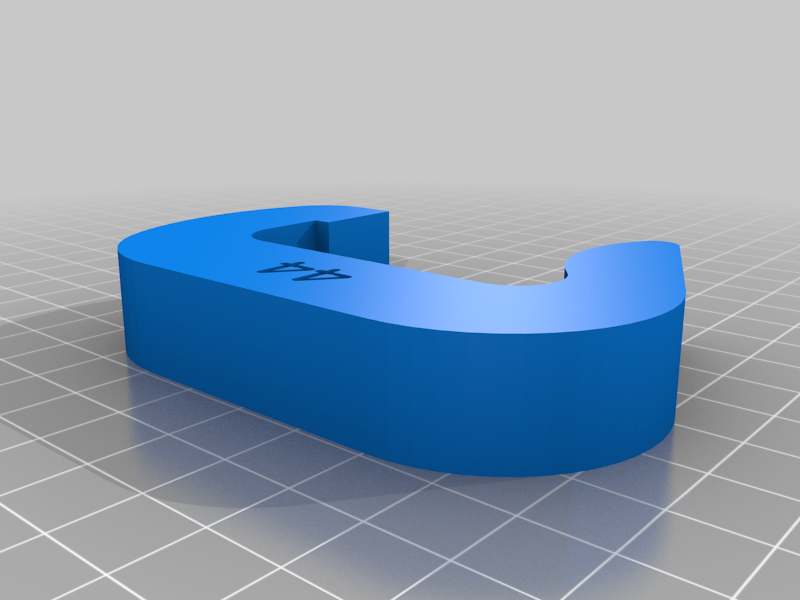 stl
stlQuickClamp_44.STL
52 Ko · 529 downloads
-
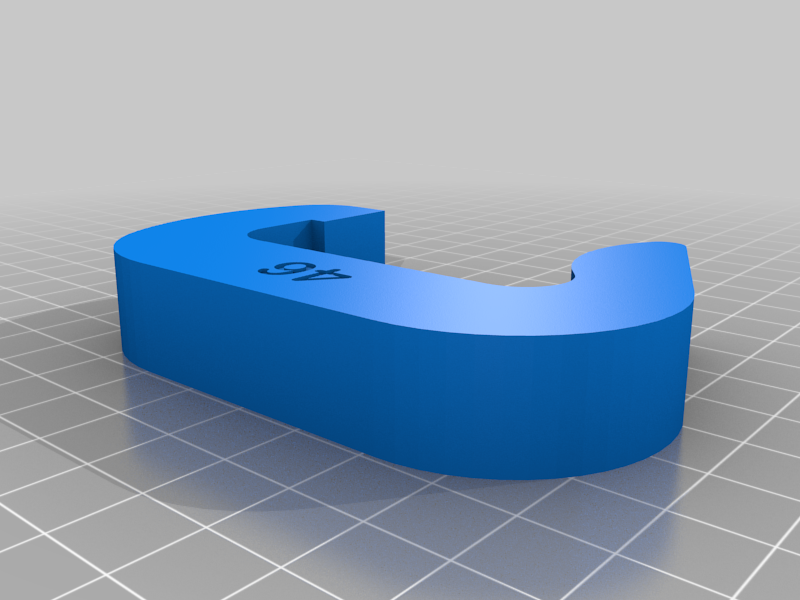 stl
stlQuickClamp_46.STL
62 Ko · 525 downloads
-
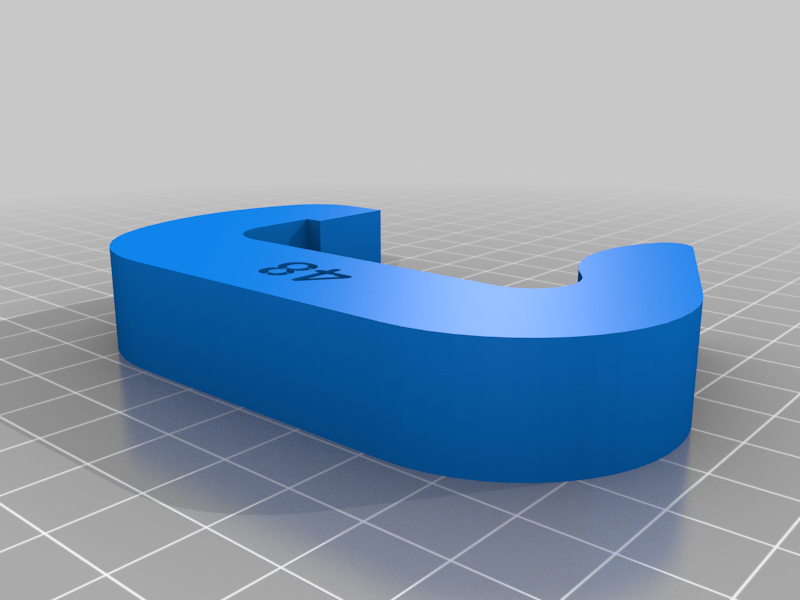 stl
stlQuickClamp_48.STL
65 Ko · 530 downloads
-
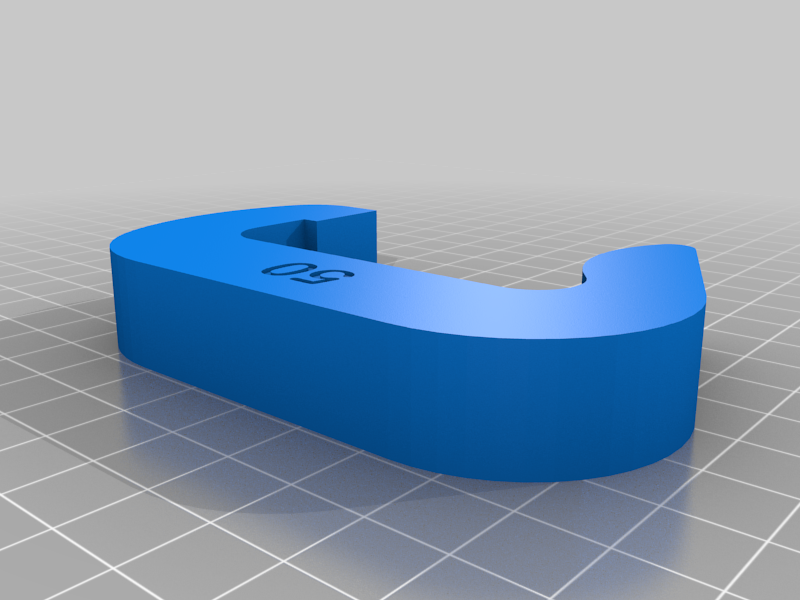 stl
stlQuickClamp_50.STL
63 Ko · 529 downloads
Description
Ever struggled with a G-clamp to secure something to your work bench? No more struggles with the QuickClamp! Simply place the clamp over your object and slide them over the bench's edge. Quick... Easy... Secure!!!
I have created a multitude of different sizes clamps. There should be one for your purpose!
How to select a clamp:
Add the thickness of your bench or table top to the thickness of the object to be clamped and select the clamp with that number. For example, my desk top is 29mm thick and the object is 4mm thick - So I use a 33 Clamp (28+4=33).
Material:
I've found ABS or PETG is the best. It needs material with some flexibility and PLA has a tendency to break before it bends.
Printing:
For optimum strength and rigidity I use 5 solid top layers, 5 solid bottom layers, 5 perimeter shells and 50% infill. No cooling. No supports.
Problem - too tight:
- Sand off some of the inside of the top square and bottom curvature (open up the gap a bit)
- Print with fewer solid layers, perimeters and less infill
- Use a size bigger clamp, or
- Scale the Y-direction to about 103%
Problem - too loose:
- Use a size smaller clamp, or
- Scale the Y-direction to about 97%
Tip: I design the things I want to hold down (e.g. my helping hands - to be published soon) with a consistent clamp height of 4mm. I also add a 16X16mm square recess of 1-1.6 mm deep to further secure the object and prevent sliding or turning. This way, I only need 1 clamp for all the different items to be secured.