
Pen Plotter Mount with Spring for 3D Printer
 di mcfada

File stampabili (8)
-
 step
stepPen_Mount.stp
74 Ko · 3 601 download
-
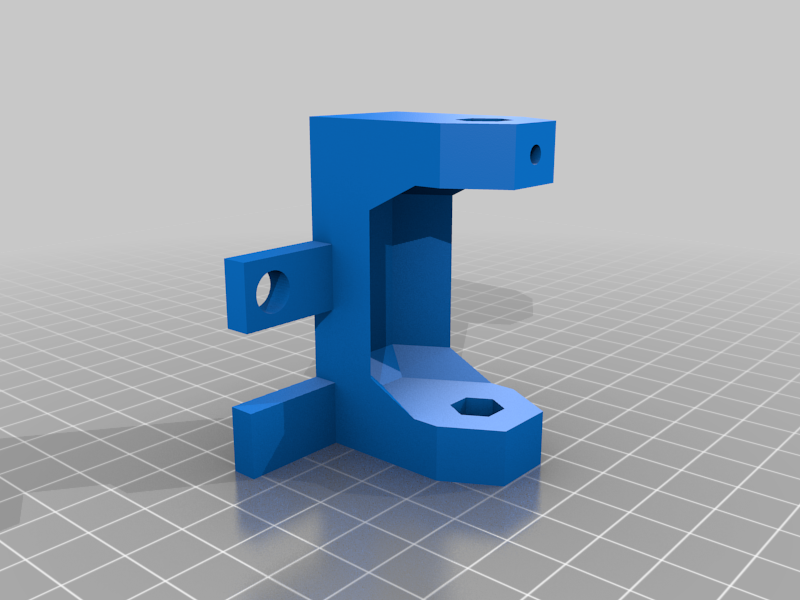 stl
stlPen_Mount.stl
30 Ko · 3 679 download
-
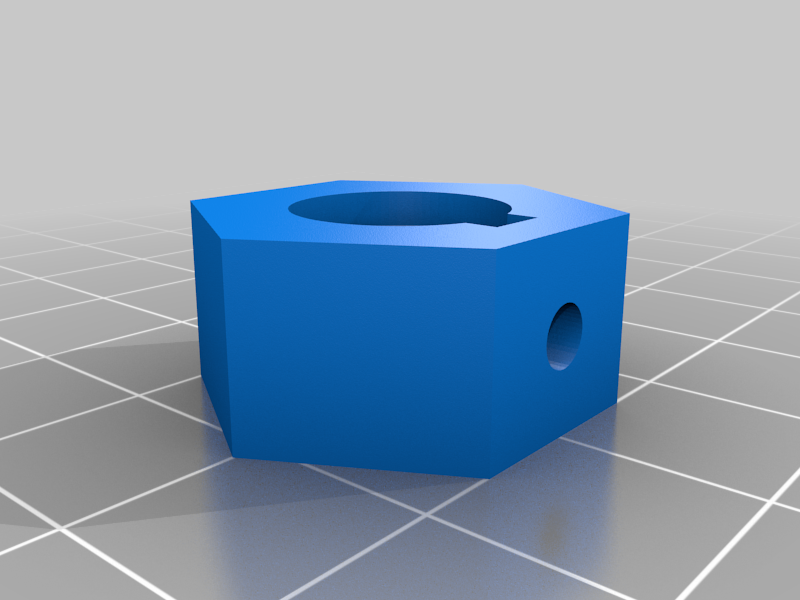 stl
stlPen_Clamp.stl
26 Ko · 3 670 download
-
step
Pen_Clamp.stp
37 Ko · 3 590 download
-
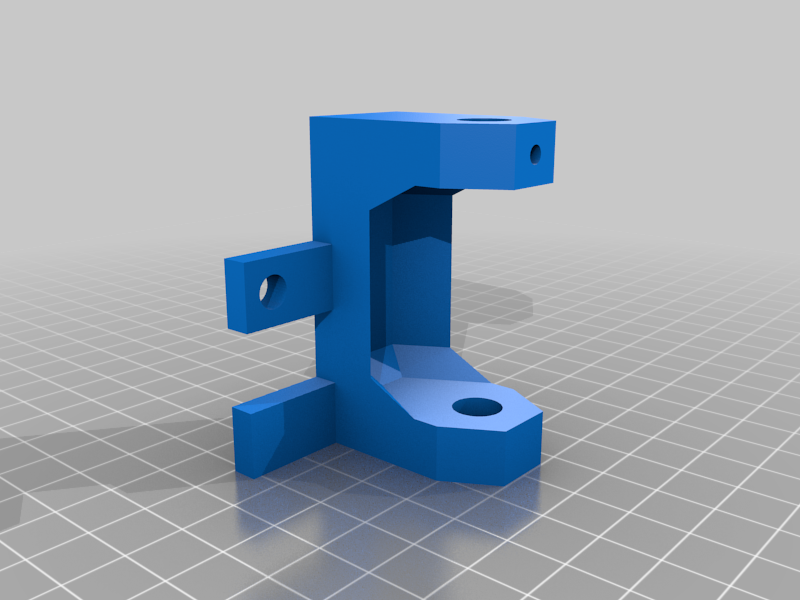 stl
stlPen_Mount_Circular_Pen.stl
50 Ko · 3 656 download
-
step
Pen_Mount_Circular_Pen.stp
108 Ko · 3 561 download
-
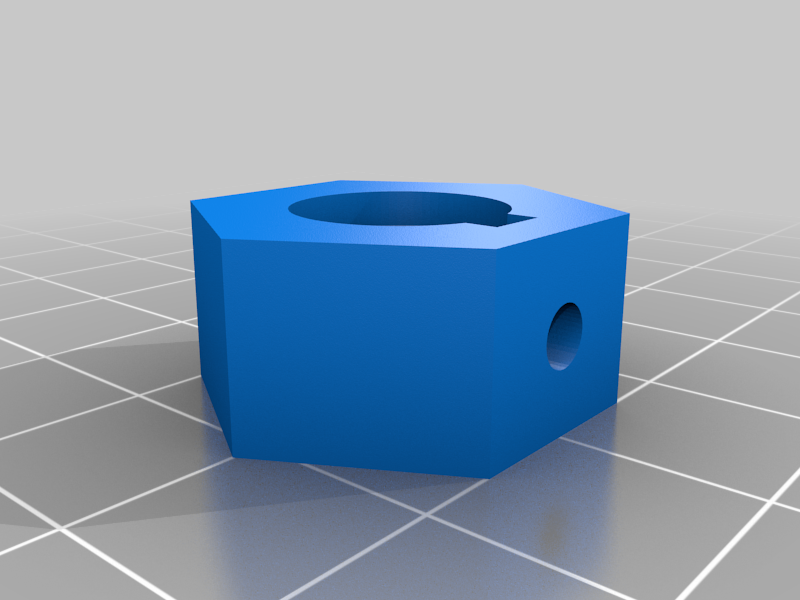 stl
stlPen_Clamp_Circular_Pen.stl
41 Ko · 3 646 download
-
step
Pen_Clamp_Circular_Pen.stp
43 Ko · 3 544 download
Descrizione
This is a spring loaded pen mount for 2D plotting with a 3D printer. I included files for both a hexagonal pen (which tend to crack from the set screw) and a standard circular Bic pen (usually made of softer plastic). I have designed it to mount to the gantry plate of my homemade 3D printer. I have included STEP files so that it can be easily modified to suit your needs. Please share as a remix if you do so!
Features
- Spring loaded so pen pressure depends on z height when plotting
- Includes set screw located in mount so that pen can be retracted and held up above extruder nozzles. This allows you to switch between 2D and 3D printing without uninstalling the entire pen/mount.
- Fits standard Bic style pen
Hardware Needed
- 2 M3 nuts and 2 M3 screws (approx 6-8mm long). 1 set is for the pen clamp and is always secured. 1 set is for the pen mount and is secured when you want to raise the pen out of the way so that you can use your printer for 3D printing without fully removing the pen or pen mount.
- 1 spring. Mine is 11.2mm OD by 45mm long when uncompressed. Model can be modified to fit a spring of your choice.
- 1 Bic Cristal style pen (or standard circular Bic pen)
- Mounting hardware. I used 1 binder clip and 1 M6x6 bolt with an M6 nut. Your printer will likely be different. STEP file is easily modified to remove my mounting tabs and add your own.
For a test print object see my Tree Plot thing here.
For full instructions on how to take a 2D image and turn it into a single layer thick 3D model for pen plotting (or laser engraving or CAM) see my instructable post here.