
Ball Mill
 di tinkersprojects


File stampabili (13)
-
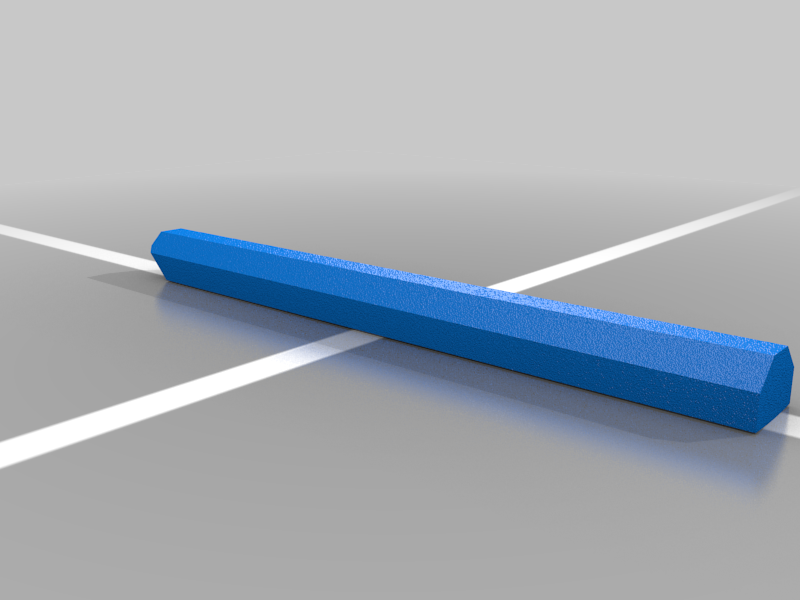 stl
stllifter.stl
5 Ko · 2 662 download
-
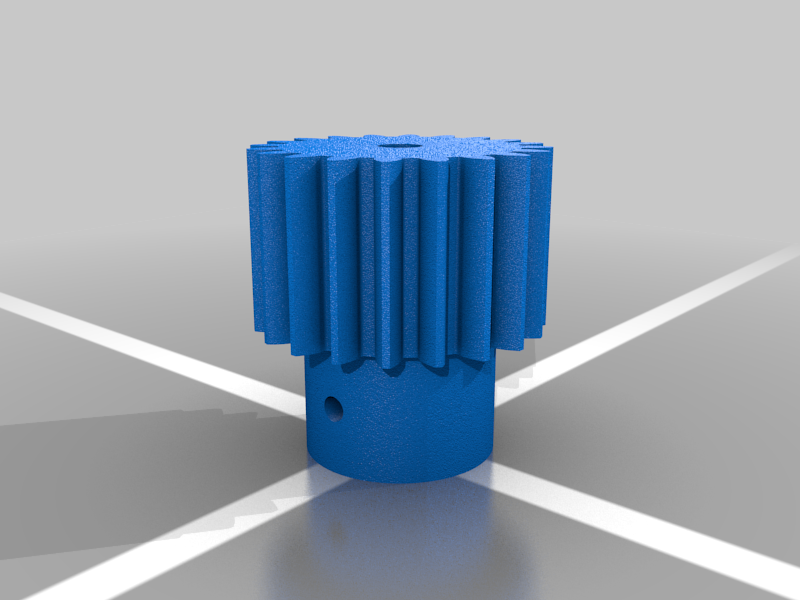 stl
stlgear.stl
522 Ko · 2 633 download
-
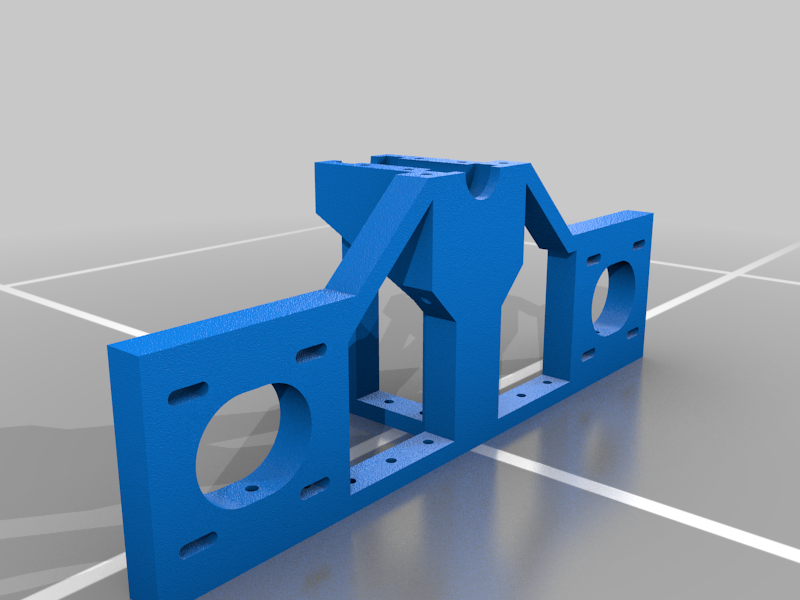 stl
stldouble_mount.stl
496 Ko · 2 623 download
-
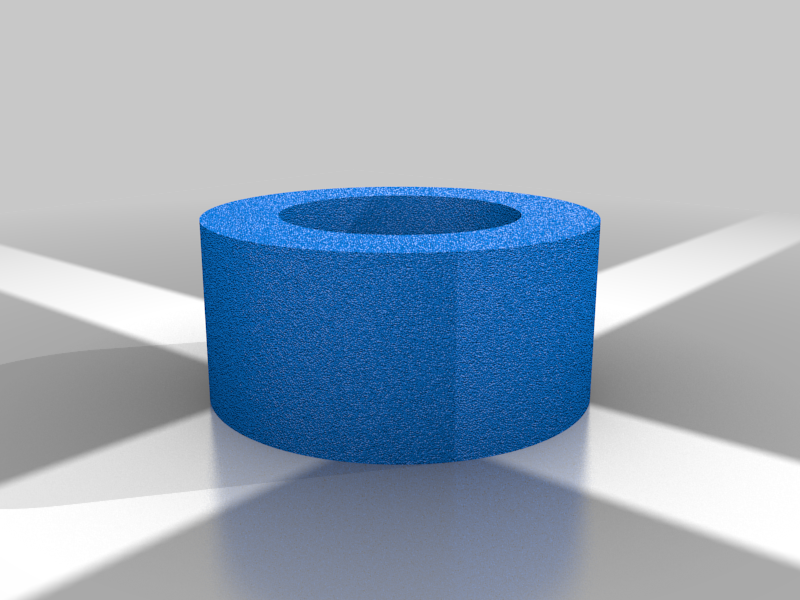 stl
stlspacer.stl
40 Ko · 2 678 download
-
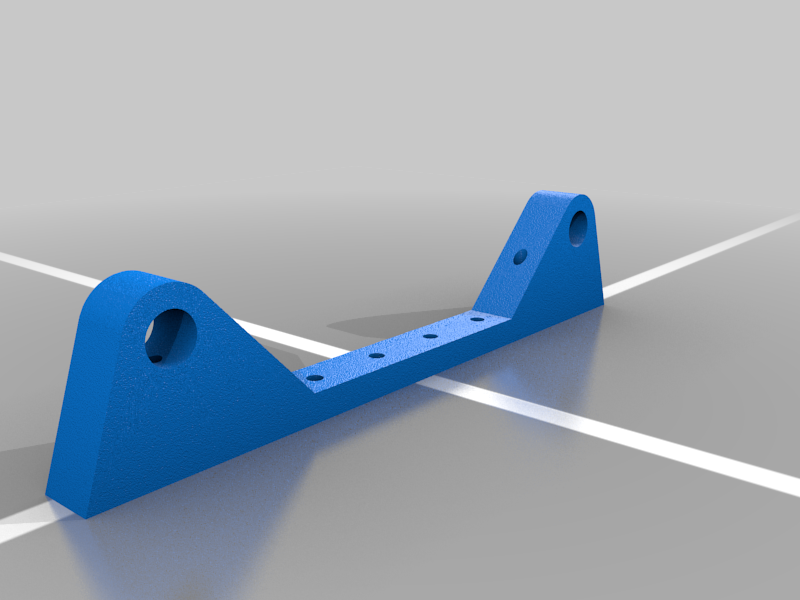 stl
stlbearing.stl
183 Ko · 2 654 download
-
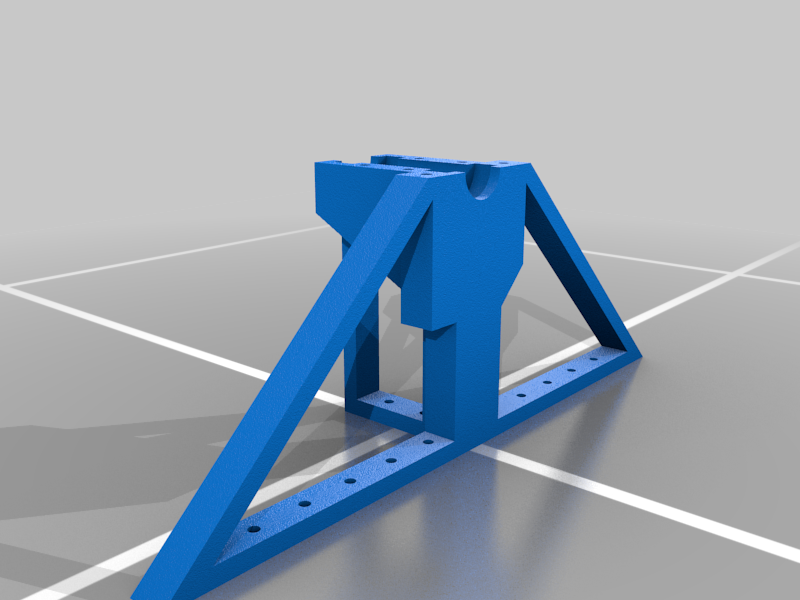 stl
stlno_motor_mount.stl
322 Ko · 2 688 download
-
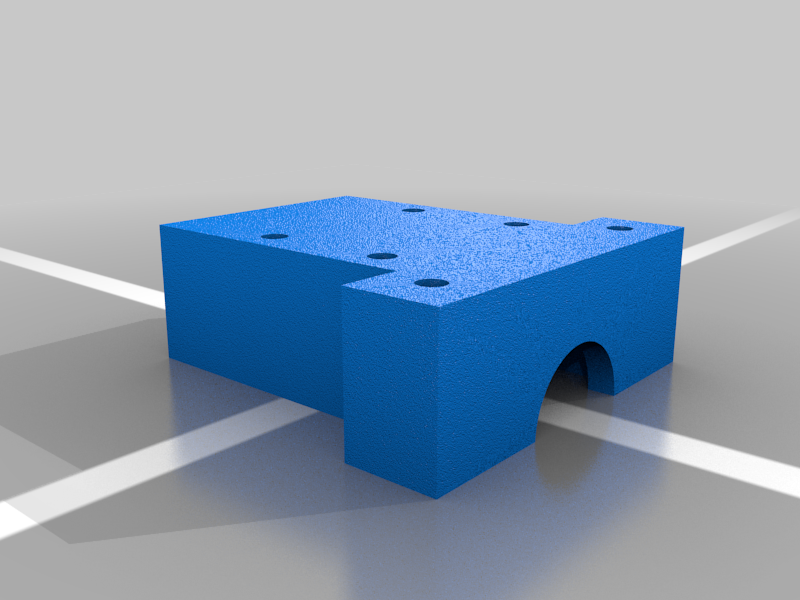 stl
stlbearing_mount.stl
134 Ko · 2 642 download
-
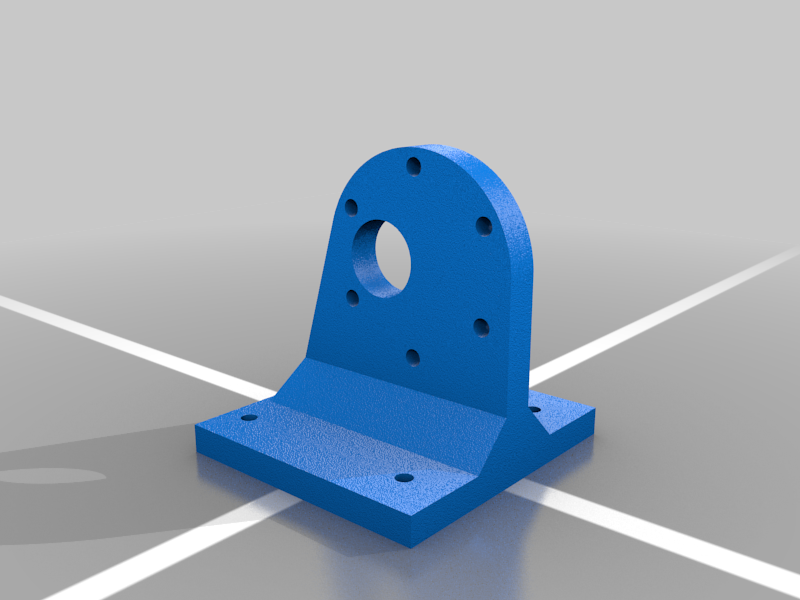 stl
stldc_motor_mount.stl
160 Ko · 2 620 download
-
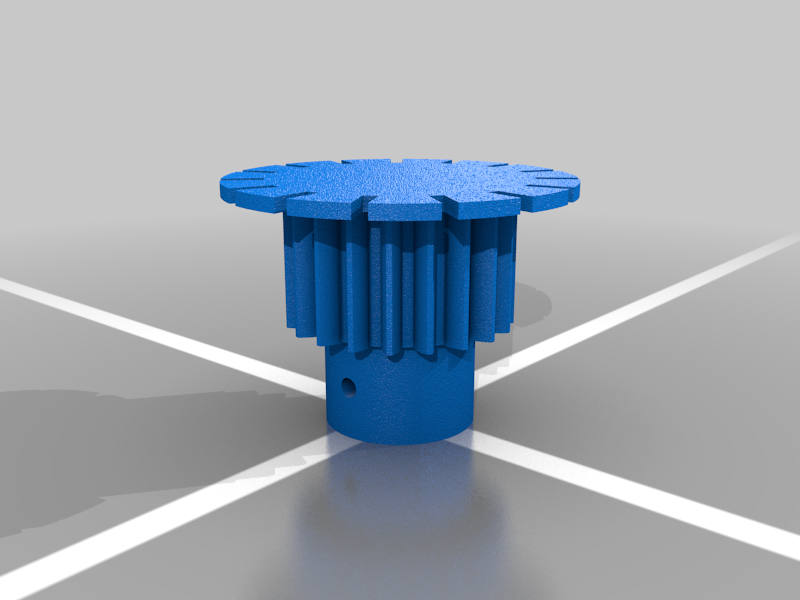 stl
stlgear_for_6mm_with_encoder.stl
583 Ko · 2 655 download
-
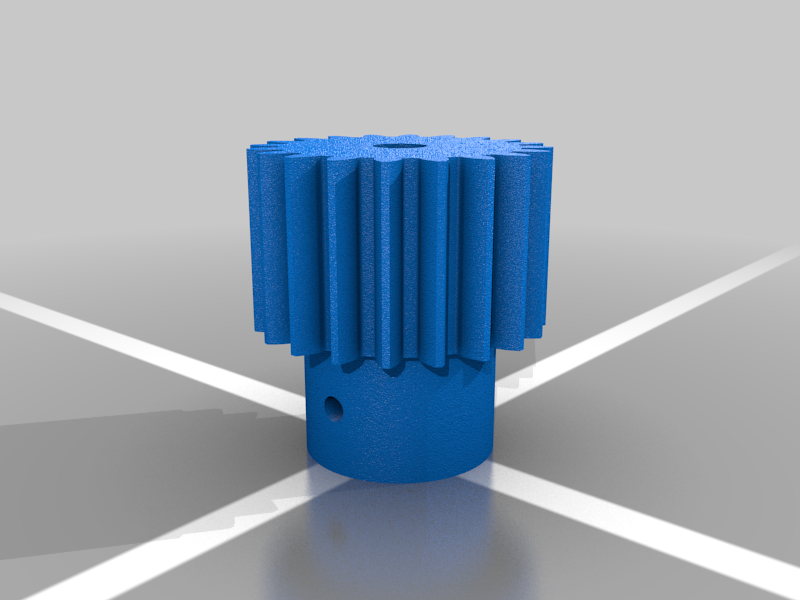 stl
stlgear_for_6mm.stl
523 Ko · 2 664 download
-
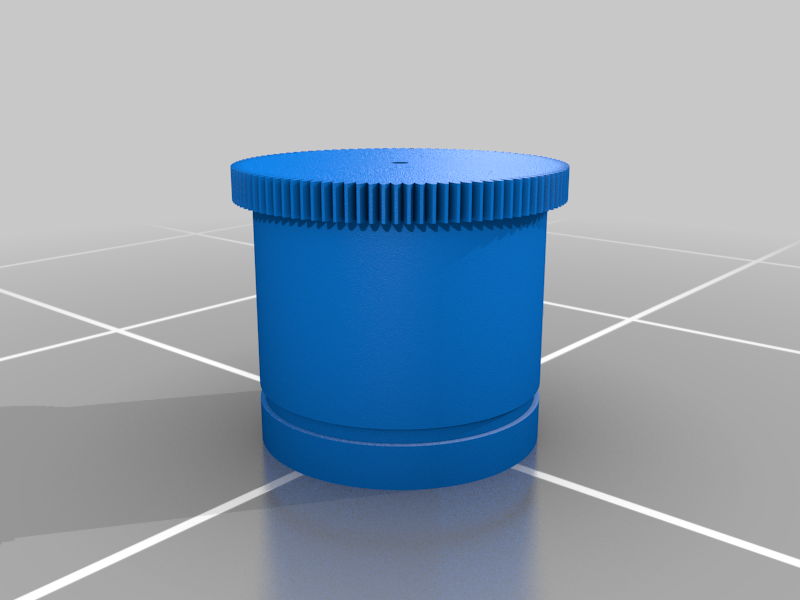 stl
stlmill.stl
2.6 Mo · 2 672 download
-
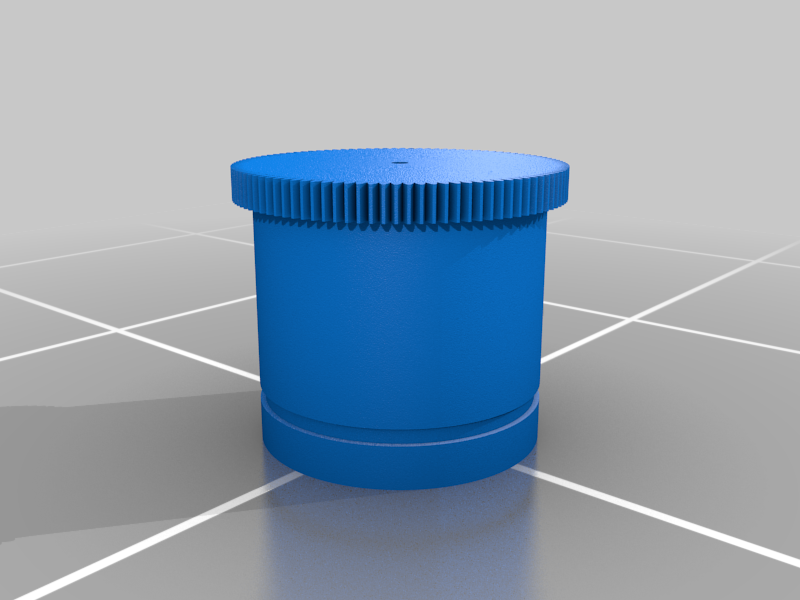 stl
stlmill_with_lifters.stl
2.6 Mo · 2 678 download
-
 stl
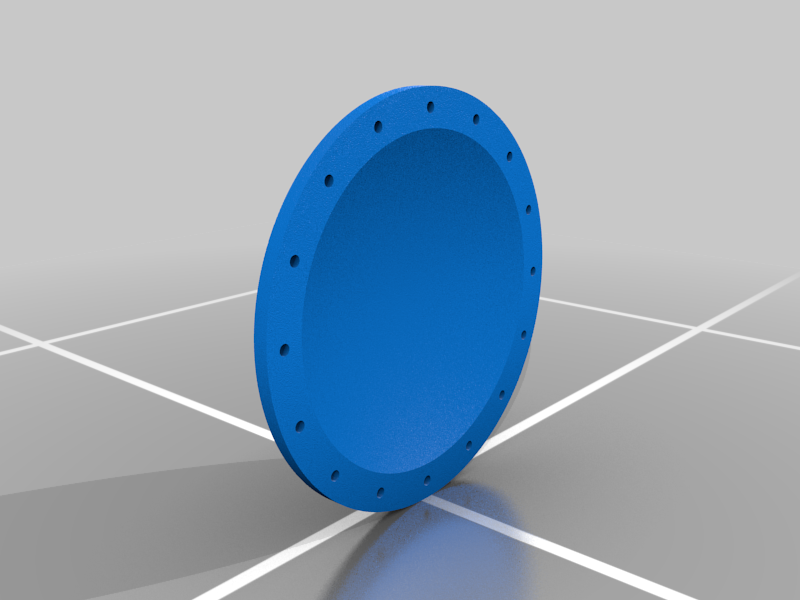
stlend_cap.stl
4.7 Mo · 2 623 download
Descrizione
This ball mill was made for grinding sand and cleaning objects like rusty bolts. It works but takes a very long time to grind sand down, this is because of the size of the balls are too small. Getting larger balls will help.
Some professionals that design and manufacture mill for industry helped in the design of the lifter and the correct speed for milling. The professionals were interested in how long it would take for the lining of the mill to be worn out. This is yet to be tested.
http://tinkersprojects.com/project/3d-printed-ball-mill/
see more what I have done: http://tinkersprojects.com/
Circuit and program
https://github.com/tinkersprojects/Ball-Mill
Videos
https://youtu.be/u7eSL-mbXYQ
https://youtu.be/6Afjj5jZ74U
Operation:
After powering the mill with 12V DC power, settings can be seen/changed using the LCD and can be altered using the 3 buttons (up, down and enter). Speed and duration are the 2 settings that can be set to control the mill. While the mill is in operation, the LCD will display the current speed and the time left of milling. By pressing the enter button, the mill will stop.
parts list:
1 x controller, PLEX or Arduino UNO (see below for more details)
1 x photo interupt
2 x 20mm M3 srew
2 x 20mm M3 srew
1 x 100mm M8 bolt
2 x 60mm M8 bolt
4 x M8 nut
4 x 608 bearing
1 x 12V 688RPM 9Kg.cm geared DC motor, part no.:JGB37-550 (https://www.aliexpress.com/item/Free-Shipping-12V-688RPM-9Kg-cm-high-power-High-torque-miniature-dc-gear-motor-motors-JGB37/32776724375.html?spm=a2g0s.9042311.0.0.JbnZ7R)
4 x rubber feet
100 x 6mm-10mm ball bearings
Controller:
The controller used is the PLEX board from https://www.tindie.com/products/williambailes/plex-controller/ (an Arduino UNO can be used instead). The controller Uses a 16x2 LCD and buttons inputs to set settings display speed/timer while in operation. A photo interrupt and encoder are used to calculate the speed of the mill to be compared to the set speed. This comparison is analyzed and output is used to control a MOSFET for the motor.
http://tinkersprojects.com/project/3d-printed-ball-mill/
NOTE:
A diode and capacitor were used to block current drawn from the controller to the DC motor. If not used the controller will rest.