
Plotter ver 2
 di nntuan


File stampabili (12)
-
 stl
stlLogo.stl
193 Ko · 2 636 download
-
 stl
stlY_Plates.stl
304 Ko · 2 646 download
-
 stl
stlX_Plates.stl
333 Ko · 2 634 download
-
 stl
stlX_Stepper_Mount.stl
253 Ko · 2 626 download
-
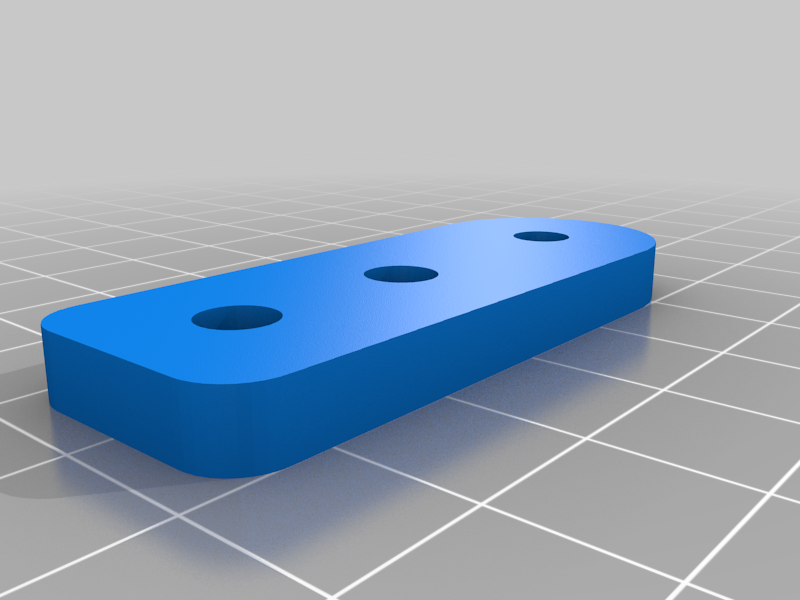 stl
stlY_Pulley_Mount.stl
183 Ko · 2 624 download
-
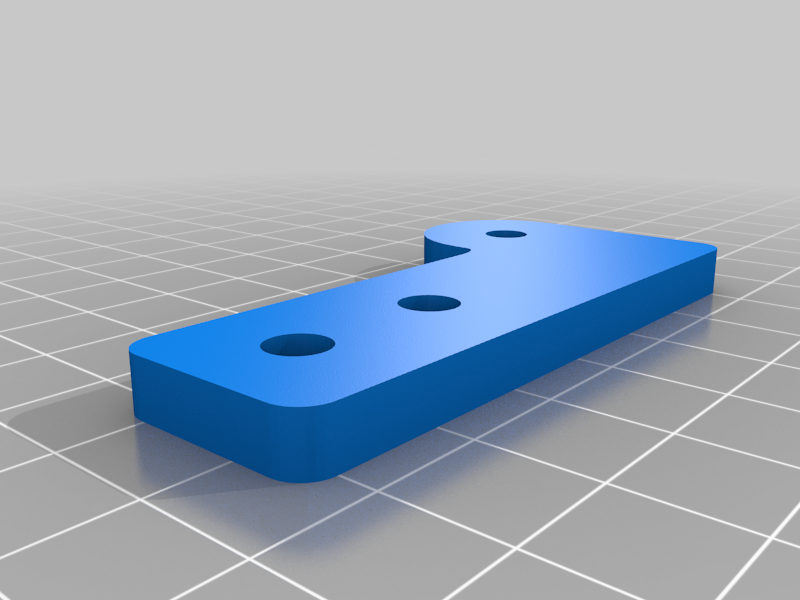 stl
stlX_Pulley_Mount.stl
173 Ko · 2 629 download
-
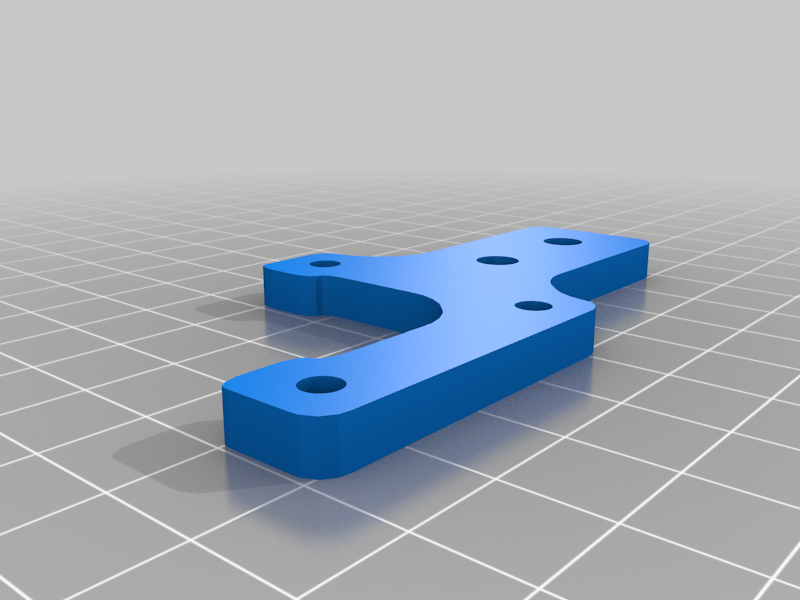 stl
stlY_Stepper_Mount.stl
252 Ko · 2 623 download
-
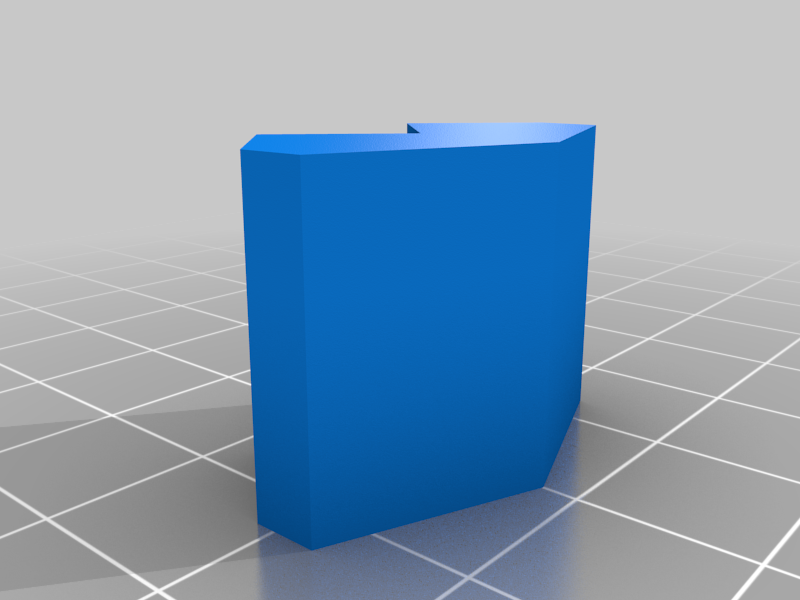 stl
stlPen_lift_2_-_Clamp.stl
7 Ko · 2 631 download
-
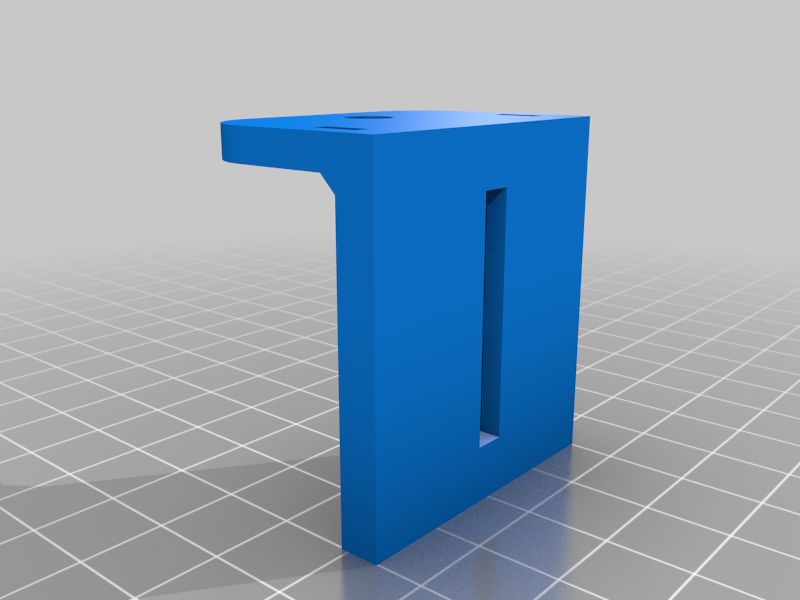 stl
stlPen_lift_2_-_Laser_Mount.stl
22 Ko · 2 624 download
-
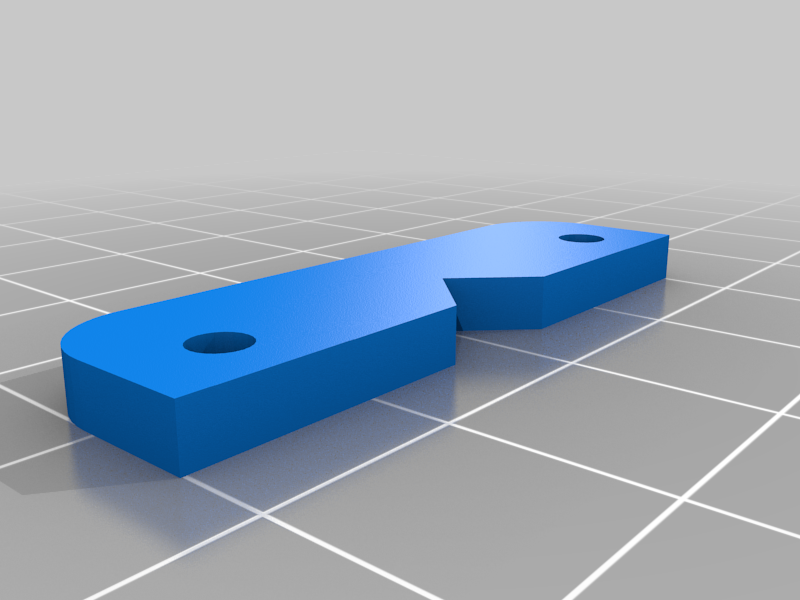 stl
stlPen_lift_2_-_Lift.stl
93 Ko · 2 620 download
-
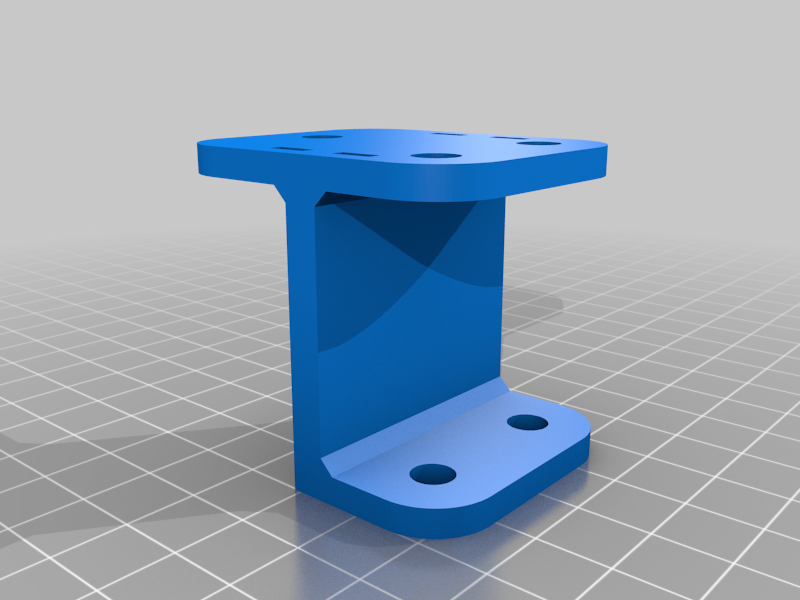 stl
stlPen_lift_2_-_Mount.stl
77 Ko · 2 623 download
-
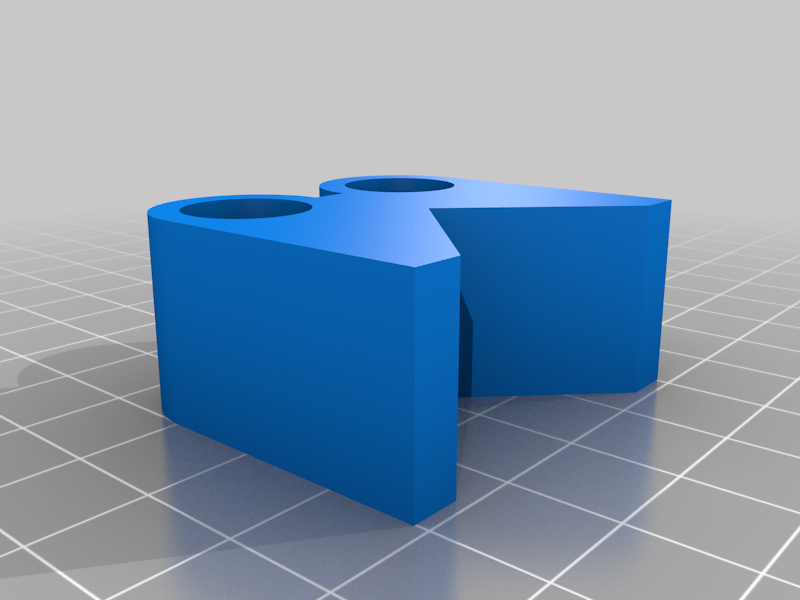 stl
stlPen_lift_2_-_Pen_Holder.stl
221 Ko · 2 617 download
Descrizione
Plotter version 2
Material:
- Arduino Uno R3
- GRBL Shield V3
- 2 Stepper Motor 1.8 degree
- 2 Stepper Driver A4988
- Tower Pro SG90 9g Micro servo
Setup
- Download Arduino IDE from https://www.arduino.cc/
- Install and Open Arduino IDE
- Import MIGRBL.zip to libraries: Sketch > Include Library > Add .ZIP Library...
- Selected MIGRBL.zip to import
- Connect Arduino Uno R3 via USB cable, select File > Examples > MIGRBL > grblUpload
- Select correct information for board from Tools:
Board: "Arduino/Genuino Uno"
Port: USB port for Arduino Uno
Programmer: "AVRISP mkll" - Click to button Upload
Gcode Editor Tools Setup
- Download and setup Inkscape version 0.48.5 (https://inkscape.org/release/inkscape-0.48.5/)
- Unzip tools/MI Inkscape Extension.zip and copy all of file to inkscape extensions folder
MAC: ~/.config/inkscape/extensions/
WINDOW: ...
Gcode Sender Tool
- GRBL Controller: https://github.com/zapmaker/GrblHoming/releases