
MicroCube X Prototype
 por peter47_a


Ficheiros imprimíveis (27)
-
 stl
stlBelt_Clamp_1.0.stl
112 Ko · 1 541 descargas
-
 stl
stlBelt_Tensioner_1.0.stl
69 Ko · 1 542 descargas
-
 stl
stlBed_Mount_leadscrew_lm8uu_version_v2_buildplate.stl
1009 Ko · 1 575 descargas
-
 stl
stlBed_Mount_leadscrew_lm8uu_version_v2_platform.stl
2.3 Mo · 1 578 descargas
-
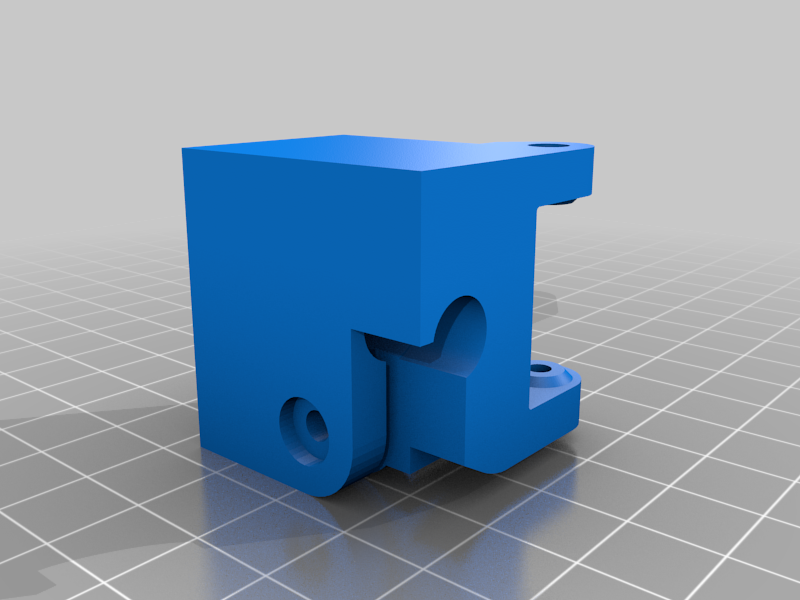 stl
stlcorner_idler_pulley_left.stl
693 Ko · 1 588 descargas
-
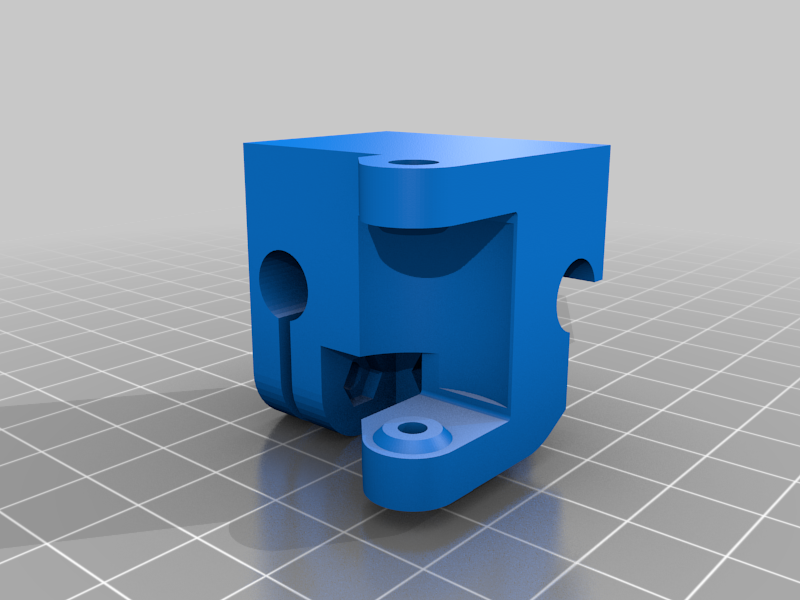 stl
stlcorner_idler_pulley_right.stl
695 Ko · 1 576 descargas
-
 stl
stlCorner_bottom.STL
78 Ko · 1 563 descargas
-
stl
Corner_stabilizer_modified.stl
156 Ko · 1 558 descargas
-
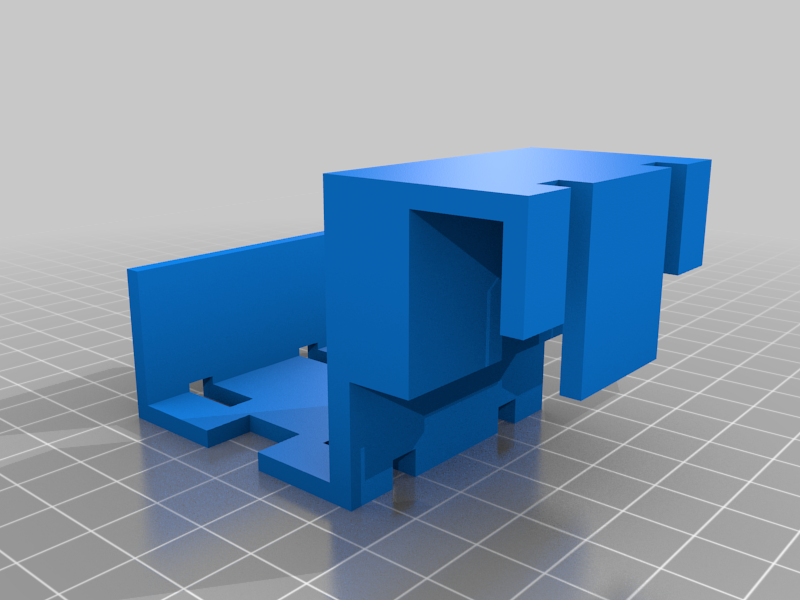 stl
stlExtruder_Halterung_v3.stl
31 Ko · 1 566 descargas
-
 stl
stlmicrocube_idle_pulley_separator.stl
242 Ko · 1 572 descargas
-
 stl
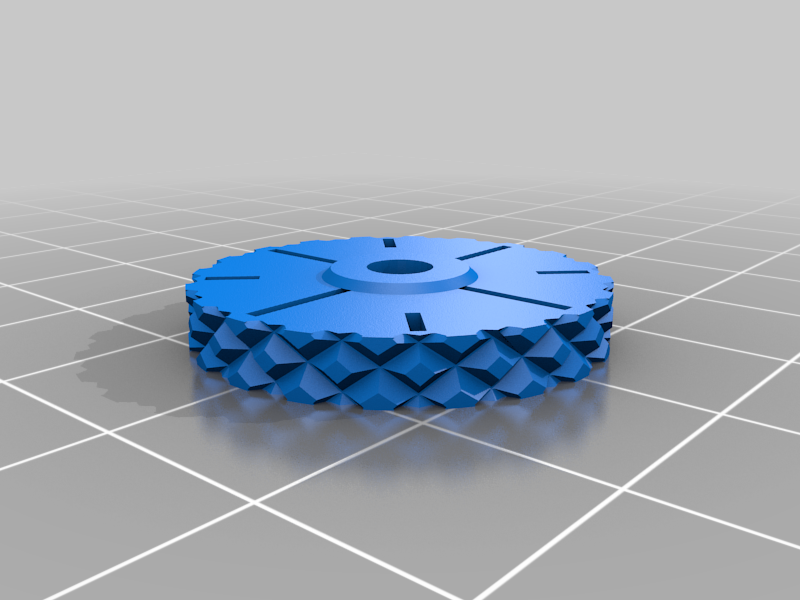
stlMicroCube_ThumbWheelM3.stl
824 Ko · 1 529 descargas
-
 stl
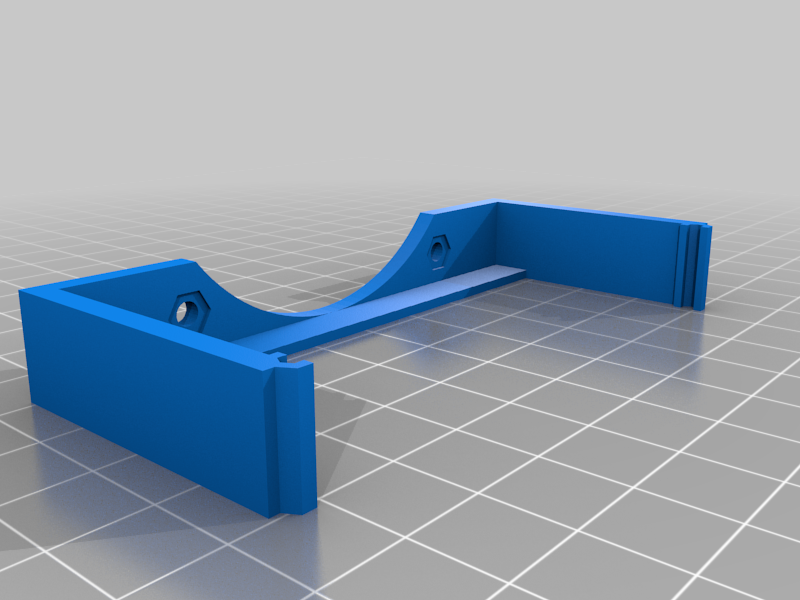
stlMKS_Gen_L_moab_fanbracket.stl
80 Ko · 1 574 descargas
-
 stl
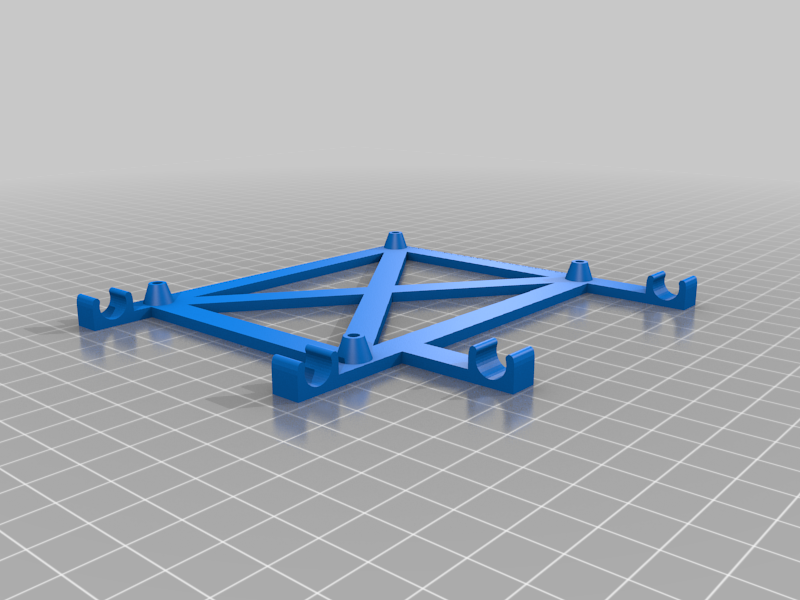
stlMKS_GEN_L_holder.stl
672 Ko · 1 563 descargas
-
 stl
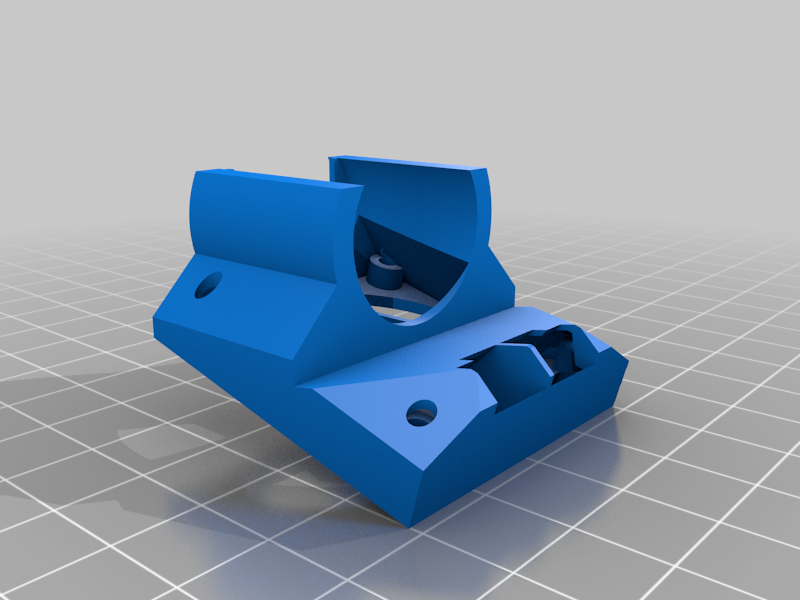
stlfanmount_and_shroud_longer.stl
1.4 Mo · 1 566 descargas
-
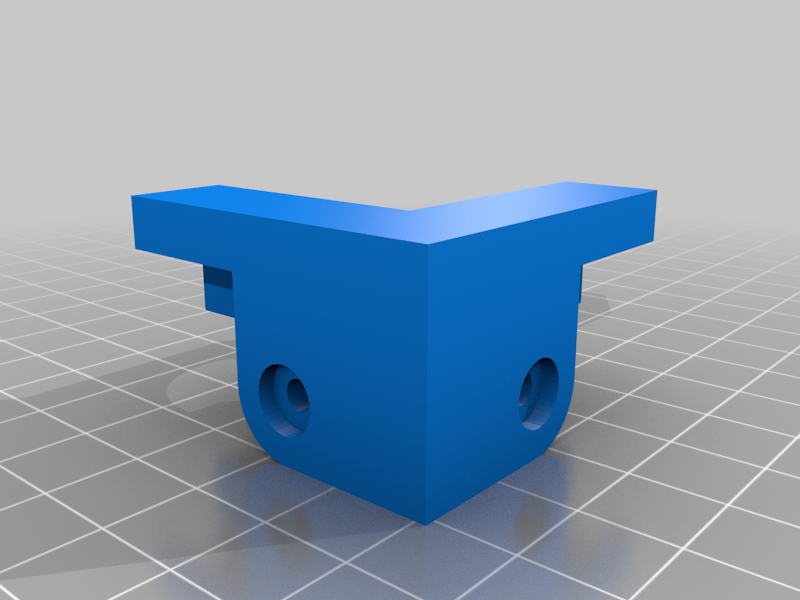 stl
stlmotor_mount_left.stl
998 Ko · 1 571 descargas
-
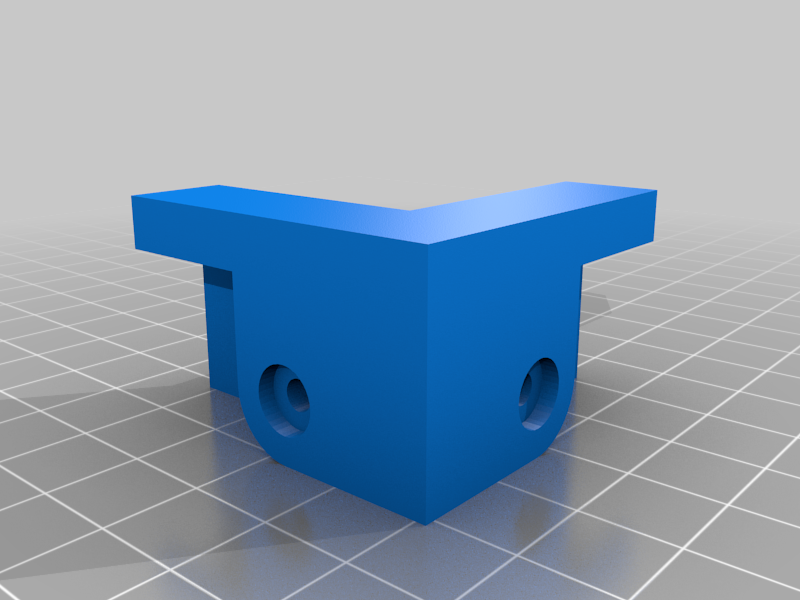 stl
stlmotor_mount_right.stl
997 Ko · 1 571 descargas
-
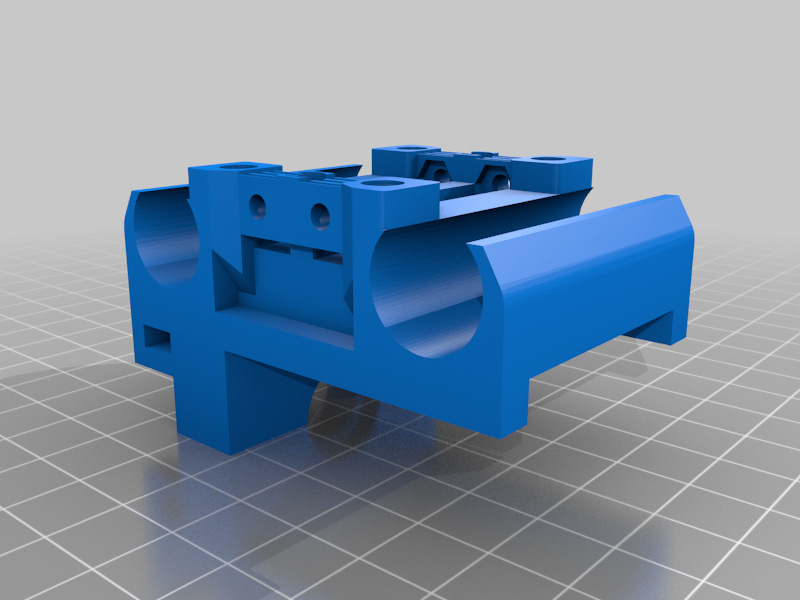 stl
stlX_Carriage_redesign.stl
1.9 Mo · 1 562 descargas
-
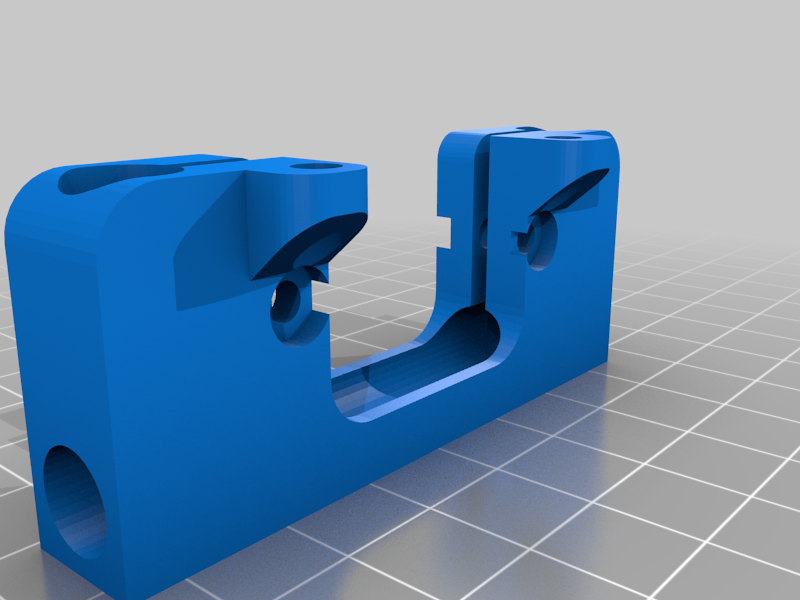 stl
stlz_axis_motor_mount_rod.STL
124 Ko · 1 559 descargas
-
 stl
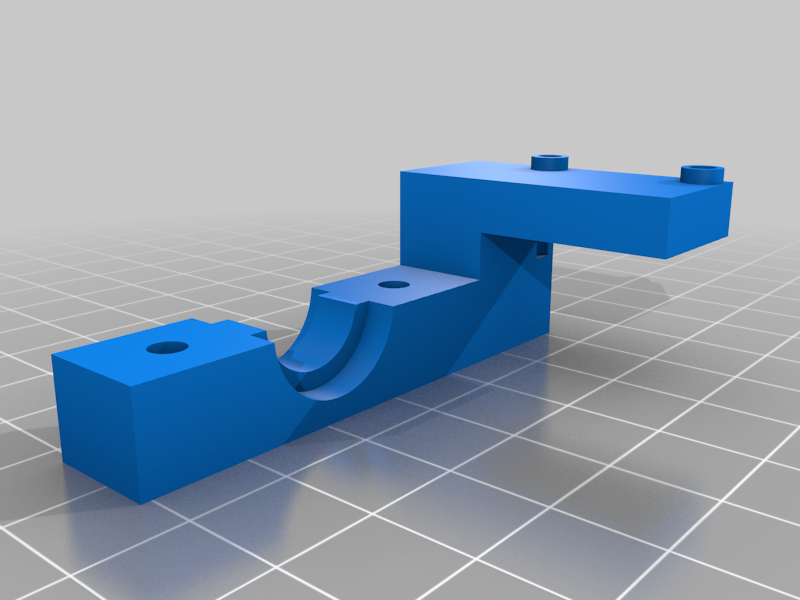
stlX_Carriage_redesign_bracket.stl
160 Ko · 1 560 descargas
-
stl
Y_Carriage_Clamp_LM8UU_1.0.stl
193 Ko · 1 537 descargas
-
 stl
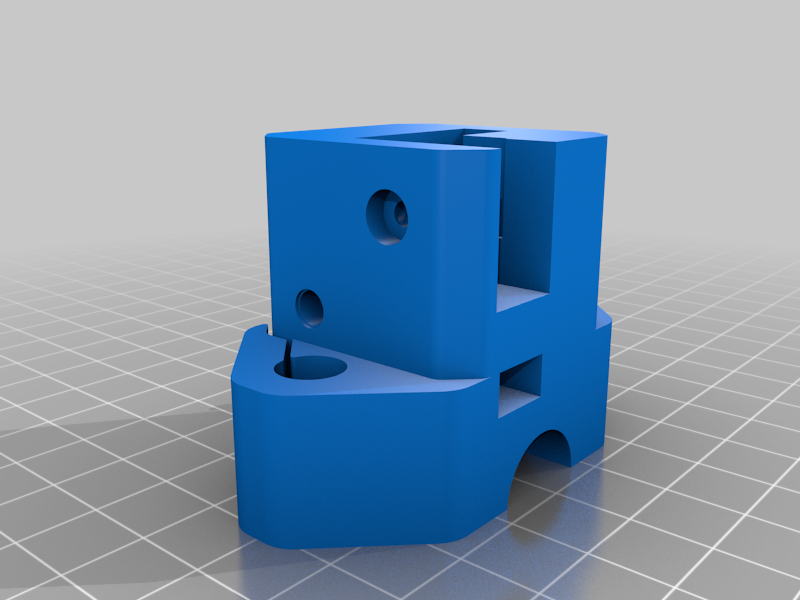
stlY_Carriage_xDia8_LM8UU_1.0_2mm_cut.stl
635 Ko · 1 572 descargas
-
 stl
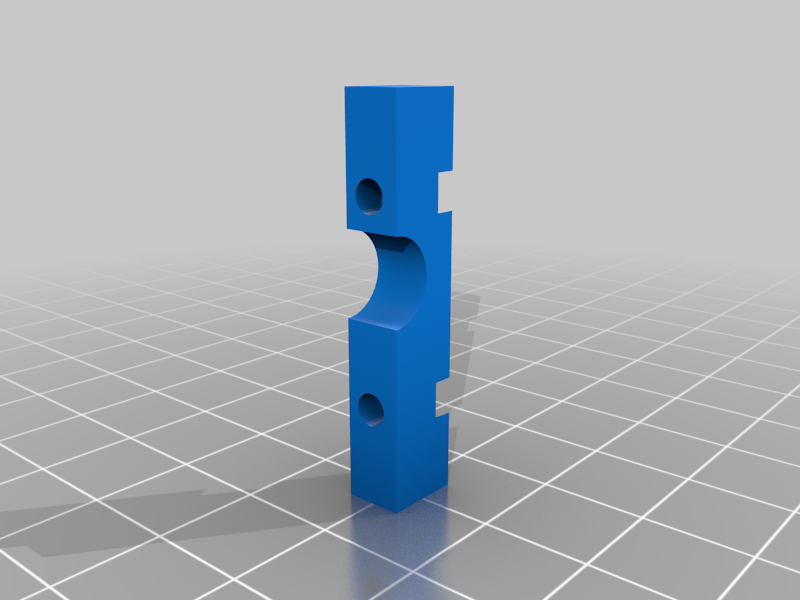
stlY_endstop_mount_p1.stl
83 Ko · 1 554 descargas
-
 stl
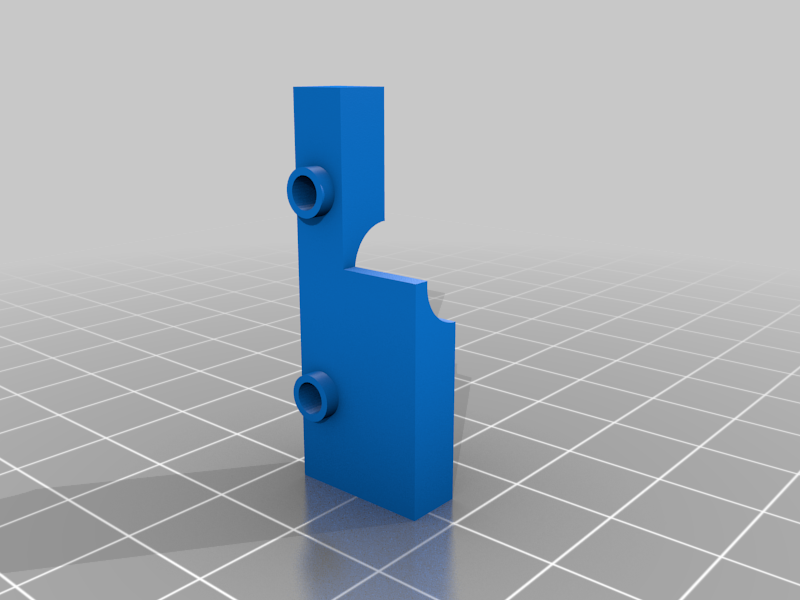
stlY_endstop_mount_p2.stl
199 Ko · 1 556 descargas
-
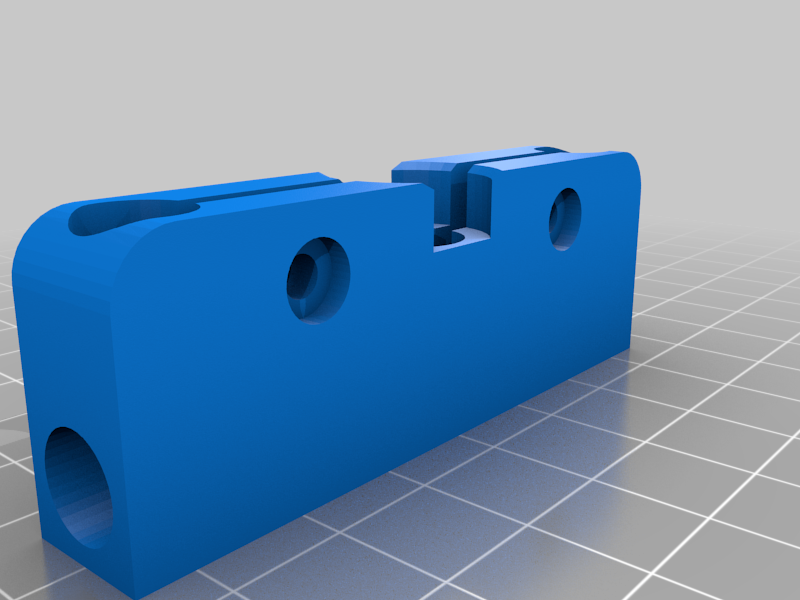 stl
stlz_axis_bearing_mount_rod.STL
100 Ko · 1 555 descargas
-
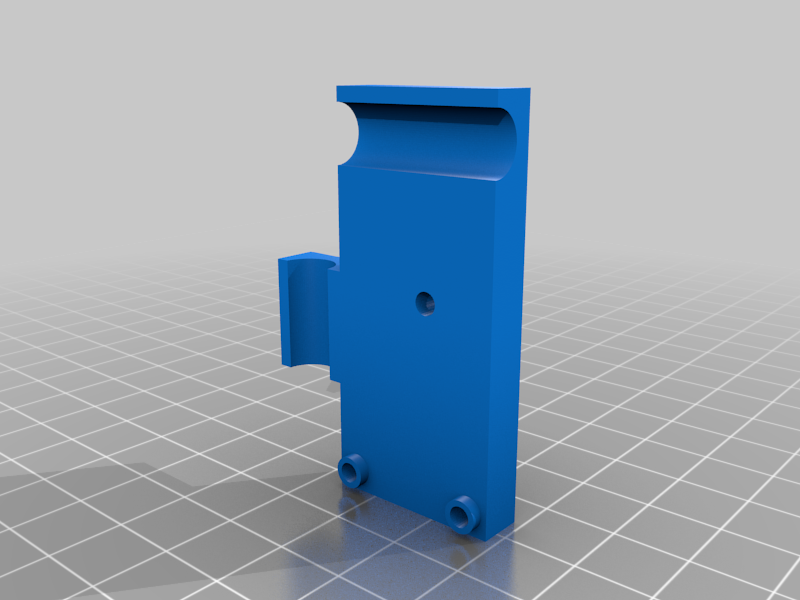 stl
stlZ_endstop_mount_p1.stl
288 Ko · 1 543 descargas
-
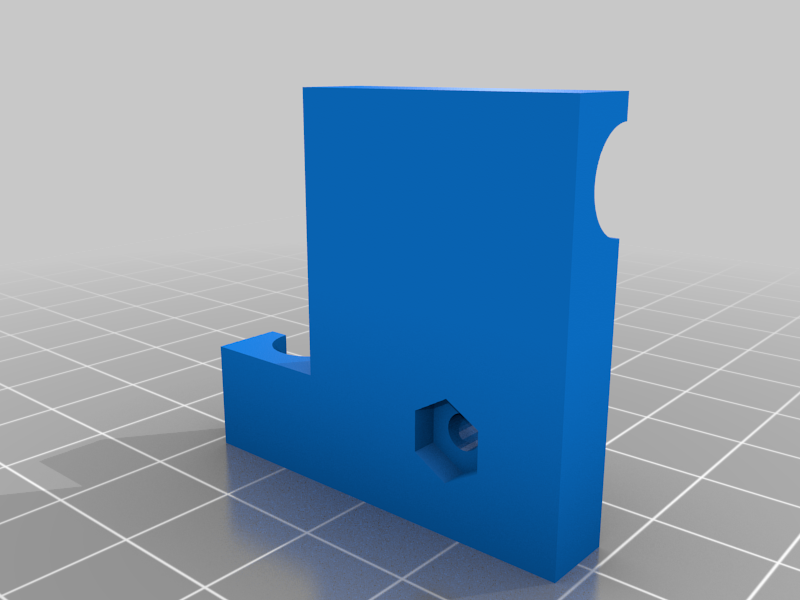 stl
stlZ_endstop_mount_p2.stl
90 Ko · 1 552 descargas
-
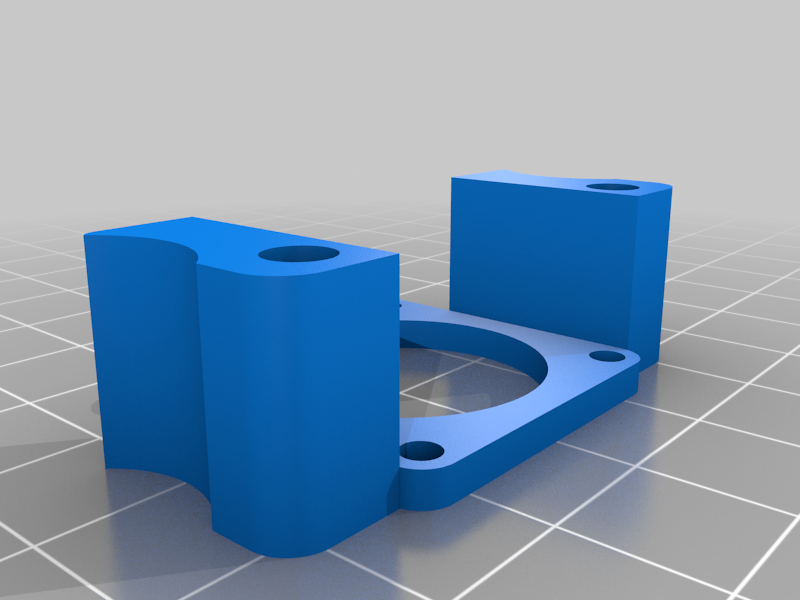 stl
stlz_nema11_adapter_modified.stl
795 Ko · 1 544 descargas
Descrição
New Release
Please have a look at https://www.thingiverse.com/thing:5140605 for the refined design following this prototype!
Is it a build for me?
I really love the simple design of the MicroCube and I was looking for a more relieable movement system. I found the HyperCube Evolution to be a loved and very successful design, so I tried to get the best of both worlds. This printer is a case study and was not designed for low cost or high precision. It is a proof of concept. I believe this design is not ideal for a beginner, please have a look at the original MicroCube printer if you want something cheap and simple to start your adventure.
How does it print?
Update 2**
I ramped up the acceleration and speeds in the Firmware and removed the spline curve for movements, the machine has proven very reliable! I also adjusted my profile for 0.12mm in IdeaMaker. You can find both in the files section. Enjoy!
Update 1
After some tweaking and the addition of two diagonal rods to stabilize the frame it prints really nicely. I was able to print the silver fire truck at 100% scale and made all parts move! (https://www.thingiverse.com/thing:2805211) I also moved the Y endswitch to another location and changed X and Y to maximum limit switches (X+ and Y+). You can also find a video of a 50% scale benchy printed at 0.1mm layer height here https://youtu.be/8Yh10767Pzo and a video of a mario inspired mushroom here https://youtu.be/vI0ZfxTdyrA (https://www.thingiverse.com/thing:1375575)
General
Speed and vibrations have still to be considered with the rods compared to an extrusion based frame. It is possible to print with 35 - 45 mm/s, I would not recommend more. The usable print area for my build is 90x90x130mm. Also cooling could probably be improved, I like the simplicity of single fan cooling shrouds and designed one to try on this machine. I went through several iterations and this is currently the best performing one. The red print in the pictures is the surprise egg #5 fire truck printed at 150% scale and 0.2mm layer height.
How to build?
I mostly used the 8mm rods, T8 leadscrew and bearings from my Wanhao Duplicator i3 mini (rest in peace...) for the hardware and 3x Nema11 to see if it was possible to drive a GT2 belt based printer. It is! Used a trusty Nema17 for the extruder though, never had any problems with it. Also using TMC2208 drivers in standalone mode on a MKS Gen L 1.0 board. You can also use A4988 drivers with a Ramps 1.4 sandwich, have a look at the original MicroCube (https://www.thingiverse.com/thing:1938877) for a mount.
I'm driving the little Nema11 with 450mV Vref for X, Y and Z. The Nema17 is driven with 850mV Vref. The Nema11 get up to 42 degree celcius which is acceptable. Also cooling the MKS board with a 60mm fan to catch the drivers.
Using the Mech Endstop 1.2 designed by MakerBot for all 3 axis and designed mounts for all of them. I'm also using M3 screws of various lengths for (almost) everything, the Nema11 motors are mounted with M2.5 screws... The rod lenghts can be varied greatly, I suggest using rods with 250mm for x/y and 300mm for z. The diagonal rods are 305mm. The hotend is a cheap chinese 12V E3D clone.
I don't plan to write a build guide, this is basically a MicroCube with some parts borrowed and customized from the HyperCube Evolution which both have excellent guides. I included the scad files for my own designs / modifications aswell as a copy of my configuration for the marlin firmware (1.1.9).
I would love to see someone improving this design or get inspired to build their own! Please feel free to write a comment if you have any questions, I tried to take pictures of all critical areas.