
Cable Keystone Patch Box
 por jonbitzen


Ficheiros imprimíveis (10)
-
 stl
stlcable-keystone-patch-box.stl
669 Ko · 142 descargas
-
 stl
stlunder-desk-bracket.stl
33 Ko · 60 descargas
-
 stl
stlside-mount-L.stl
541 Ko · 67 descargas
-
 stl
stlside-mount-R.stl
567 Ko · 59 descargas
-
 stl
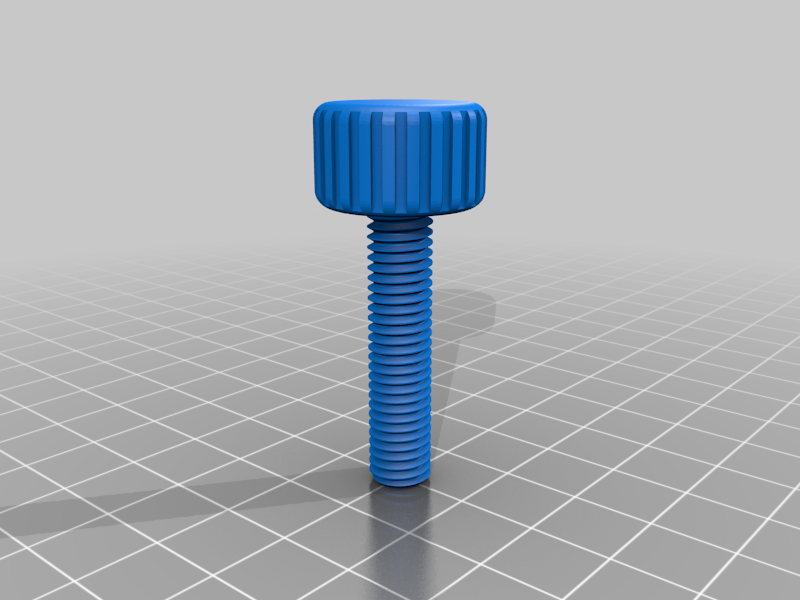
stlside-mount-screw.stl
35.4 Mo · 59 descargas
-
 step
stepcable-keystone-patch-box.step
300 Ko · 45 descargas
-
step
side-mount-L.step
364 Ko · 39 descargas
-
step
under-desk-bracket.step
33 Ko · 40 descargas
-
step
side-mount-R.step
337 Ko · 39 descargas
-
step
side-mount-screw.step
1.4 Mo · 39 descargas
Descrição
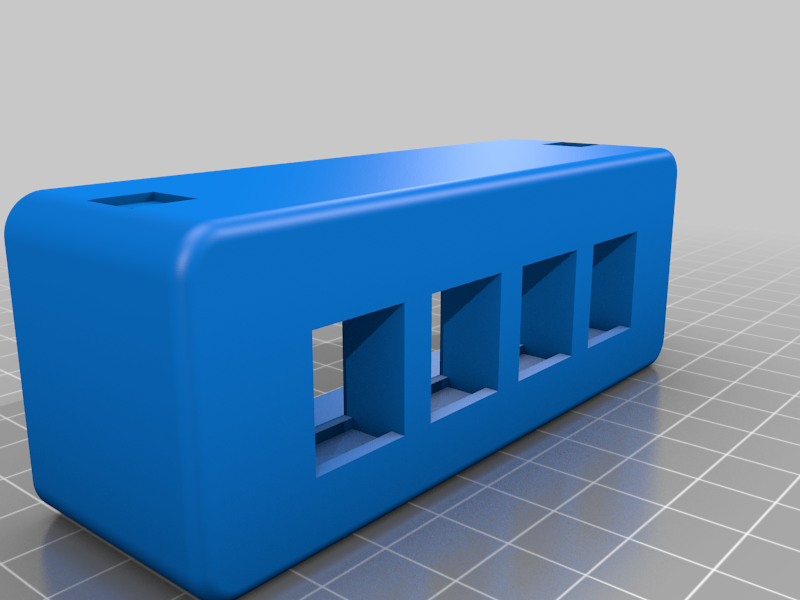
A cable patchbox that uses standard wall-jack keystones for desk mounting. The original intent of this design was to connect PCs and peripherals to the patch boxes using short cables, and then route the cables with fixed wiring underneath the desk. That way you can reduce cable mess on your desk, as well as easily change out the PCs at various stations. Other uses are possible.
This work is (c) Jonathan Railsback
License CC BY-NC-SA
Repository with CAD files available at: https://github.com/jonbitzen/cable-keystone-patch-box
Patch Box ComponentsThis repository includes the original FreeCAD components for the cable patch box system:
- cable-patchbox: the main part that accepts keystone jacks, and is mounted either to the underside or edge of your desk
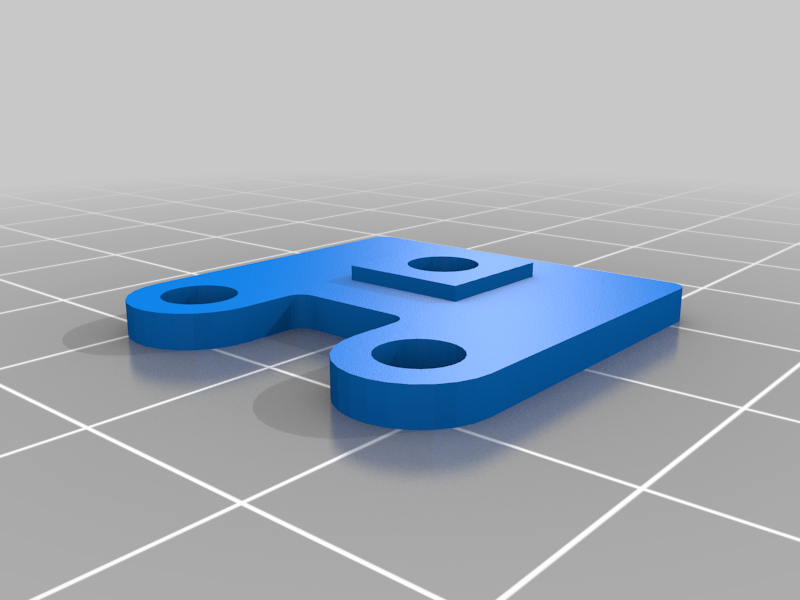
- cable-patchbox-under-desk-mount: small bracket adapters which can be mounted to the square alignment lugs on the cable-patchbox to mount the patchbox underneath your desk
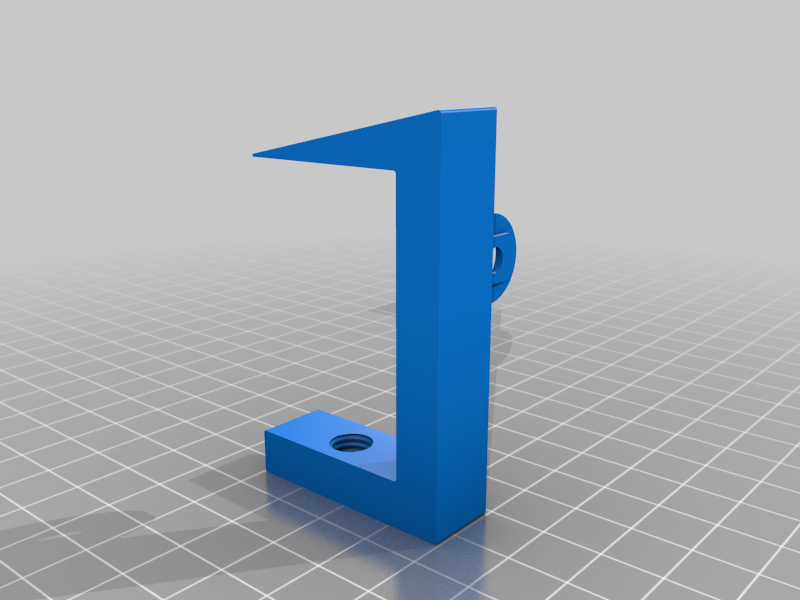
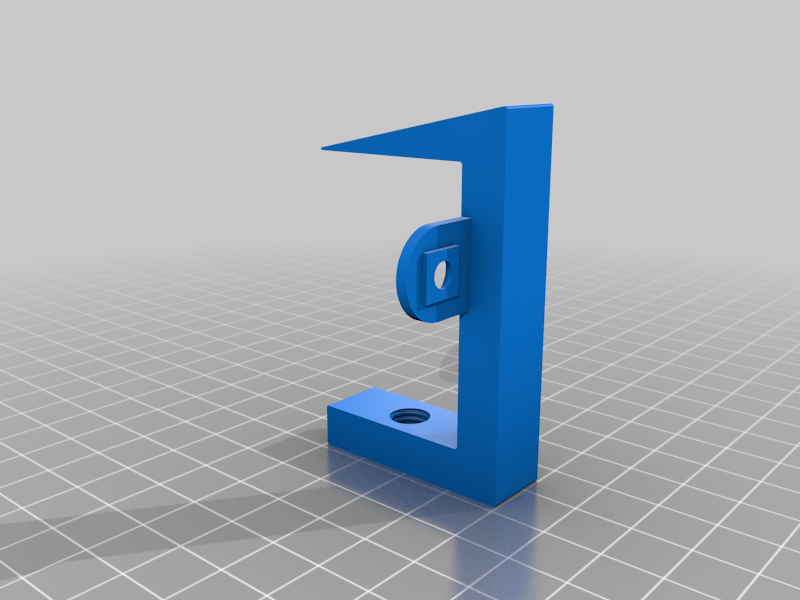
- patchbox-side-mount: bracket adapters that allow the patchbox to be attached to the edge of the desk, in a manner that allows access to the keystones from the desktop. note that the side mounts are left and right handed
- side-mount-screw: a printable screw to be used with the patchbox side mounts
There is a spreadsheet in the "cable-patchbox" model with a parameter that will allow you to change the number of keystones. Note that at this time it is "delicate", and changing it more than once may cause the model to break. In that case be sure not to save the model, re-open it in FreeCAD, and try a different parameter for the number of keystones.