
Speed Test Tower
 par wscarlton


Fichiers imprimables (4)
-
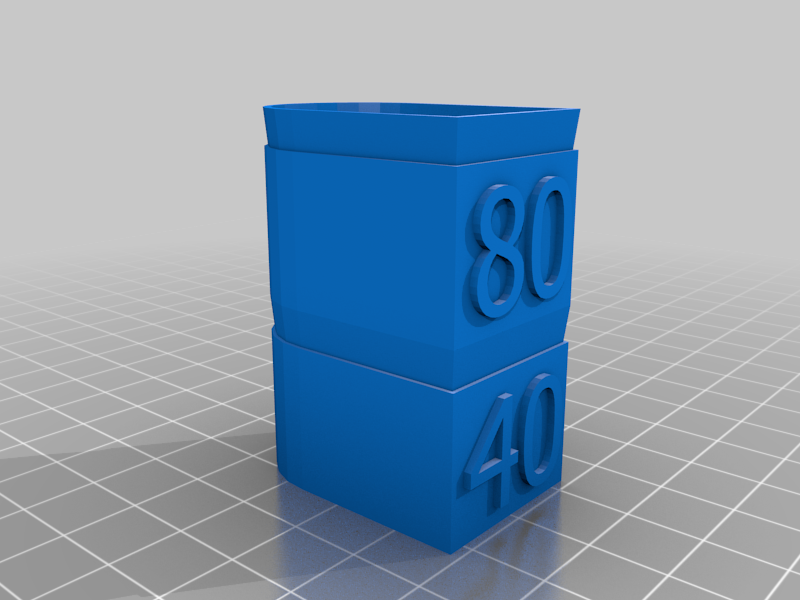 stl
stlcalibrate_speed_40_80.stl
377 Ko · 25 080 téléchargements
-
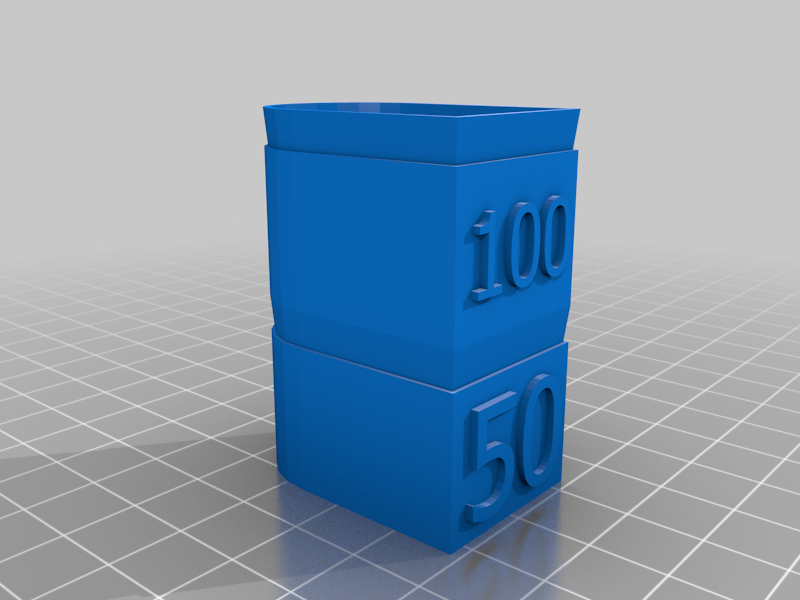 stl
stlcalibrate_speed_50_100.stl
394 Ko · 25 167 téléchargements
-
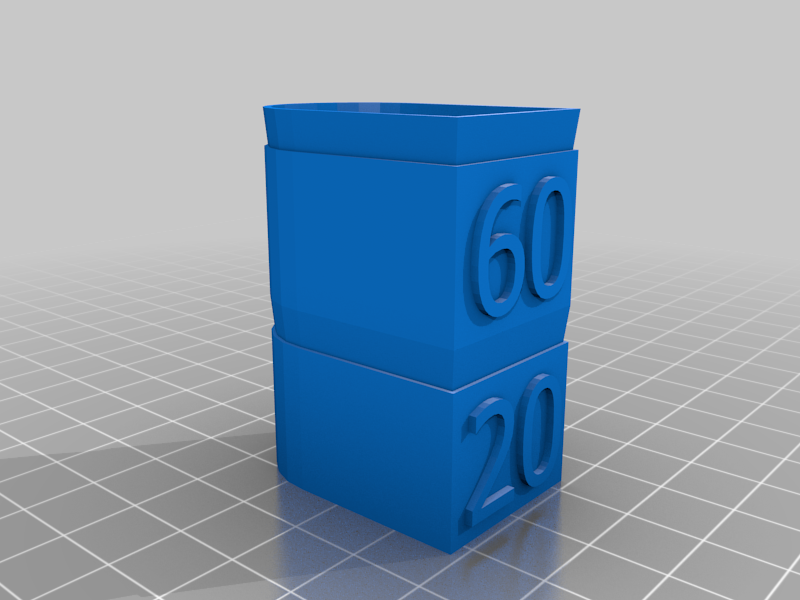 stl
stlcalibrate_speed_20_60.stl
382 Ko · 24 967 téléchargements
-
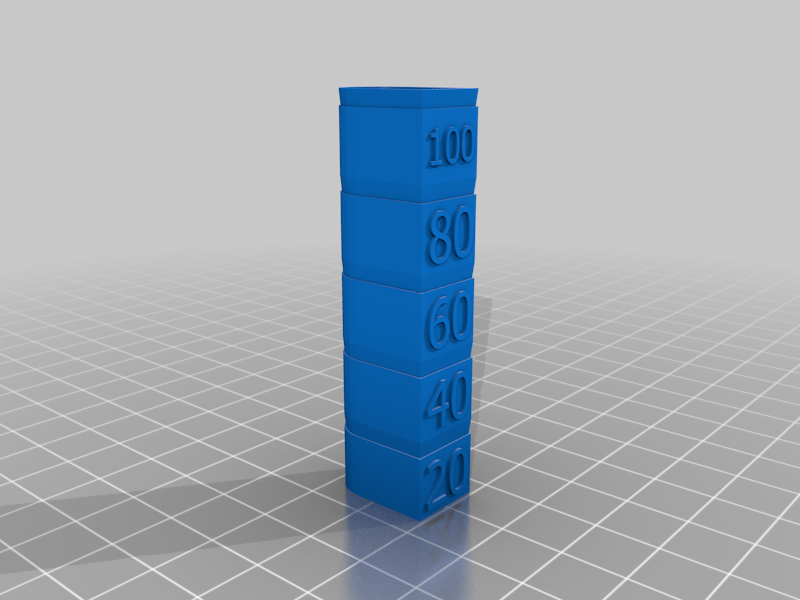 stl
stlcalibrate_speed_100max.stl
950 Ko · 27 411 téléchargements
Description
This is meant to test the speed capabilities of your printer. I have sliced each model in Cura and tweaked at the various heights to increase the printer's speed as it moves up the tower.
If you have a 200mm x 200mm bed (Maker Select, Wanhao i3, etc.), you can download the GCODE directly. If your bed is not large enough, please do not download - the homing will not work! But it you do have the same/ similar printer, then it is probably easier to just download the GCODE.
Instructions on setting up your own Speed Test for Slicing:
- Download this model.
- Import into Cura and adjust Tweak at Z as follows:
a) Start print speed at 20 mm/s.
b) Alter print speed only at 12.5 mm.
c) Add another "Tweak at Z" and alter print speed every 12.5mm. - Slice and print!
Supplied GCODE is for 1.75 mm PLA at 195C, 50C bed, 0.4 mm nozzel, 0.2 mm layer height.