
Rubik's Magic Cube
 par Nudel_P


Fichiers imprimables (8)
-
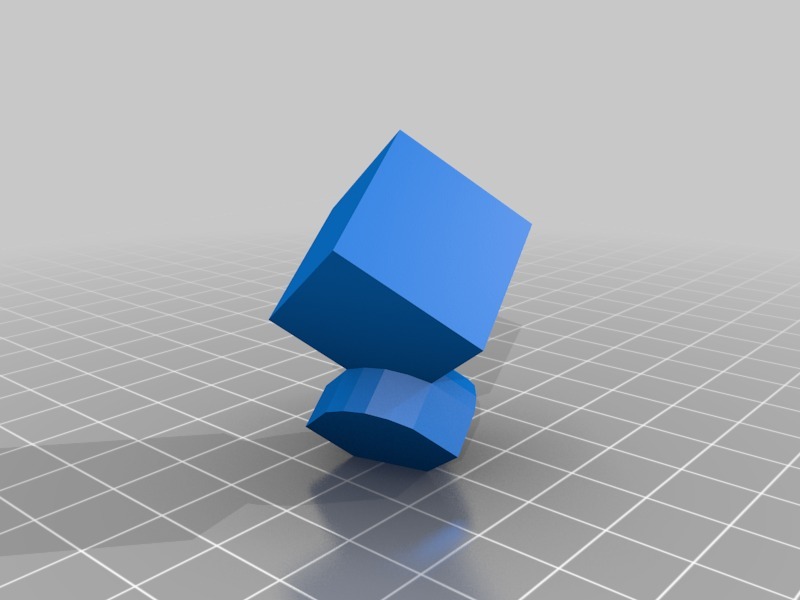 stl
stlcorner_v2_scaled.stl
6 Ko · 11 167 téléchargements
-
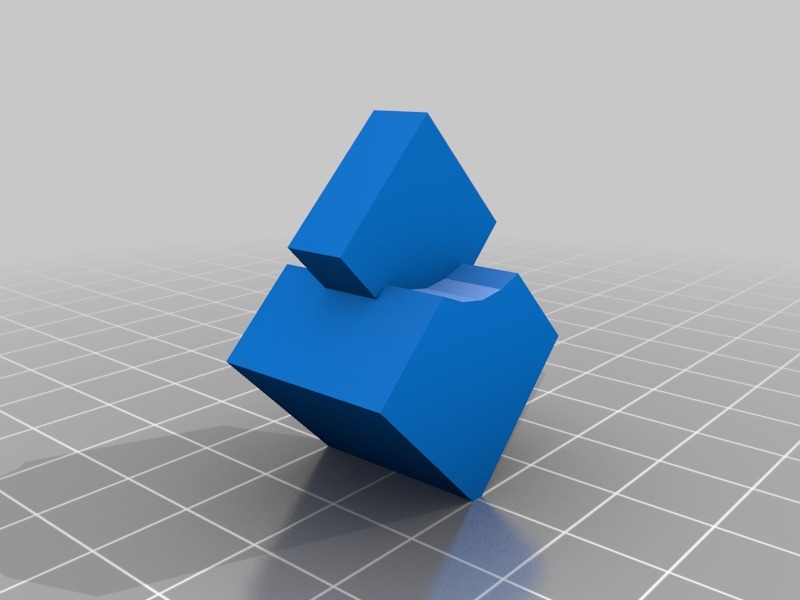 stl
stlside_v3.stl
7 Ko · 11 016 téléchargements
-
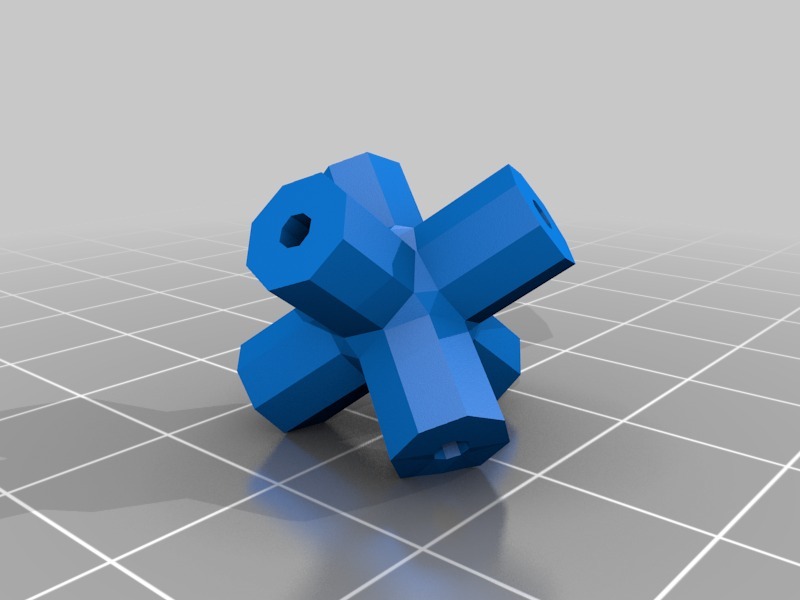 stl
stlaxis_flat_2mm_hole.stl
20 Ko · 11 120 téléchargements
-
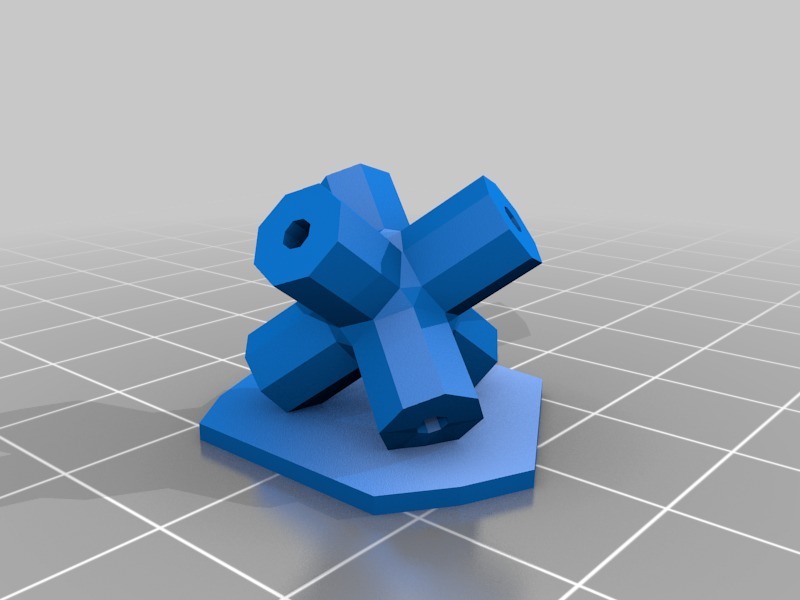 stl
stlaxis_raft_2mm_hole.stl
24 Ko · 10 957 téléchargements
-
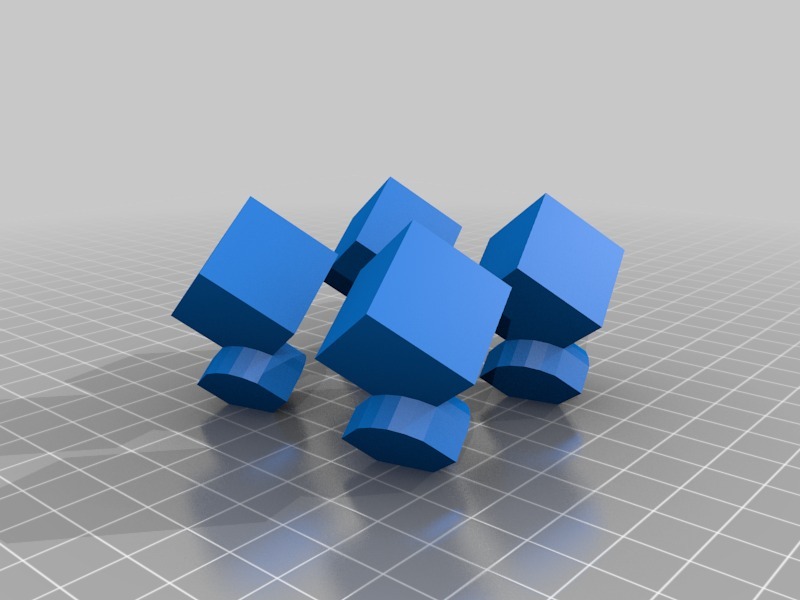 stl
stl4x_corner.stl
22 Ko · 10 972 téléchargements
-
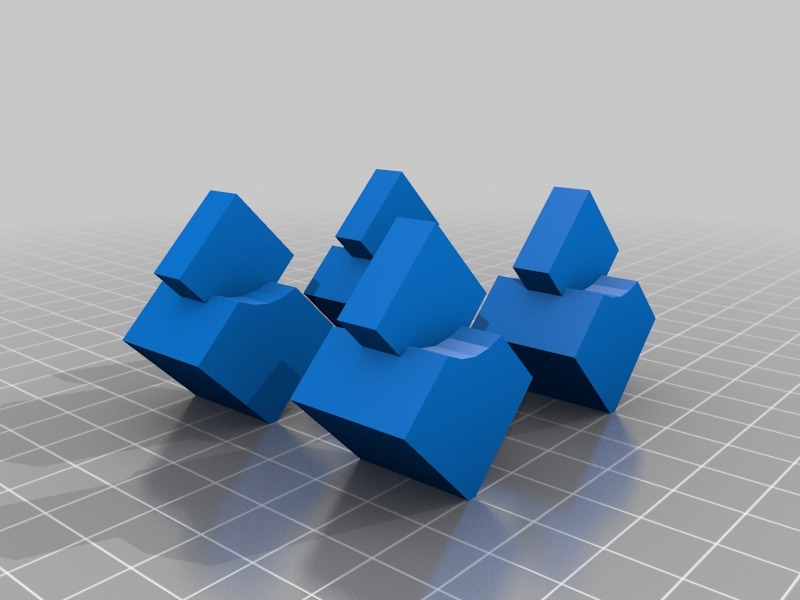 stl
stl4x_side.stl
27 Ko · 10 980 téléchargements
-
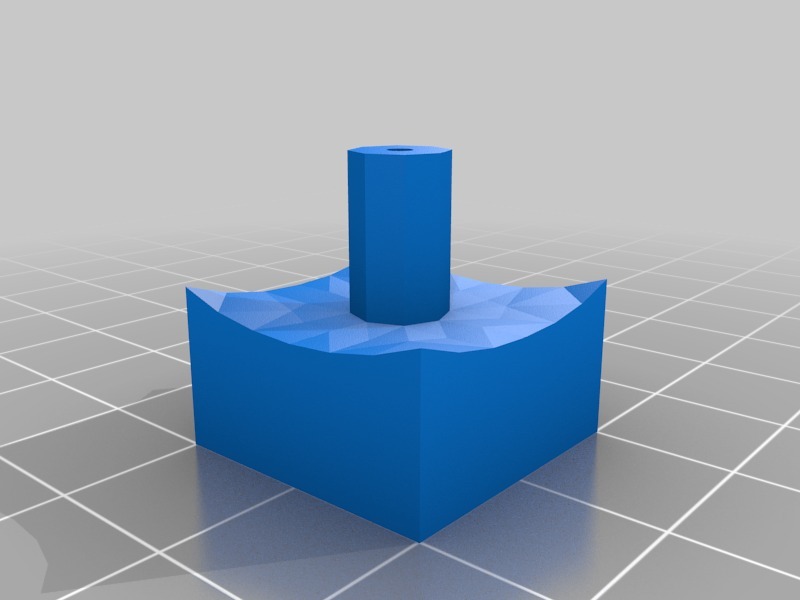 stl
stlcenter_v3_1.8mm_hole.stl
16 Ko · 11 105 téléchargements
-
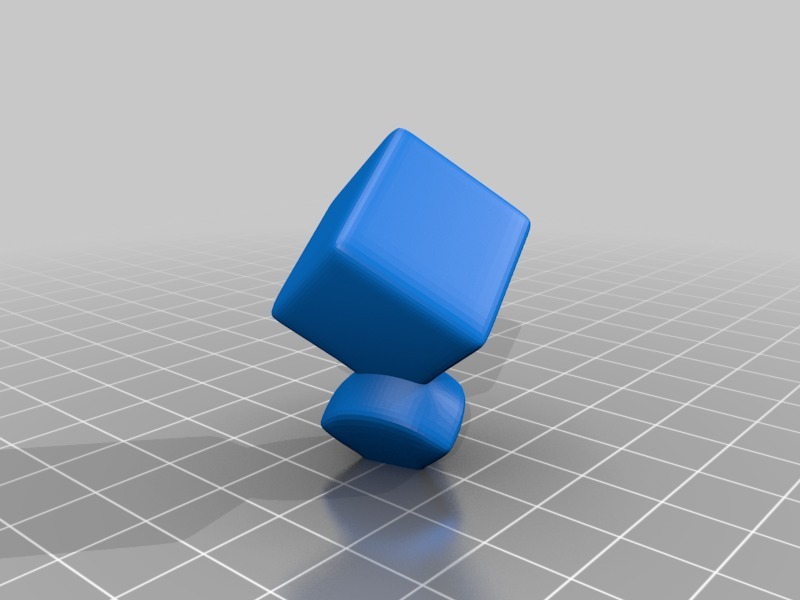 stl
stlcorner_v4.stl
335 Ko · 10 966 téléchargements
Description
A Magic Puzzle Cube.
The cube in the thumbnail is printed by Robo http://www.thingiverse.com/Robo . Thank you very much Robo! See comments for details.
I don't have my own printer, yet, so I'm not able to test this model myself. Feel free to modify anything so we can have a printable, working cube.
When the cube is functioning mechanically, perhaps we can distinguish between the sides without colors? See corner_color for an example.
My 3D background is from image and animation rendering, where it's important to maintain quads and avoid many edges meeting in a vertex. I don't know if it matters much in 3D printing? The flat sides on the pieces are 20 Wings unit wide/high/deep, which should equal to 20mm.
EDIT: I split the side and the corner (diagonally) in two parts to make it printable, but it needs to be glued together afterwards. Files updated.
EDIT2: "v2" New side and corners, resting on side. Scaled 10x from before.
EDIT3: "v3" Side piece turned the right way this time. Raft and flat bottom version of axis. All new objects combined in one Wings3D file for less clutter.
EDIT4: April 17. 2010 - Robo printed the first working cube!
EDIT5: "v4" Updated the corner piece with smaller connection part and beveled edges/smoothing (polygons went from 67 to 3432). Would love feedback and thoughts on this.
http://makezine.com/go/makerbot