
MPCNC Frame Alignment Tools
 par evil_k


Fichiers imprimables (13)
-
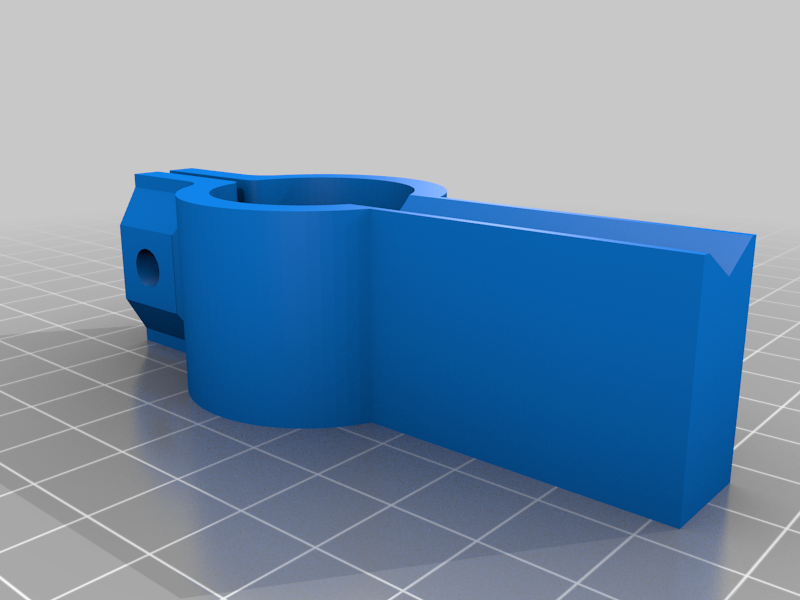 stl
stlSquare_25.4.STL
80 Ko · 3 109 téléchargements
-
 step
stepSquare_23.5.STEP
128 Ko · 3 061 téléchargements
-
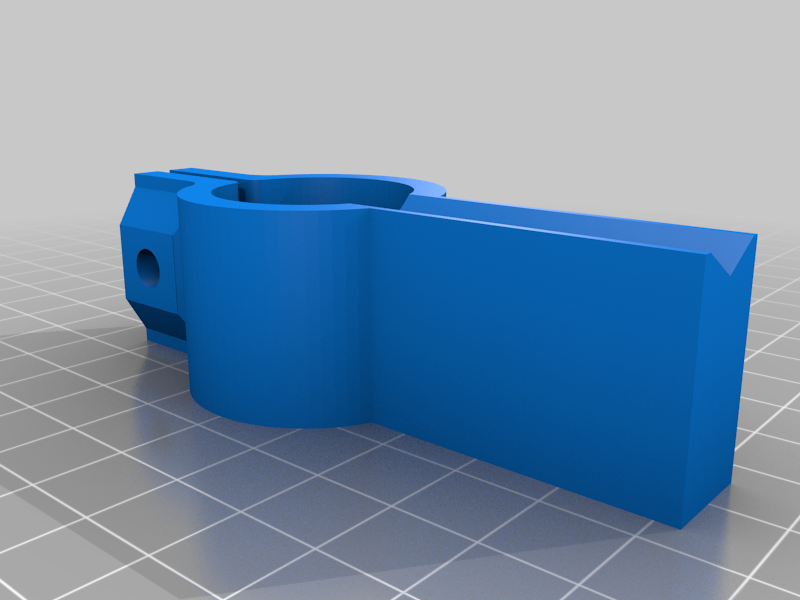 stl
stlSquare_25.0.STL
80 Ko · 3 106 téléchargements
-
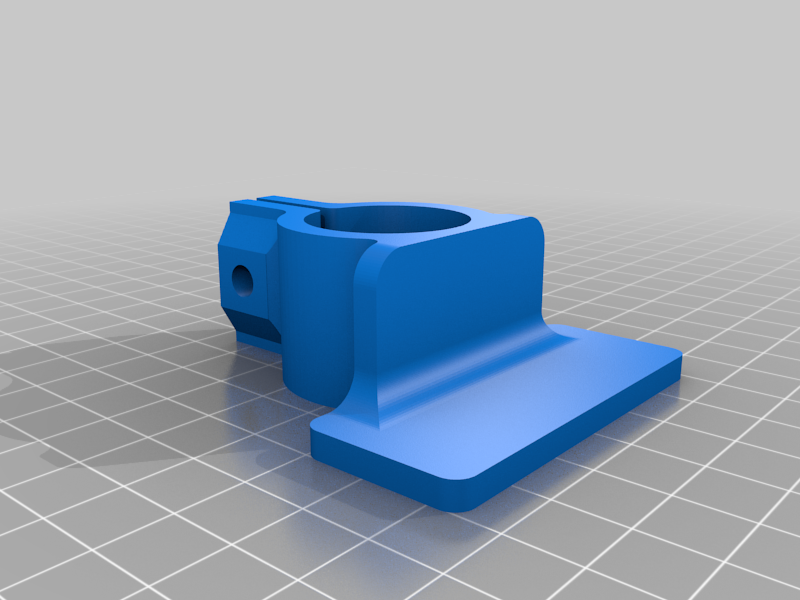 stl
stlParallel_25.4.STL
118 Ko · 3 084 téléchargements
-
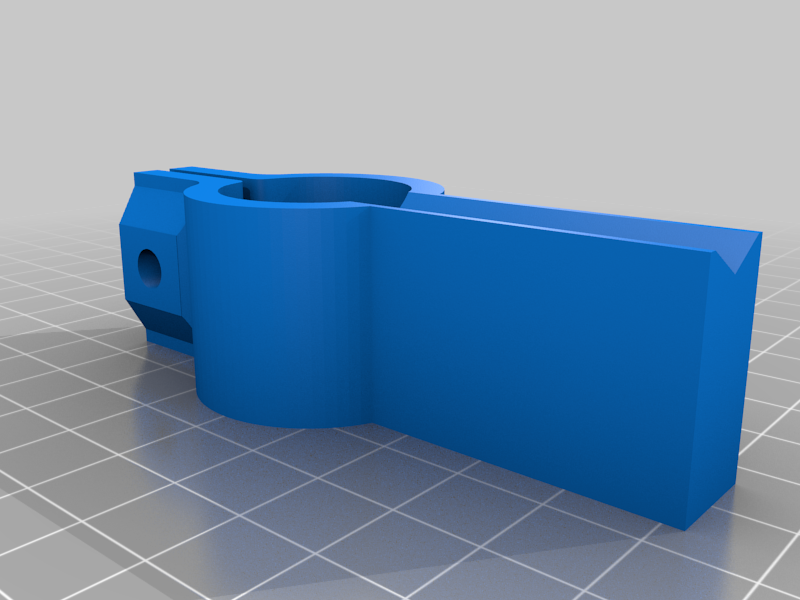 stl
stlSquare_23.5.STL
79 Ko · 3 089 téléchargements
-
 stl
stlParallel_23.5.STL
117 Ko · 3 091 téléchargements
-
step
Parallel_25.0.STEP
170 Ko · 3 057 téléchargements
-
step
Square_25.4.STEP
128 Ko · 3 042 téléchargements
-
step
Parallel_23.5.STEP
169 Ko · 3 043 téléchargements
-
 stl
stlParallel_25.0.STL
118 Ko · 3 090 téléchargements
-
step
Parallel_25.4.STEP
170 Ko · 3 041 téléchargements
-
step
Square_25.0.STEP
128 Ko · 3 050 téléchargements
-
 stl
stlKnob_5mmbolt.STL
922 Ko · 3 084 téléchargements
Description
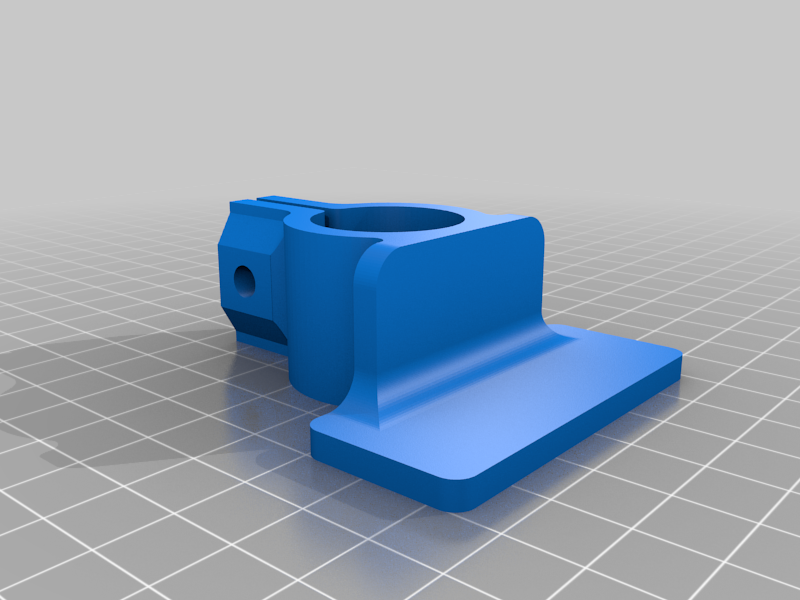
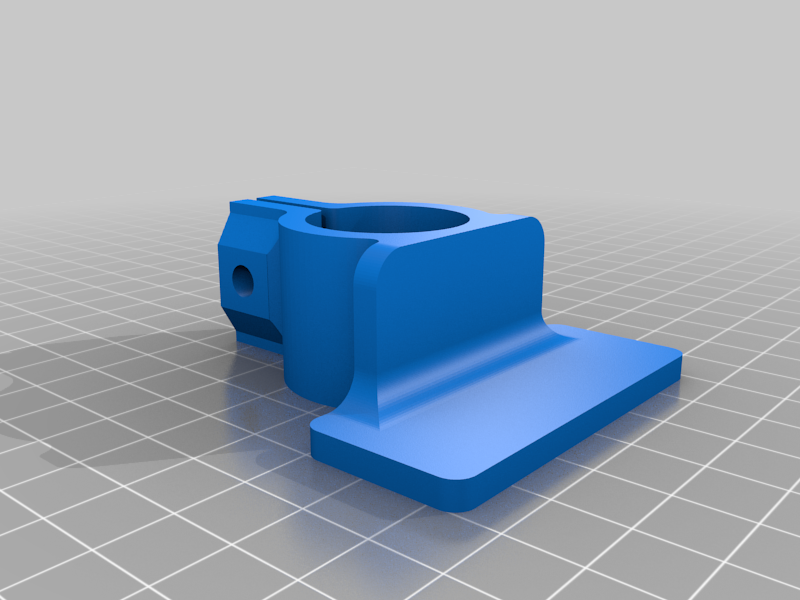
Couple of printed tools to help ensure the rails on the MPCNC are parallel and square.
Use the same tubing already being used for the rails with these printed objects. Can use the longer of your carriage X or Y axis tubes to check for parallel. Will need a longer tube to check for square - must be a little longer than the diagonal measurement of your rails.
Have used the 23.5mm parts. The 25.0 and 25.4 parts should work but have not printed/tested. .STEP files included.
When testing for square, can use either the flat side or the "V" side of the square tool part to make contact with the corner rail mounts.
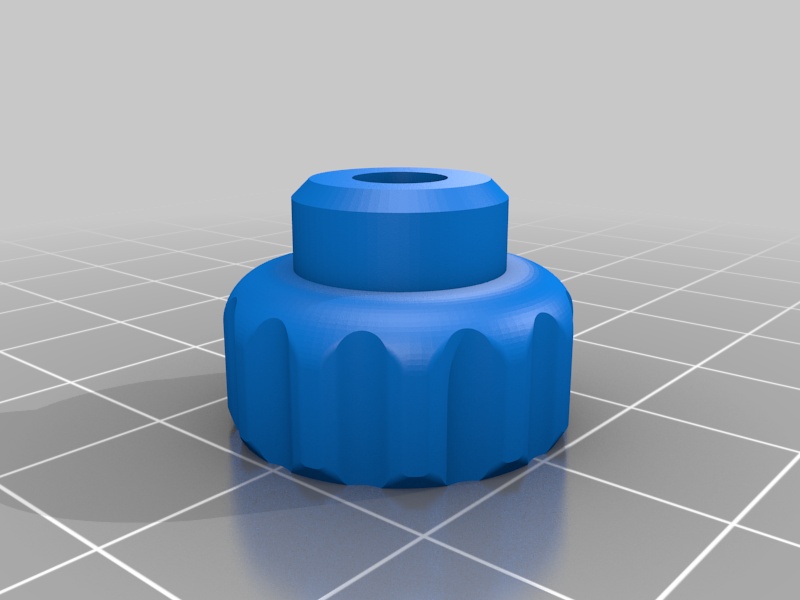
If you wish to secure the parts, will need 5mm bolt and nut. Have included a knob for the 5mm bolt. The bolt will need to have a hex head to work with the knob. You will need to drill out the bolt hole in the knob with a 5mm drill bit.
I printed my parts in PETG. Most any material should work (No - not TPU!)