
AmazonBasic PLA Swatches
 par grappald


Fichiers imprimables (24)
-
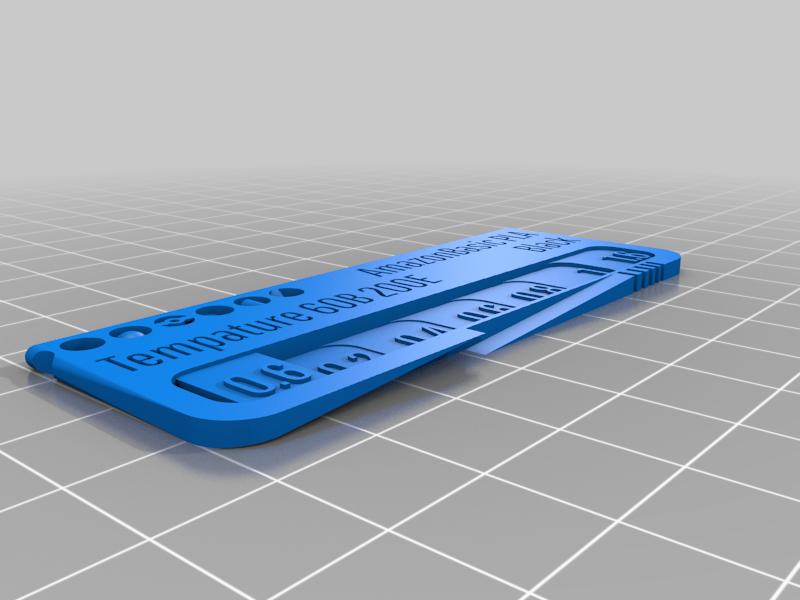 stl
stlAmazonBasic_PLA_Black.stl
3.3 Mo · 2 751 téléchargements
-
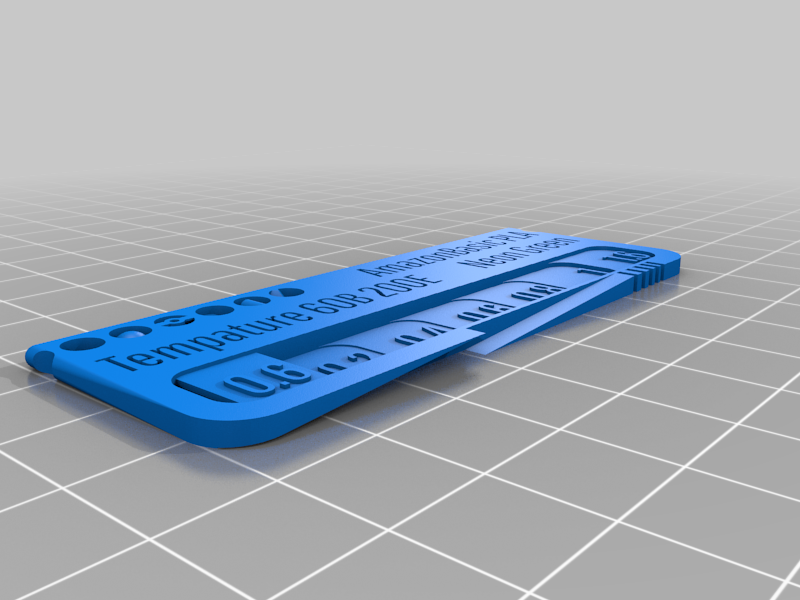 stl
stlAmazonBasic_PLA_Neon_Green.stl
3.4 Mo · 2 741 téléchargements
-
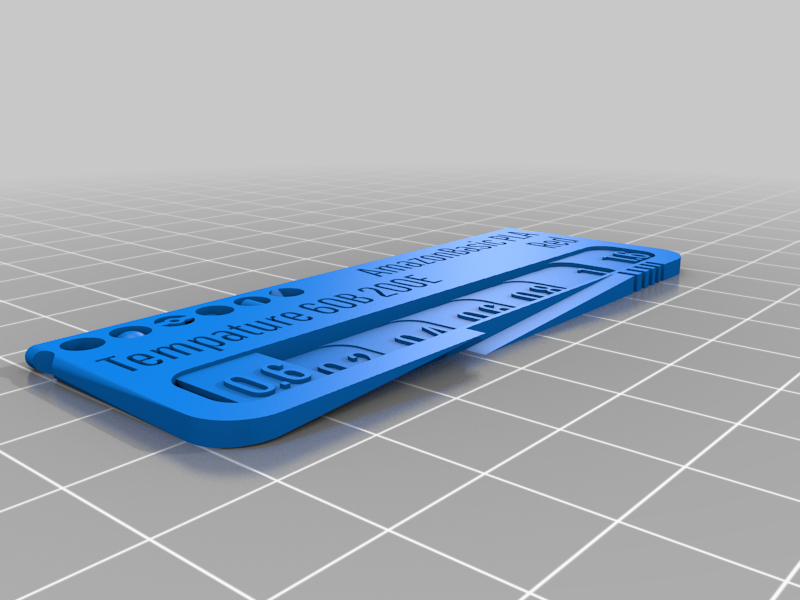 stl
stlAmazonBasic_PLA_Red.stl
3.2 Mo · 2 736 téléchargements
-
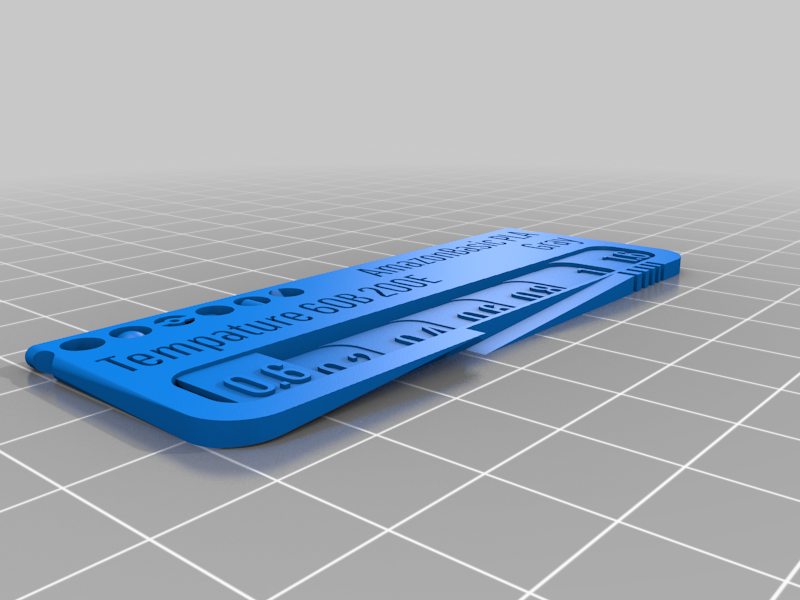 stl
stlAmazonBasic_PLA_Gray.stl
3.3 Mo · 2 750 téléchargements
-
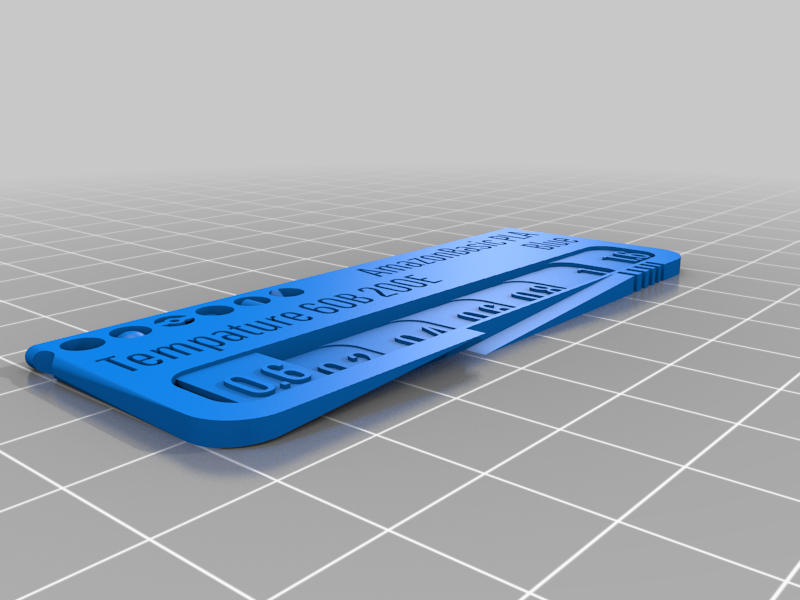 stl
stlAmazonBasic_PLA_Blue.stl
3.2 Mo · 2 744 téléchargements
-
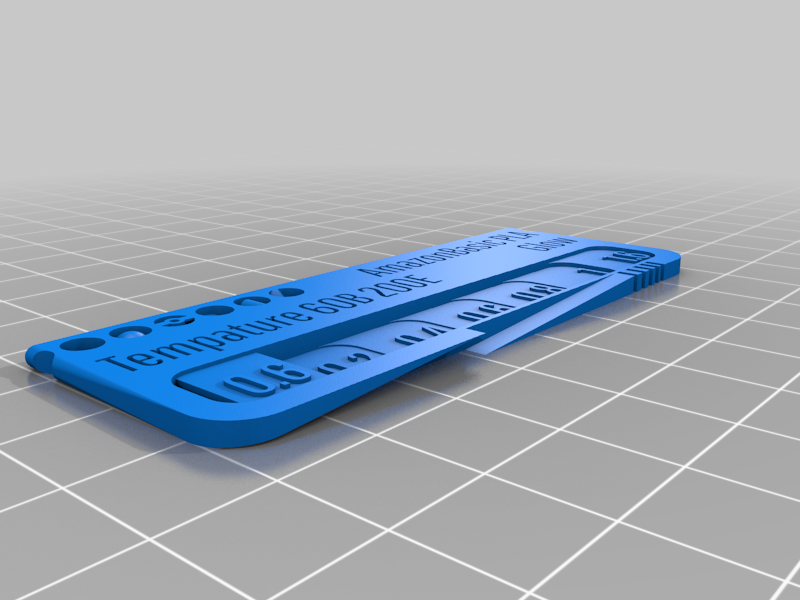 stl
stlAmazonBasic_PLA_Glow.stl
3.2 Mo · 2 741 téléchargements
-
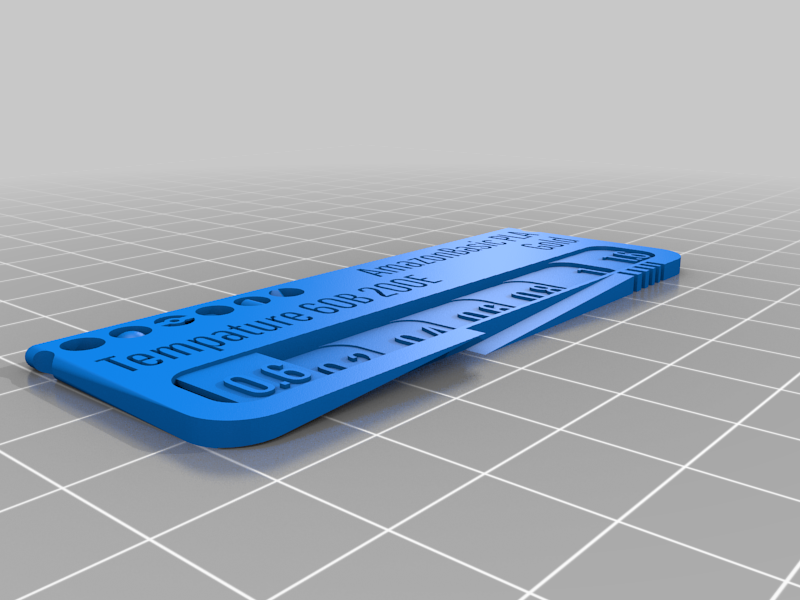 stl
stlAmazonBasic_PLA_Gold.stl
3.3 Mo · 2 743 téléchargements
-
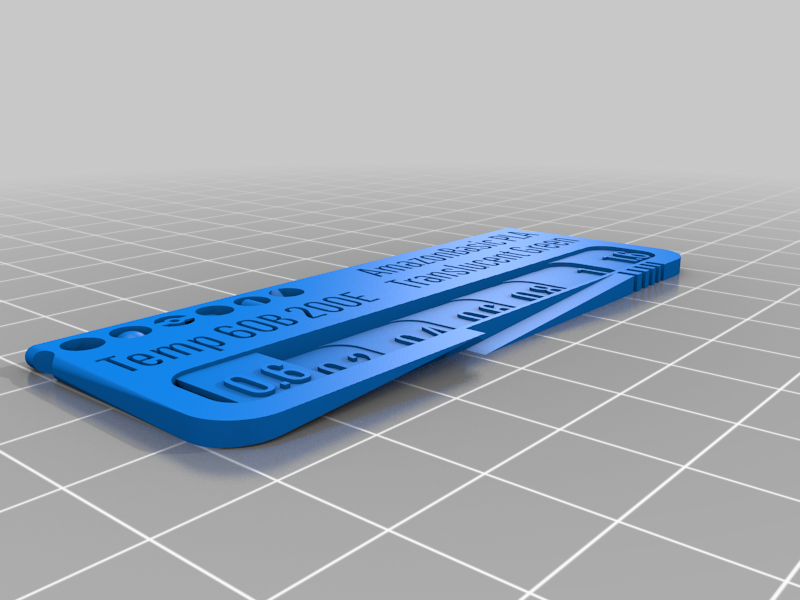 stl
stlAmazonBasic_PLA_Translucent_Green.stl
3.5 Mo · 2 741 téléchargements
-
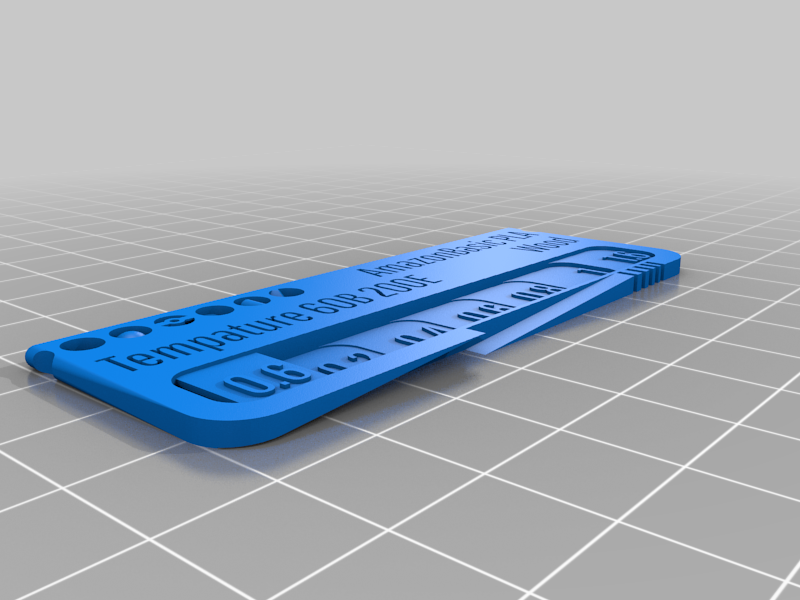 stl
stlAmazonBasic_PLA_Wood.stl
3.2 Mo · 2 736 téléchargements
-
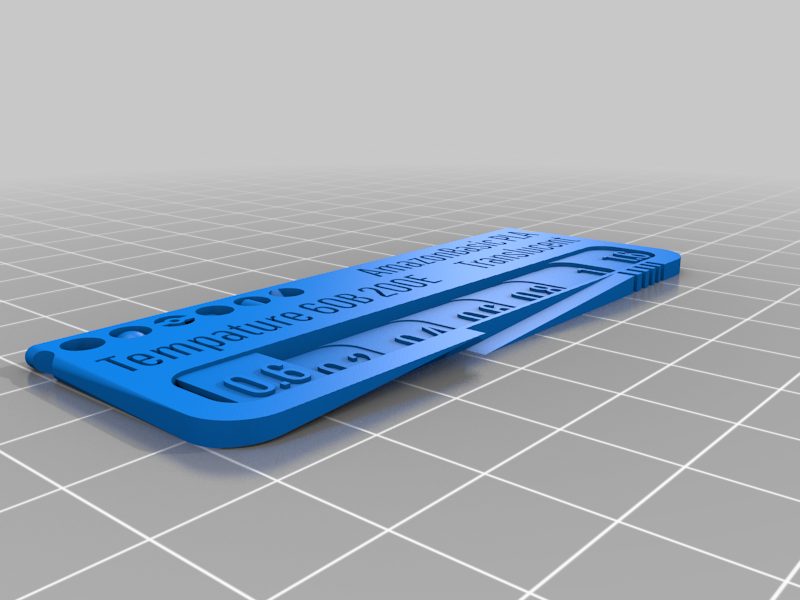 stl
stlAmazonBasic_PLA_Translucent.stl
3.5 Mo · 2 742 téléchargements
-
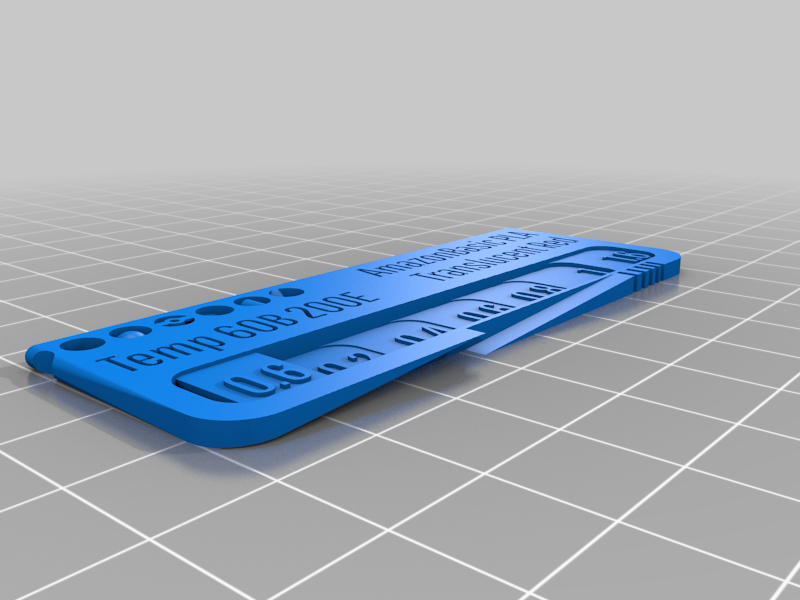 stl
stlAmazonBasic_PLA__Translucent_Red.stl
3.4 Mo · 2 733 téléchargements
-
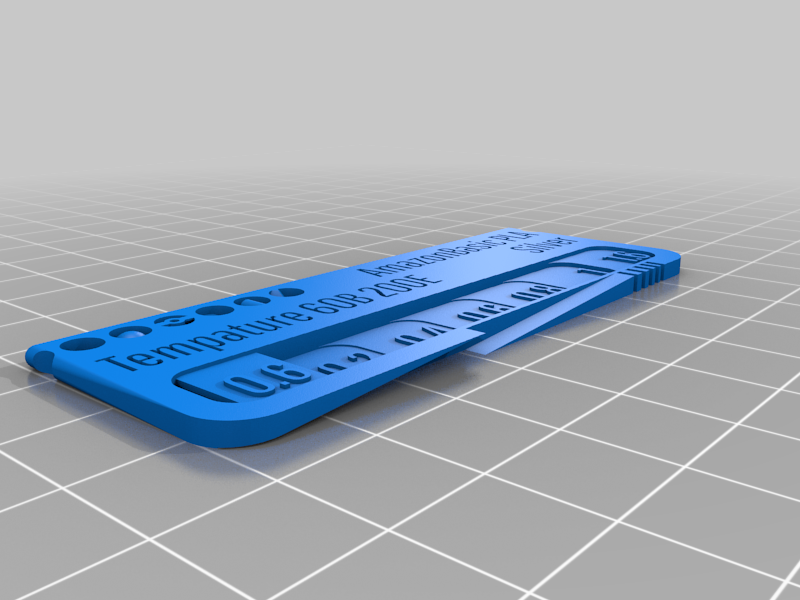 stl
stlAmazonBasic_PLA_Silver.stl
3.2 Mo · 2 745 téléchargements
-
 stl
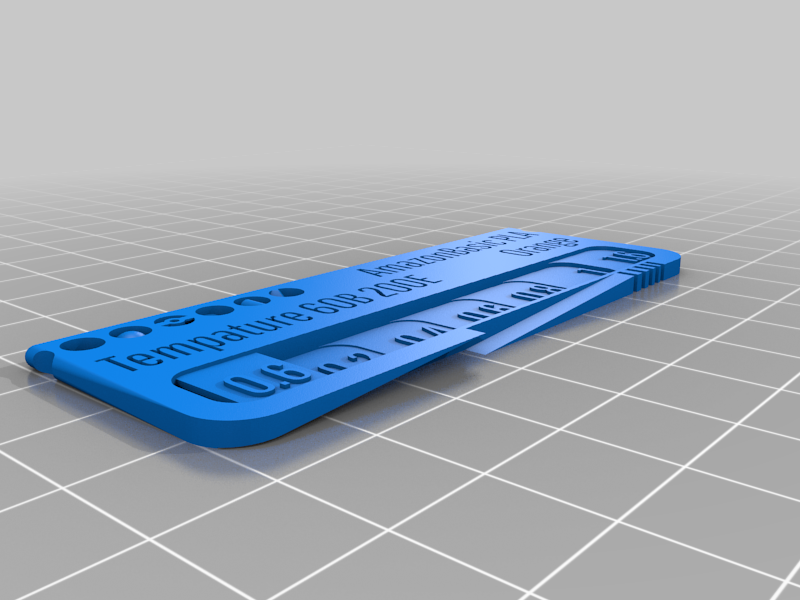
stlAmazonBasic_PLA_Orange.stl
3.4 Mo · 2 748 téléchargements
-
 stl
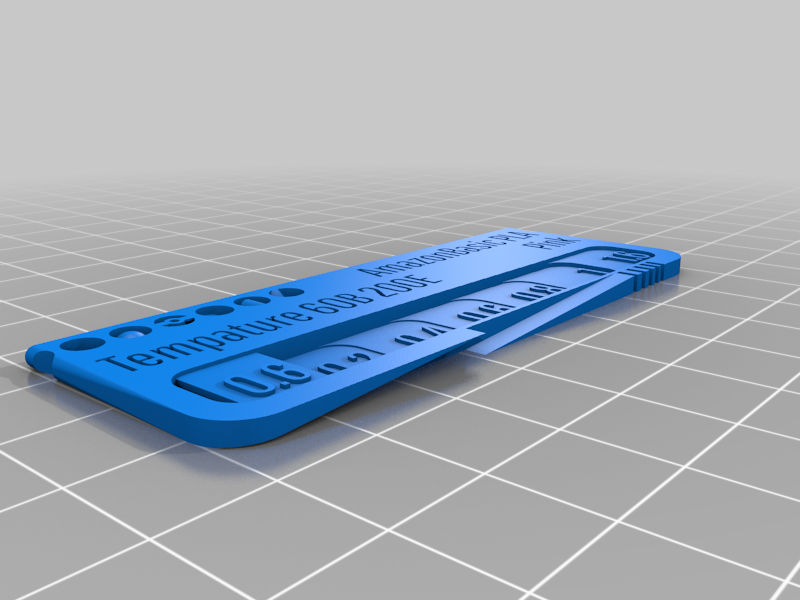
stlAmazonBasic_PLA_Pink.stl
3.1 Mo · 2 738 téléchargements
-
 stl
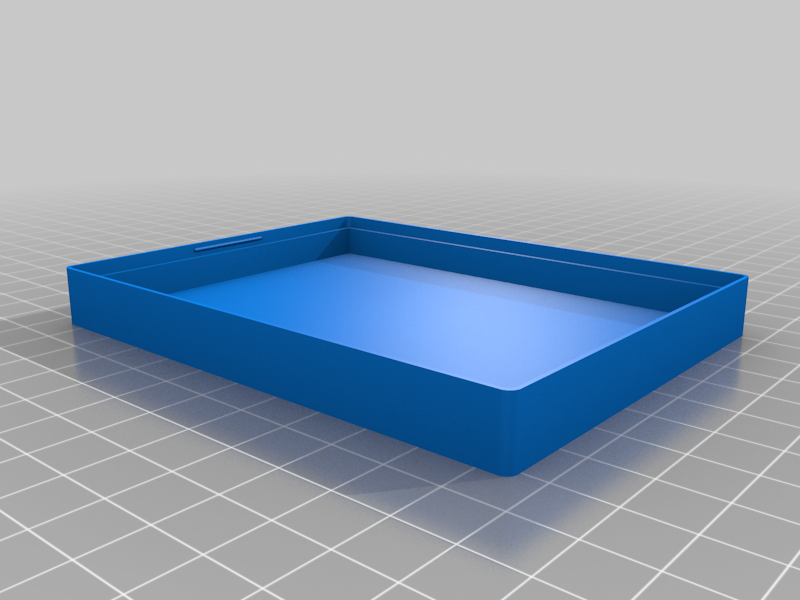
stlSwatch_Box_Top_2mm_30pcs_FontImpact.stl
994 Ko · 2 744 téléchargements
-
 stl
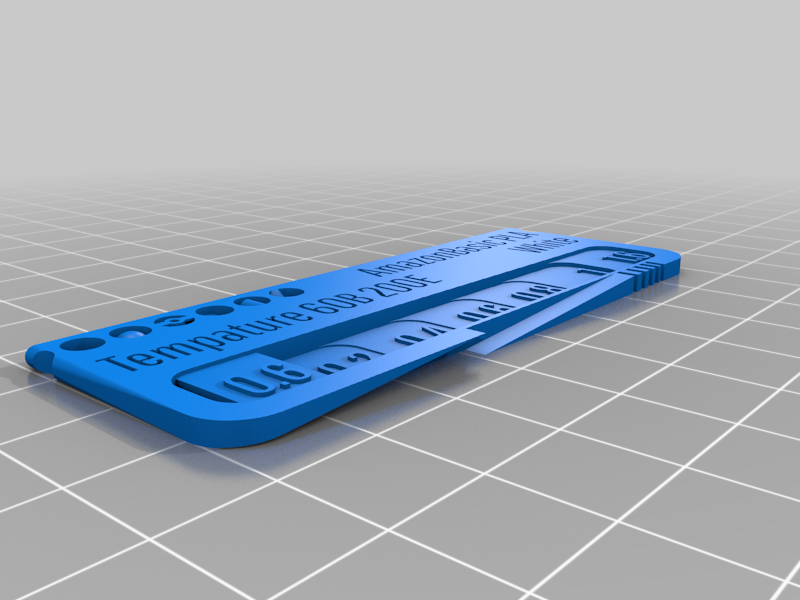
stlAmazonBasic_PLA_White.stl
3.2 Mo · 2 749 téléchargements
-
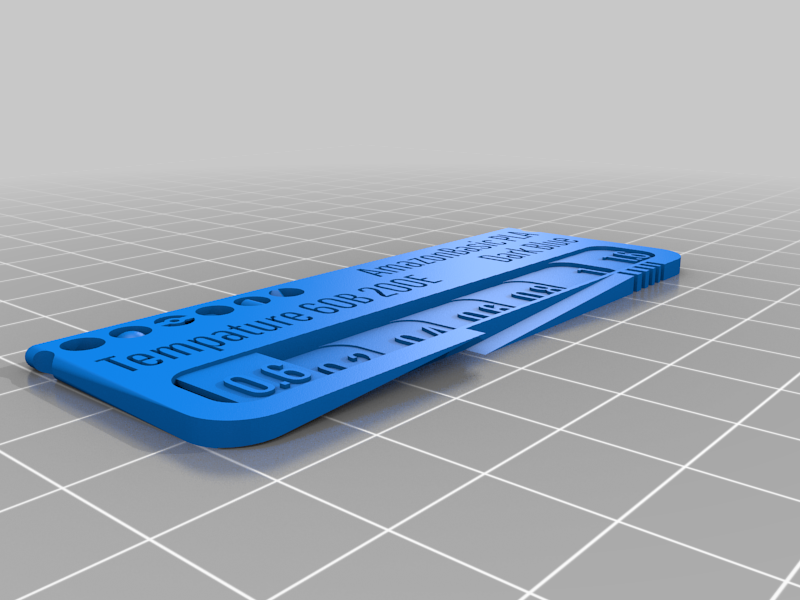 stl
stlAmazonBasic_PLA__Dark_Blue.stl
3.3 Mo · 2 746 téléchargements
-
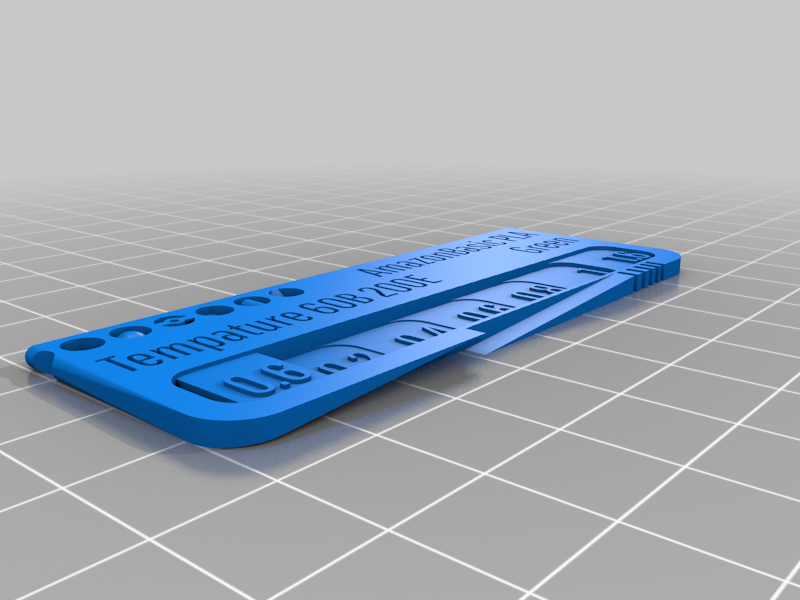 stl
stlAmazonBasic_PLA_Green.stl
3.3 Mo · 2 743 téléchargements
-
 stl
stlSwatch_Box_Top_2mm_30pcs_FontAldo.stl
1.5 Mo · 2 742 téléchargements
-
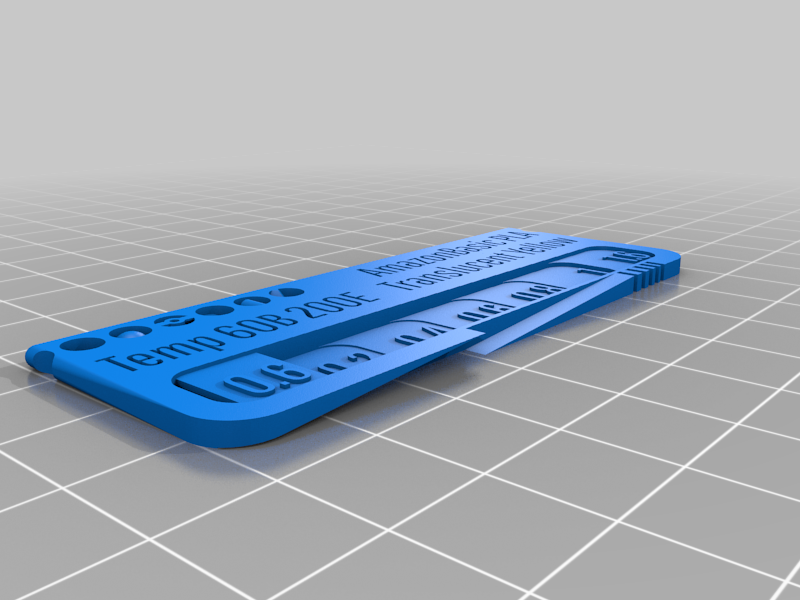 stl
stlAmazonBasic_PLA_Translucent_Yellow.stl
3.4 Mo · 2 741 téléchargements
-
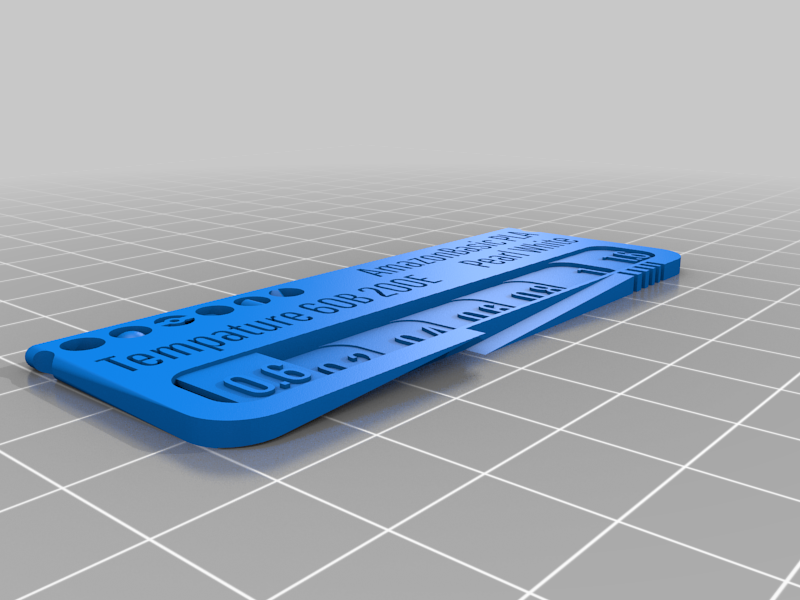 stl
stlAmazonBasic_PLA_Pearl_White.stl
3.4 Mo · 2 746 téléchargements
-
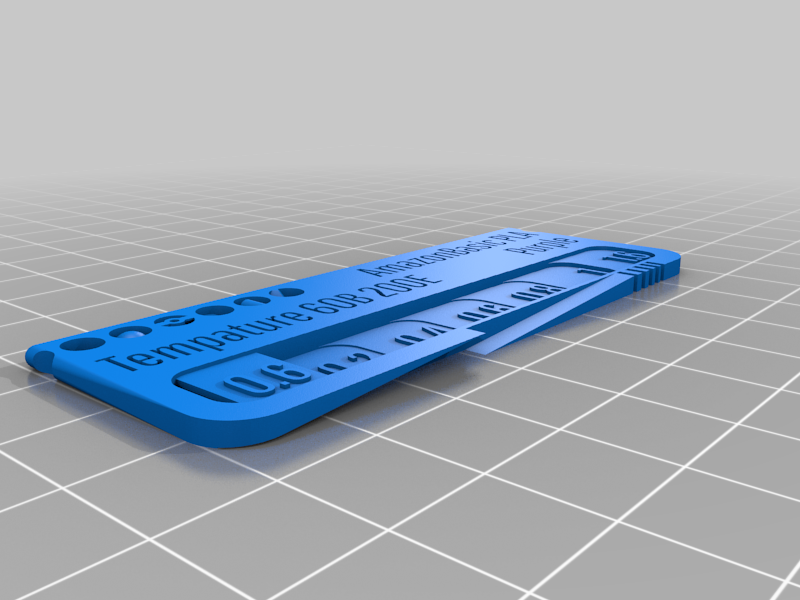 stl
stlAmazonBasic_PLA_Purple.stl
3.3 Mo · 2 747 téléchargements
-
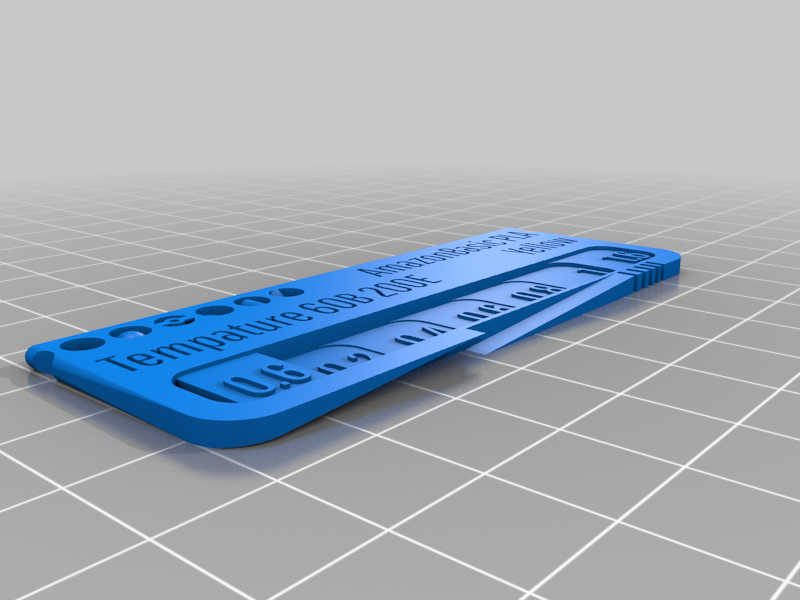 stl
stlAmazonBasic_PLA__Yellow.stl
3.2 Mo · 2 733 téléchargements
-
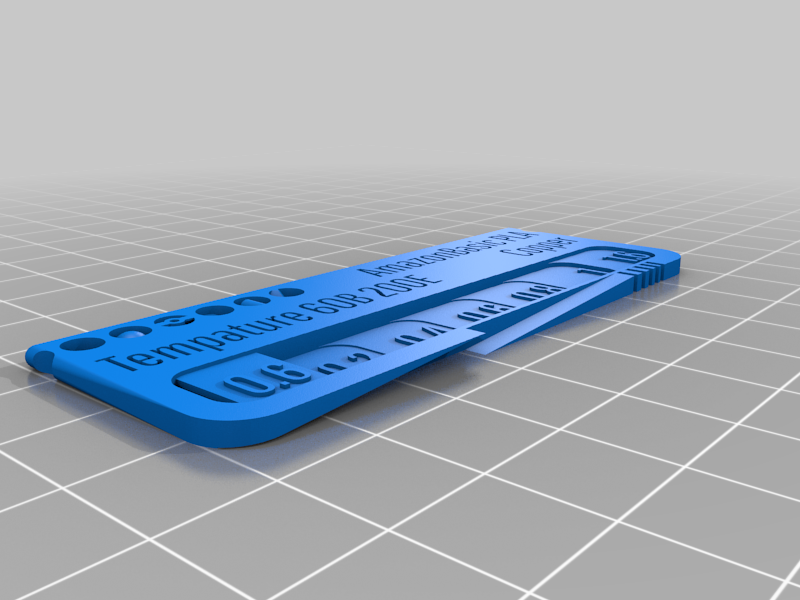 stl
stlAmazonBasic_PLA_Copper.stl
3.4 Mo · 2 759 téléchargements
Description
You need filament swatches for testing different colors and makes? You want to know the colors you have on spool at the moment?
Here are customizable filament swatches / tests, where you can change all the text using the thingiverse customizer (Press the button "Open in customizer" above). This way you don't have to print and stick any labels anymore.
You can customize:
3 lines of text (for make/type/color/printer settings for the material): upper, lower left, lower right
By default, all kinds of test patterns are included in the swatch. This way you can easily see how well the filament printed. You can select how many round test pattern are included. You can check overhangs, bridging, pyramids, roundness, etc.
There is a fourth text on the top side to indicate the material type quickly when the swatches are in their box.
Thickness progression of the 'layers', defined as an array of numbers
Font, font size (font size can be set for the main text and the steps separately. Setting a font size to 0 removes the text), text line distance, wether the text is raised or embossed
Size of the swatch
Hole diameter, grooves, etc
As default, "Pathway Gothic One" font is selected for better readability. You can also check the V5 .stl files as font samples. The first line on each swatch is the fonts name. You can check if the text is still well readable after slicing these swatches all at once.
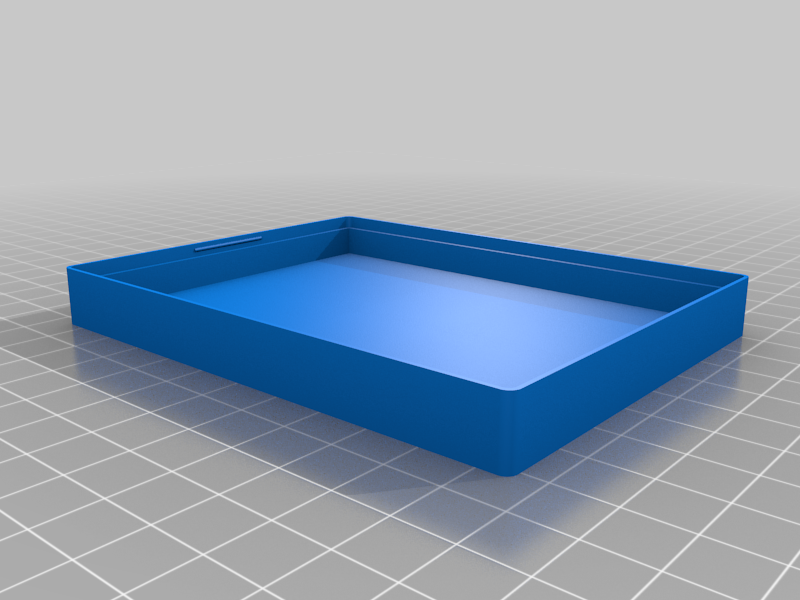
As they are, the swatches fit into the configurable box from Jaxel. You can see the box in the 2nd picture. The box shown is also added here as .STL.