
Customizable Bed Leveling Test
 par kenwebart


Fichiers imprimables (4)
-
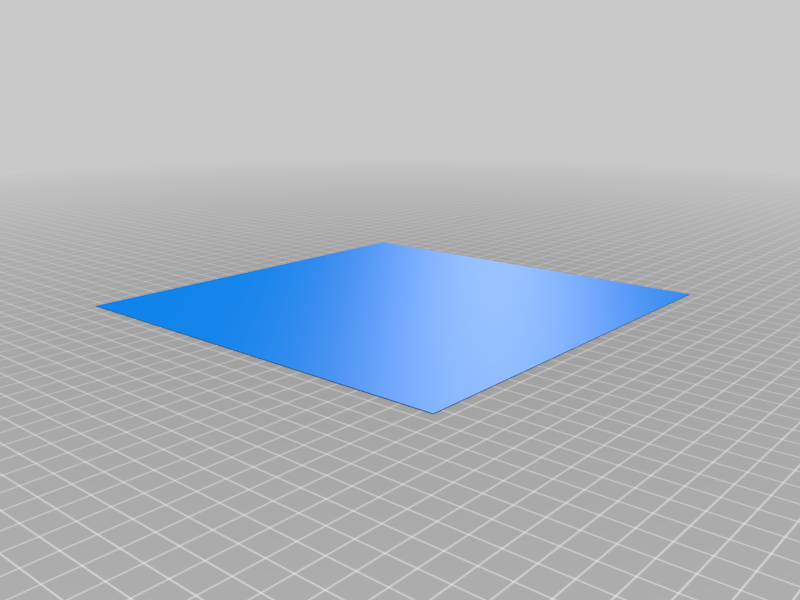 stl
stlCustomizable_Bed_Leveling_Test_-_Full_flat_square_bed_test.stl
2 Ko · 21 099 téléchargements
-
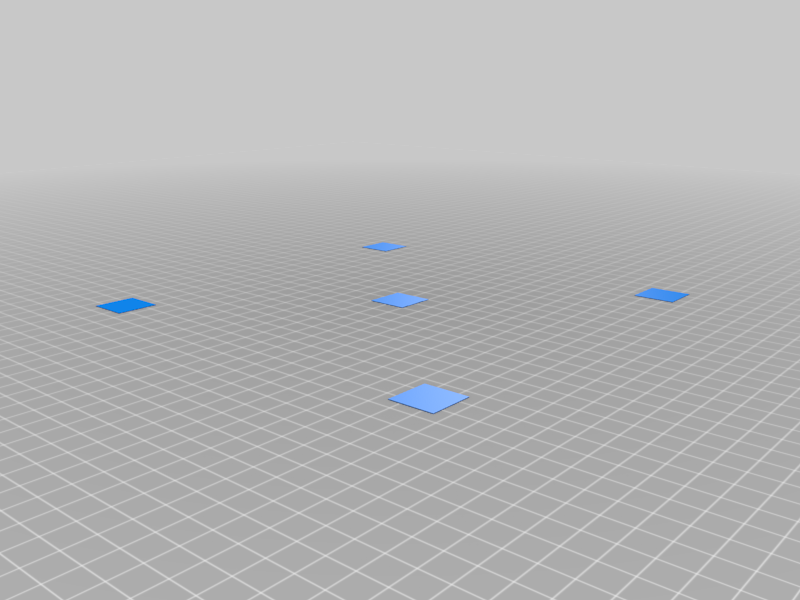 stl
stlCustomizable_Bed_Leveling_Test_-_5_squares.stl
8 Ko · 21 411 téléchargements
-
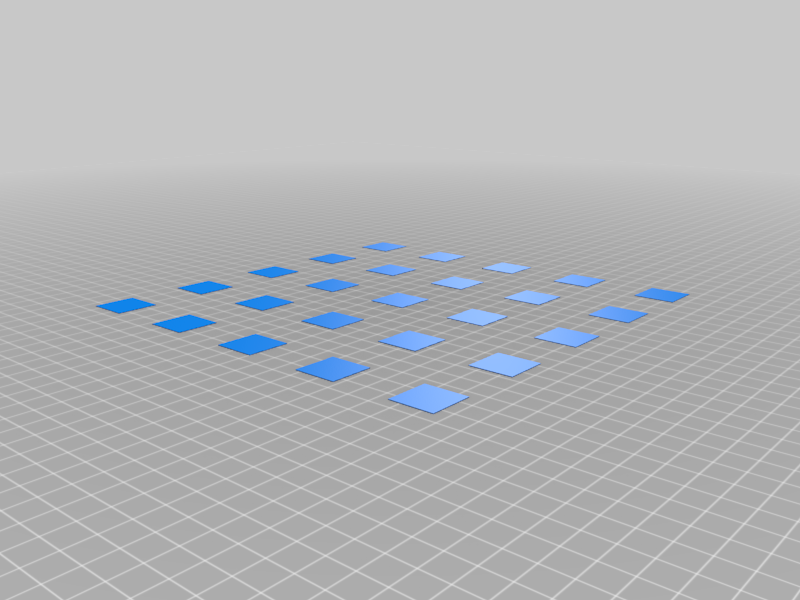 stl
stlCustomizable_Bed_Leveling_Test_-_25_squares.stl
40 Ko · 21 190 téléchargements
-
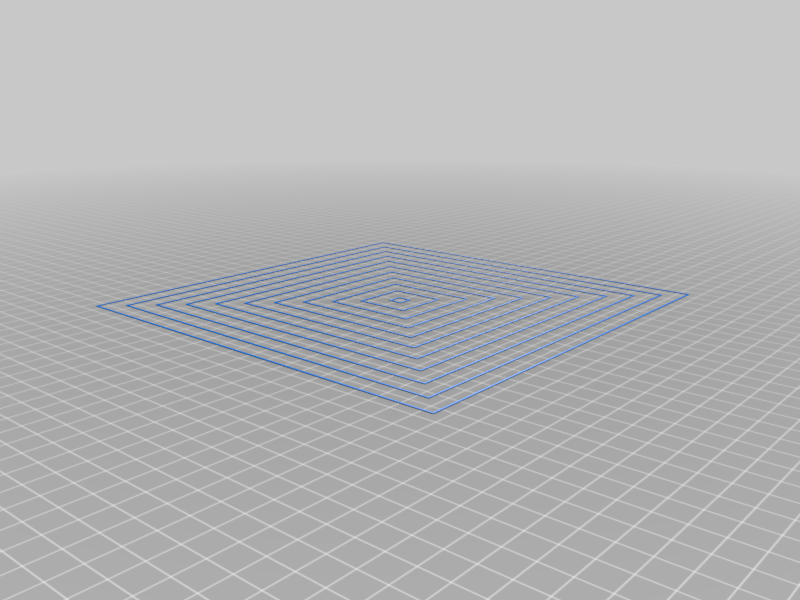 stl
stlCustomizable_Bed_Leveling_Test_-_Shrinking_outline_squares.stl
79 Ko · 21 018 téléchargements
Description
Customize your own bed leveling test
Why
The first printed layer is crucial. For this we need a properly calibrated bed. I have been unhappy with all the test prints so far. It was often not possible to use a skirt. So I've decided to create a customizable test file.
How to Use
- Download the scad file and open it with OpenSCAD (http://www.openscad.org/) or use the Customizer
- Update your Printer Settings (Bild plate, Nozzle, layer height, skirt, margin)
- Choose a shape
- Render it
- Export as STL file and slice it
- Share your print: Take a photo of your print and post is as a make (with settings)
Settings Sample (Copy it and post it with your make)
printer_x = 210;
printer_y = 210;
printer_z = 205;
nozzle = 0.4;
layerheight = 0.2;
skirt_padding = 0;
margin = 1.5;
shape = 0;
Test Patterns
- 0 = 25 squares
- 1 = 5 squares
- 2 = Shrinking outline squares
- 3 = Full flat square bed test
How to participate?
- Share your print: Take a photo of your print and post is as a make (with settings)
- Share this thing
- Add a shape as a remix
- Comment a desired shape or feedback
Changelog
2019-03-21: V1.0
- Published
2019-03-31: V1.0
- Activated "This is a customizer" // It didn't work. That's why I switched the feature off again. I got:"We're sorry, but something went wrong."
2019-04-27: V1.1
- Activated "This is a customizer". It works now! Thanks @makkuro
- I changed the order of the shapes.