
Flight sim throttle
 par akaki


Fichiers imprimables (10)
-
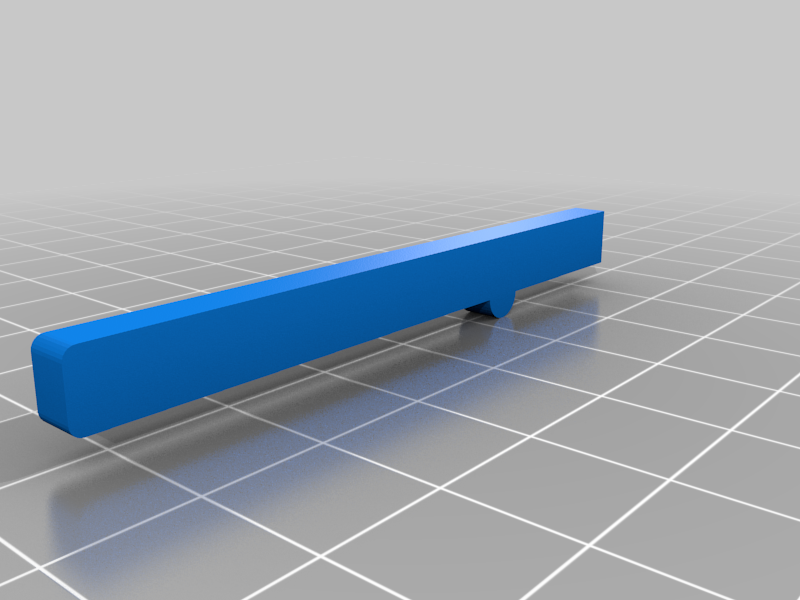 stl
stloptional_lock-together_bar.stl
7 Ko · 3 382 téléchargements
-
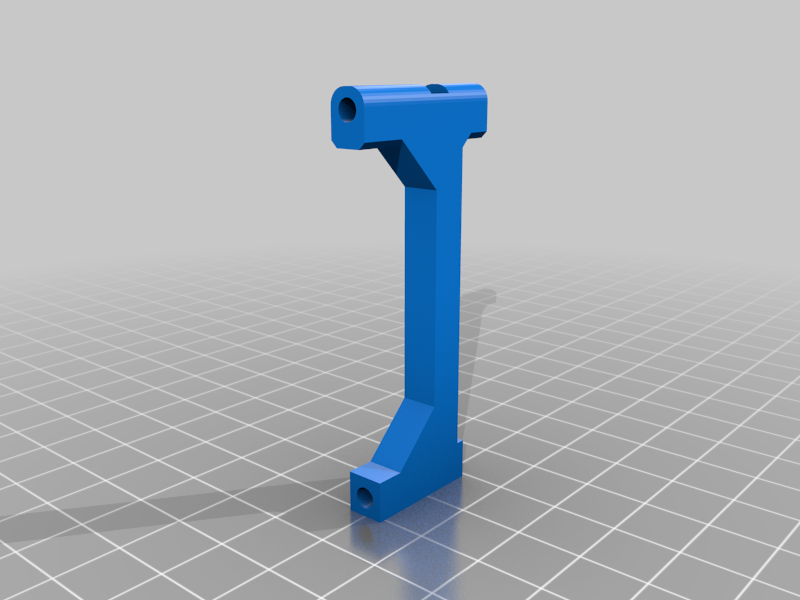 stl
stlleft_support_arm.stl
45 Ko · 3 402 téléchargements
-
 stl
stllid.stl
56 Ko · 3 636 téléchargements
-
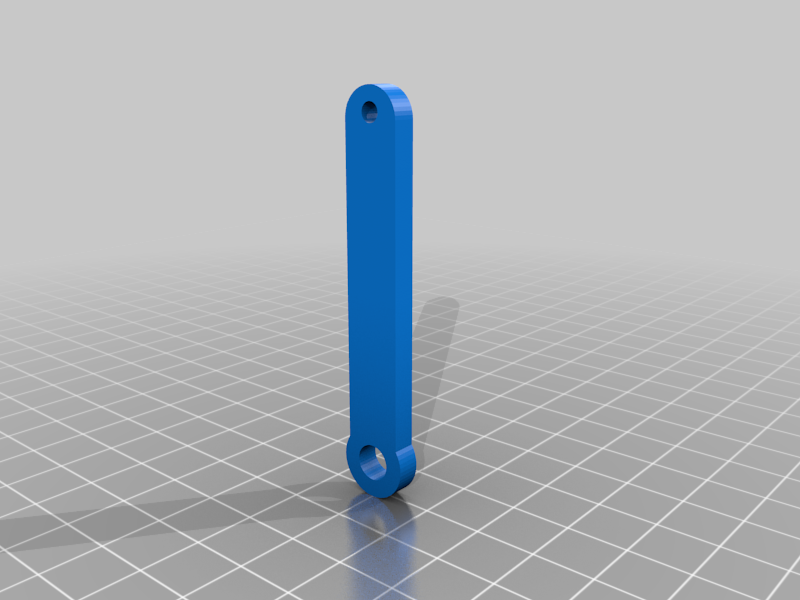 stl
stlpotentiometer_arm.stl
26 Ko · 3 412 téléchargements
-
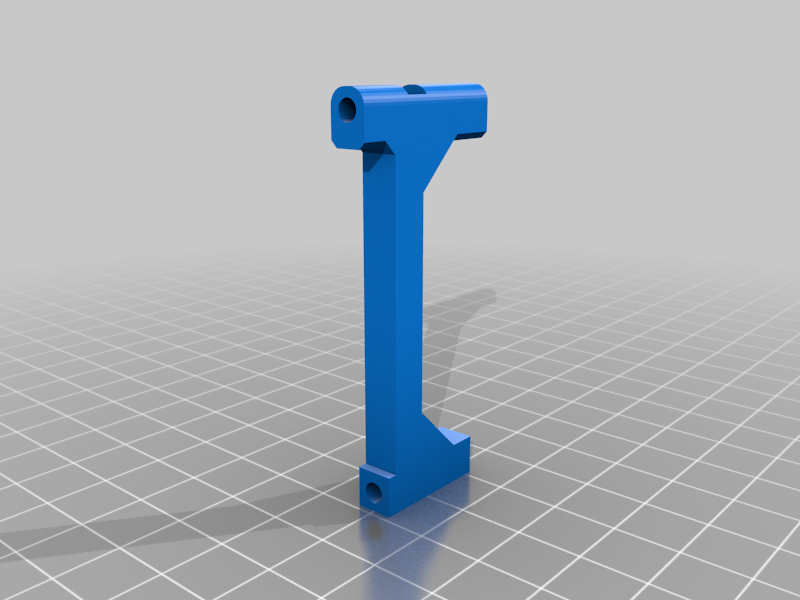 stl
stlright_support_arm.stl
45 Ko · 3 400 téléchargements
-
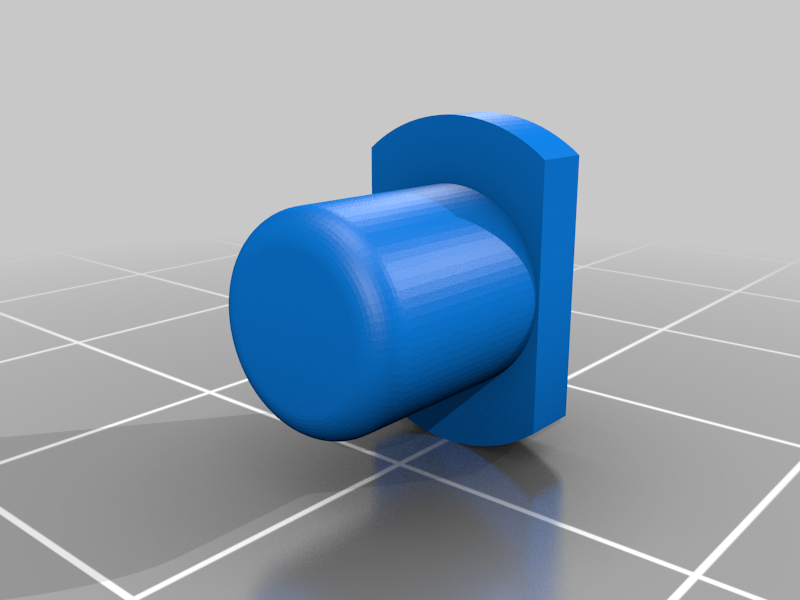 stl
stlright_handle_thumb_button.stl
128 Ko · 3 386 téléchargements
-
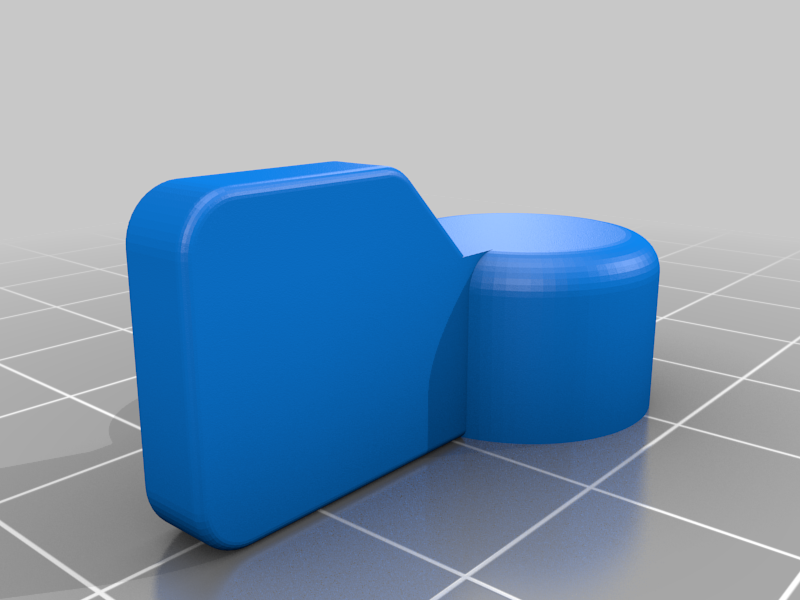 stl
stltrim_knob.stl
182 Ko · 3 359 téléchargements
-
stl
left_handle.stl
317 Ko · 3 656 téléchargements
-
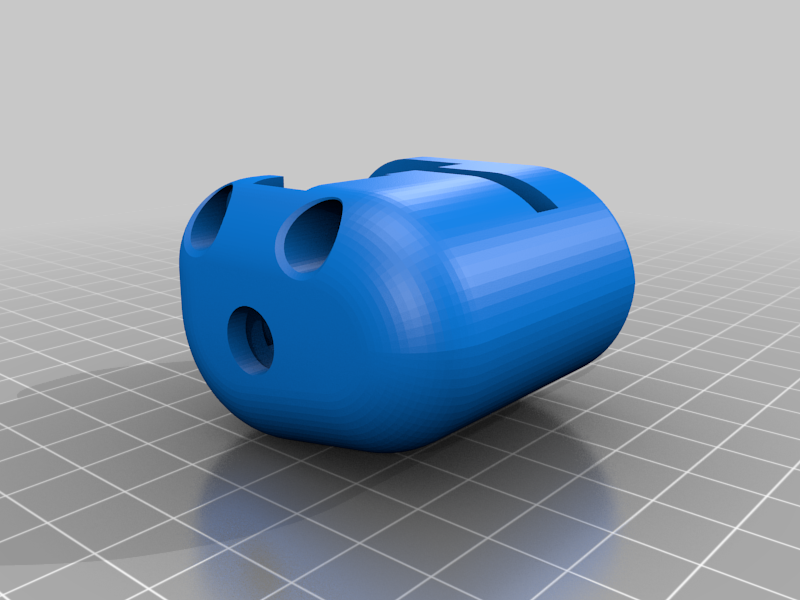 stl
stlright_handle.stl
330 Ko · 3 419 téléchargements
-
stl
case.stl
179 Ko · 3 758 téléchargements
Description
Throttle unit to go with my joystick: https://www.thingiverse.com/thing:4576634
Goes together with 4 regulad old potentiometers, your favourite toggle switches, and an Arduino Pro Micro. Needs some M3 nuts and bolts.
Currently it doesn't have a good way to add friction to the sliders, so it can feel too light if your pots aren't very heavy. You might try nylock nuts. I will likely work further on this design.
There is space within the right throttle handle for a small microswitch, if you want to add a thumb button. In the photo I have not done that.
Video: https://www.youtube.com/watch?v=na3NeZJYK3g
Mount potentiometers and buttons to case.stl. Slide arms onto the throttle pots, and use M3 bolts to mount the throttle arms.
Connect each pot's + to 5V, - to GND, and wiper to the 4 analog pins of your arduino.
Connect switches to GND and digital pins. There is an example of a 3-way switch in the source code.