
Complete Simple Raspberry Pi Cluster Case
 par Sacooley1


Fichiers imprimables (4)
-
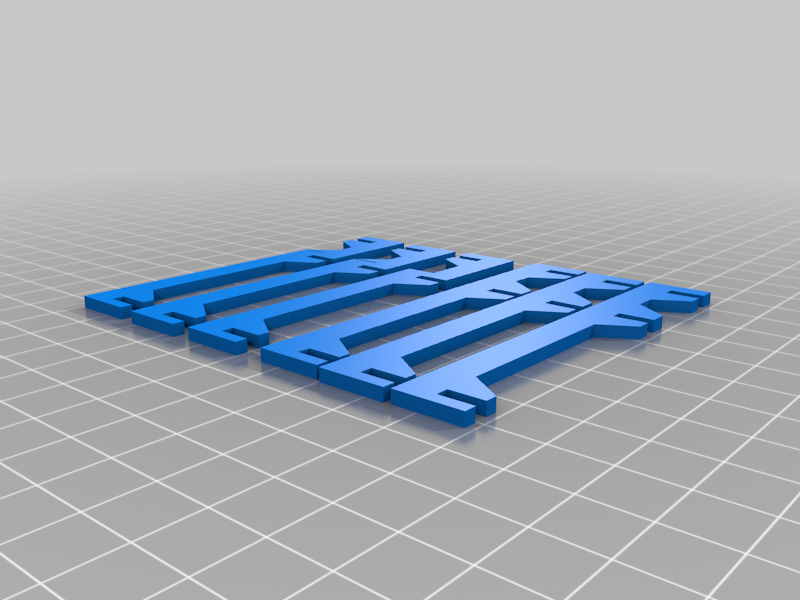 stl
stlRPi_Stacker_Fan_Arms.stl
31 Ko · 552 téléchargements
-
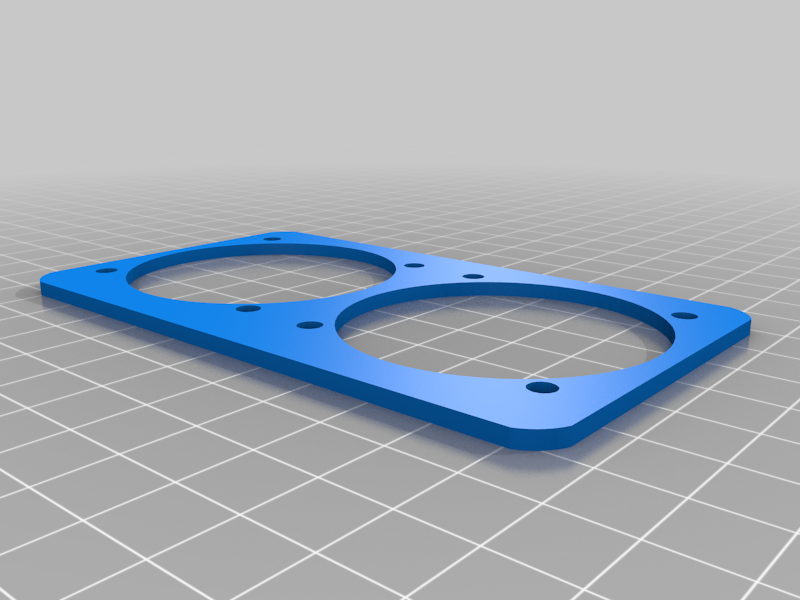 stl
stlRPi_Stacker_Fan_Plate.stl
67 Ko · 545 téléchargements
-
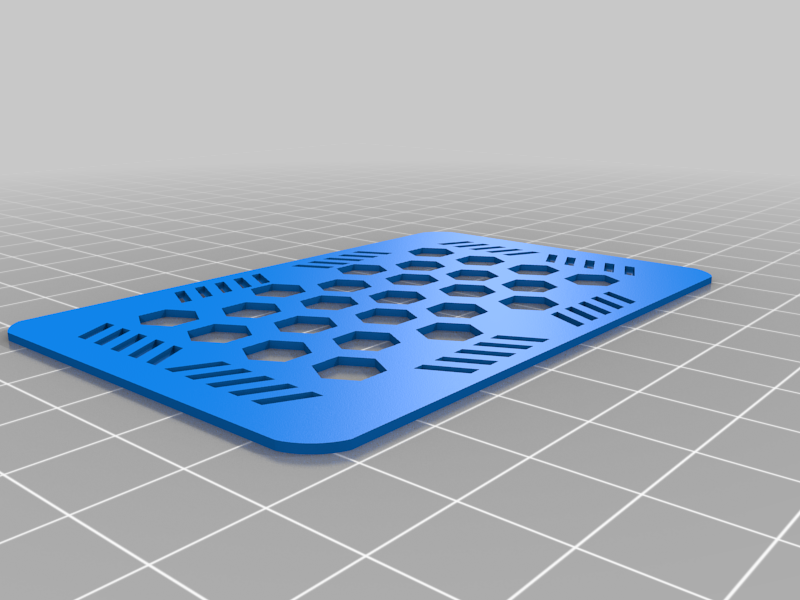 stl
stlHex_Top_Plate.stl
175 Ko · 549 téléchargements
-
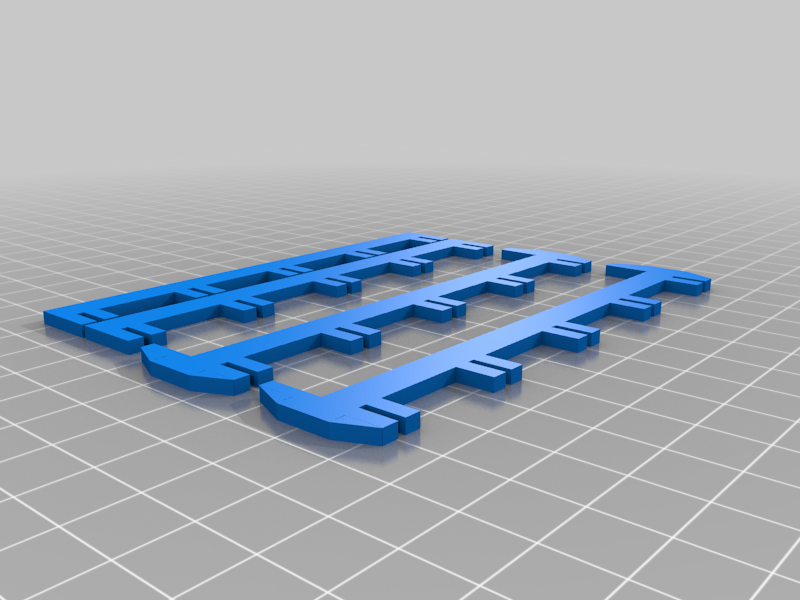 stl
stlRPi_Cluster_Switch_Mount.stl
40 Ko · 547 téléchargements
Description
This is a change from the original version by josepineDOTcom, be sure to go and check out his original idea at https://www.thingiverse.com/thing:3349047
The files here expand upon the simple version at the above link and the lightly modified version I posted previously. I modified the bottom two struts to sit neatly on top of a tp-link 5-port gigabit switch. I also added a plate to mount two fans onto the backside to cool the cluster and made an optional side plate to clean up the look of the cluster.
Note: I use some of the short arms from josepineDOTcom's original file for cable management but don't include them in these files. If you wish to find these, please go look at his original post!!
Parts for the complete build:
(1) Gigabit switch:
https://www.amazon.com/gp/product/B00A128S24/ref=ppx_yo_dt_b_asin_title_o01_s00?ie=UTF8&psc=1
(4) Raspberry Pi's, 4 and 4B are recommended
(4) Micro USB Cables
(2) 5V 50mm Fans:
https://www.amazon.com/gp/product/B00N1Y3XP6/ref=ppx_yo_dt_b_asin_title_o00_s00?ie=UTF8&psc=1
(4) Ethernet cables. I used these, which are Cat 6:
https://www.amazon.com/gp/product/B004C4ZRFI/ref=ppx_yo_dt_b_asin_title_o00_s00?ie=UTF8&th=1
Some of the connections are a little tight so it takes some experimenting to get it all to fit snuggly. The arms that have one end that faces the opposite direction are designed to fit on the switch side of the cluster so you can connect the fan plate.