
Minecraft Ore Keycaps
 par ellienn


Fichiers imprimables (10)
-
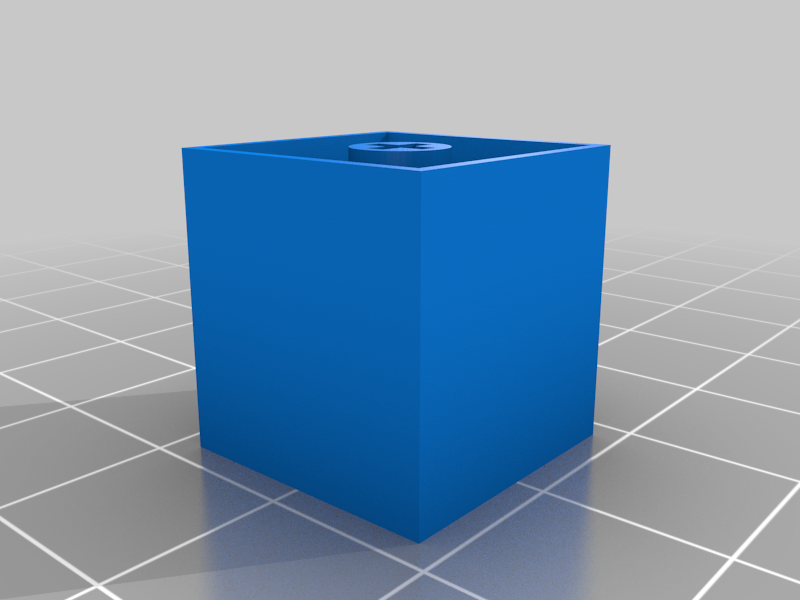 stl
stlv2-inner_stem.stl
25 Ko · 11 699 téléchargements
-
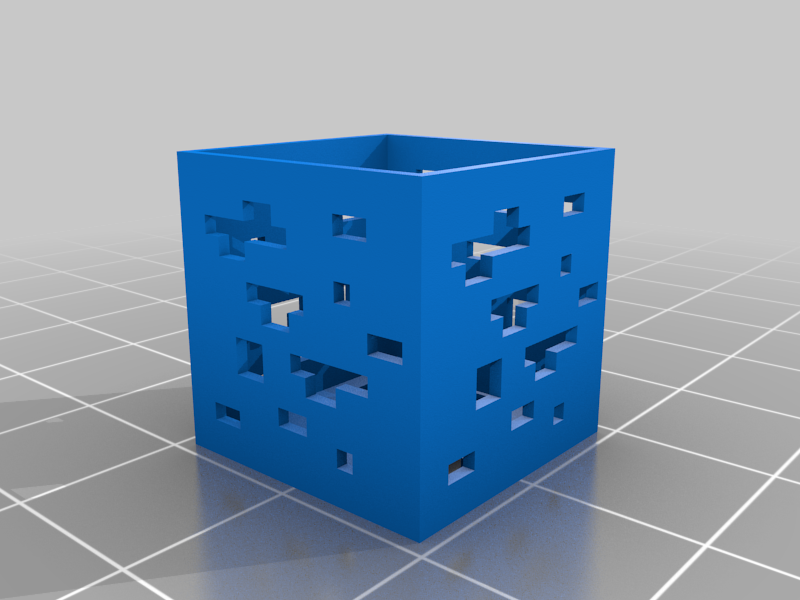 stl
stlv2-outer_diamond.stl
66 Ko · 12 059 téléchargements
-
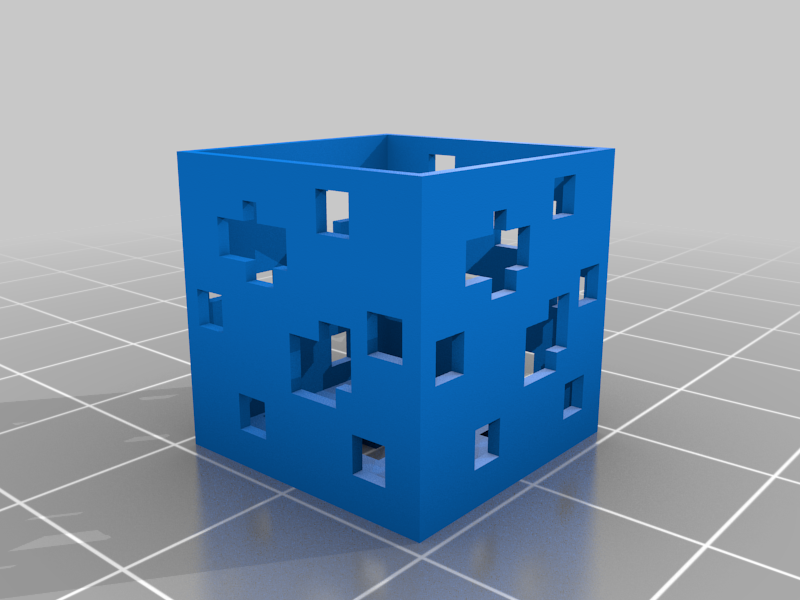 stl
stlv2-outer_emerald.stl
47 Ko · 8 503 téléchargements
-
 stl
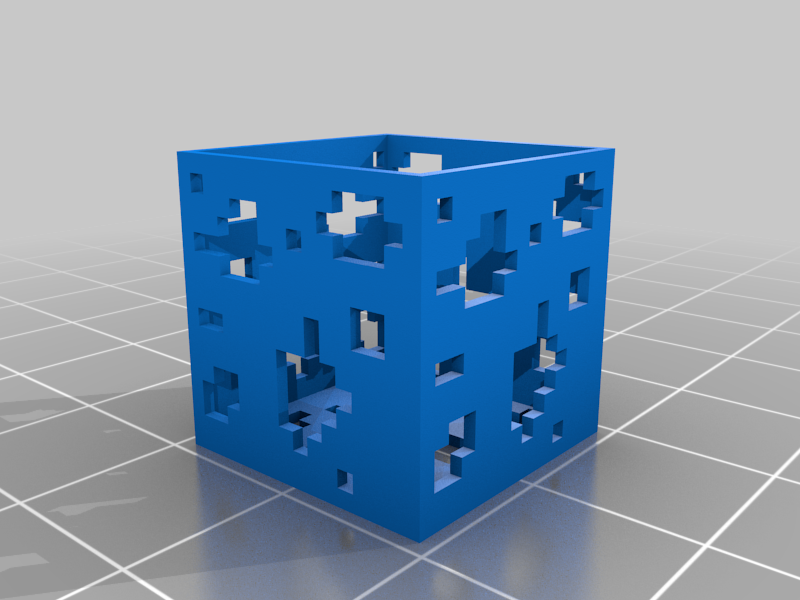
stlv2-outer_gold.stl
81 Ko · 8 318 téléchargements
-
 stl
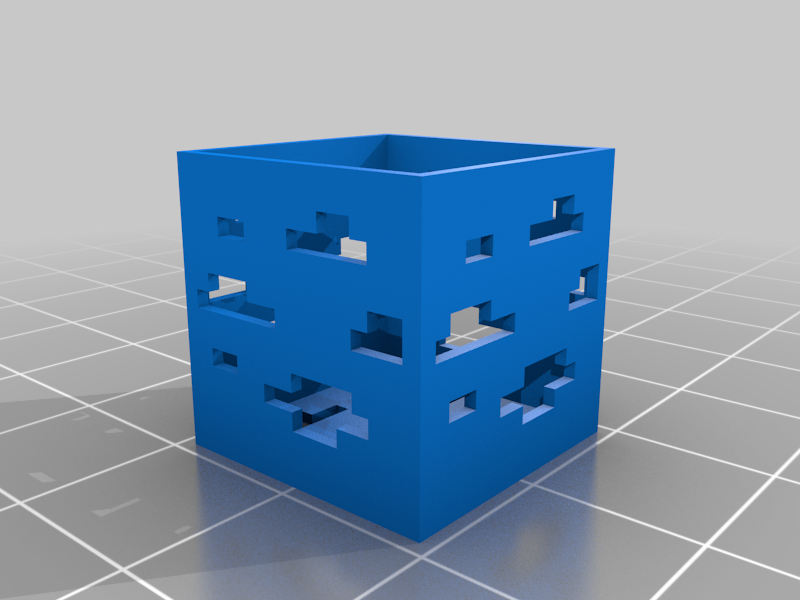
stlv2-outer_redstone.stl
48 Ko · 8 664 téléchargements
-
 stl
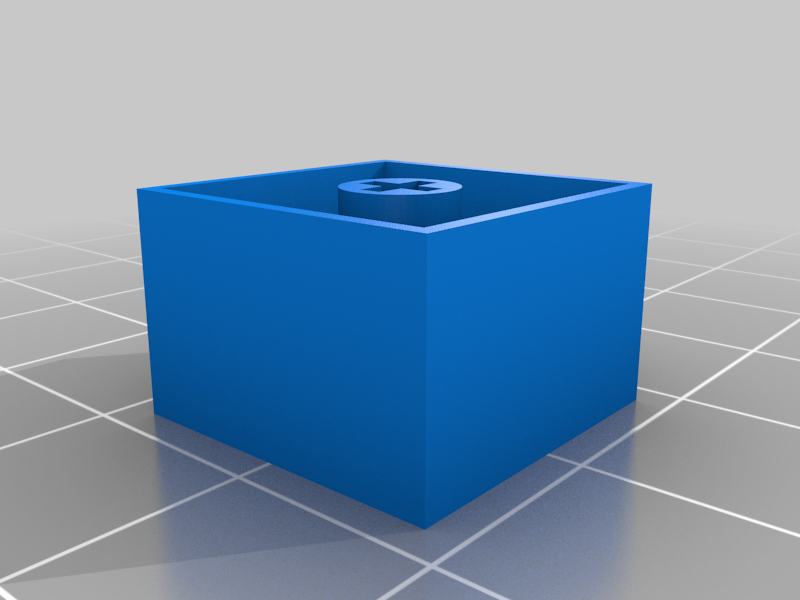
stlv2-inner_stem_slab.stl
21 Ko · 9 075 téléchargements
-
 stl
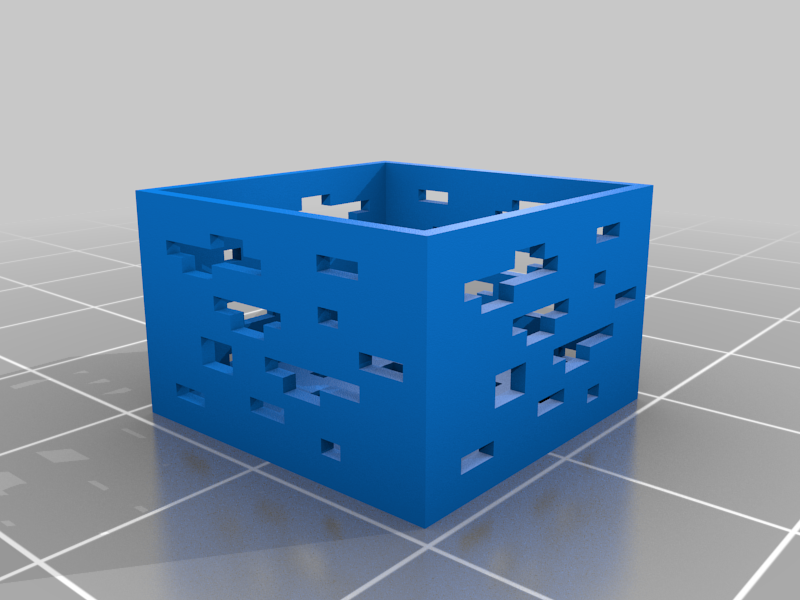
stlv2-outer_diamond_slab.stl
66 Ko · 8 706 téléchargements
-
 stl
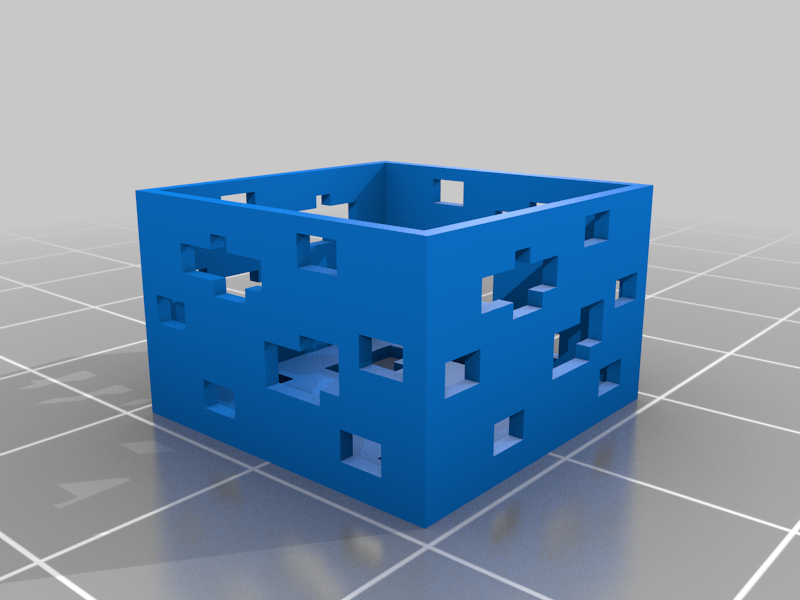
stlv2-outer_emerald_slab.stl
47 Ko · 7 994 téléchargements
-
 stl
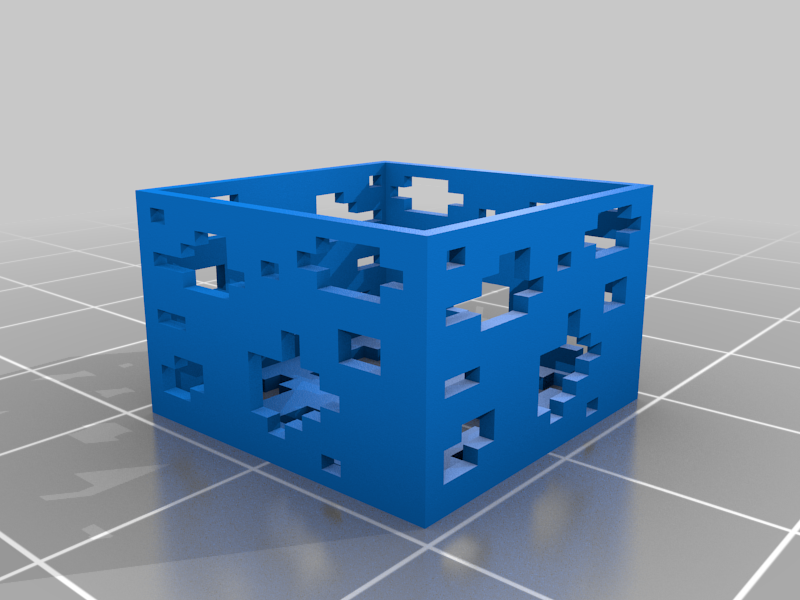
stlv2-outer_gold_slab.stl
81 Ko · 7 953 téléchargements
-
 stl
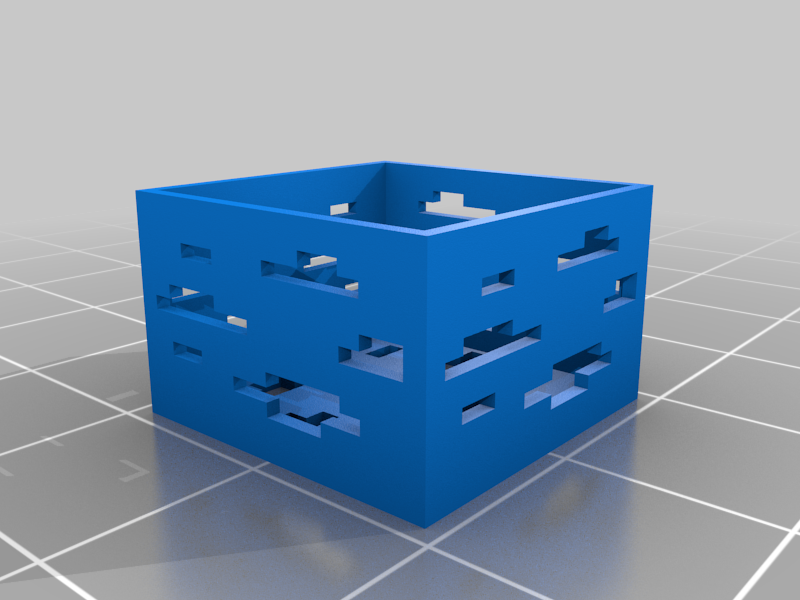
stlv2-outer_redstone_slab.stl
48 Ko · 8 106 téléchargements
Description
These are some Minecraft ore keycaps that are based on the new textures for 1.17+.
Final Update
All the files have now been uploaded, including an f3d file for those who want to do a remix. (It's my first time modelling with fusion 360 so please excuse the mess)The v1 files have been compiled into a zip file.
Printing Instructions
v1: 1-part print. Print as is for full-block size or scale down height to 11.4mm (uniform scaling off) for slab size.
v2: 2-part print. Find the files for the size of your choice. Print outer part with an opaque filament. Print the inner layer with translucent or white filament for better glow effect or a color of your choice to represent the ore.
Check out the print settings section for more info.
Compatibility
These are designed and tested to fit on outemu switches so any cherry and cherry clones should fit as well. You may refer to the chart (look for the stem type) on this link to check out the compatibility of your switches.
Tips
- These are printable with 0.4 nozzle, but the keycaps shown in the photos are printed with 0.2 nozzle. I tried printing with 0.4 but I just wasn't satisfied with the result.
- If the stem of your printed keycaps don't fit the switch or are too loose, you can try adjusting the hole horizontal expansion setting in Cura to fine tune the hole sizes.
- For v2, scaling the inner layer to 99% and setting hole horizontal expansion to 0.02 worked best for me
Please let me know if there are any improvements that can be made with the design. Any feedback and/or ideas are welcome. Also, I'd be happy if you share your makes as well! :)