
OpenSCAD - Automatic Customizable QR Code slabs, multiple qr codes
 par hertz98


Fichiers imprimables (20)
-
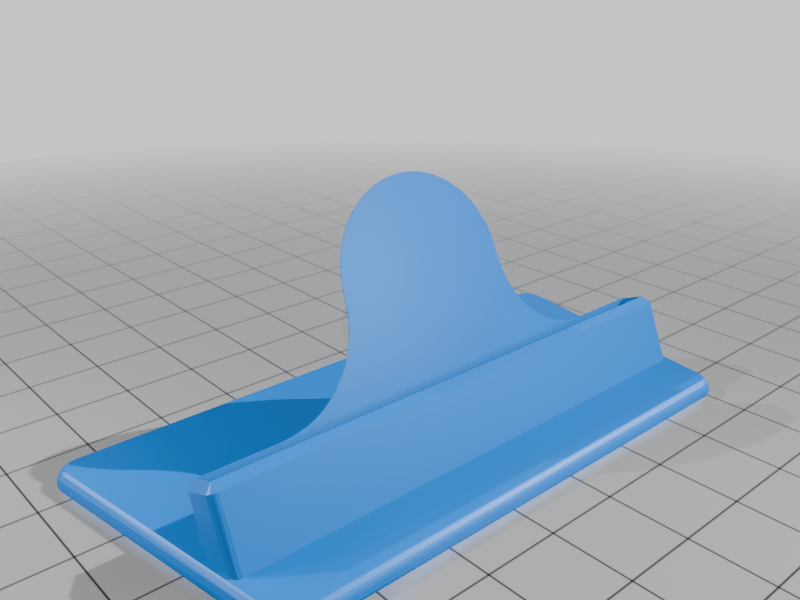 stl
stlqrcode_base_tilted_trapezoid.stl
72 Ko · 153 téléchargements
-
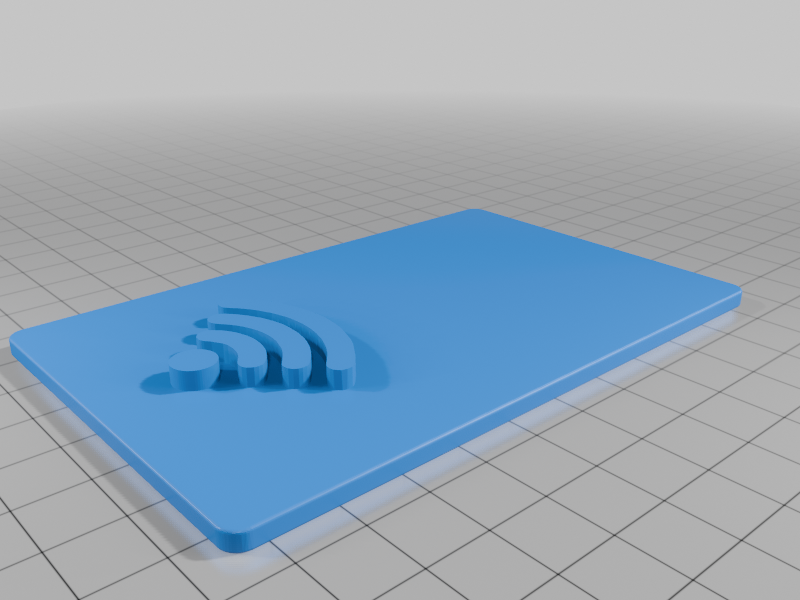 stl
stlqrcode_wifi_slab.stl
106 Ko · 161 téléchargements
-
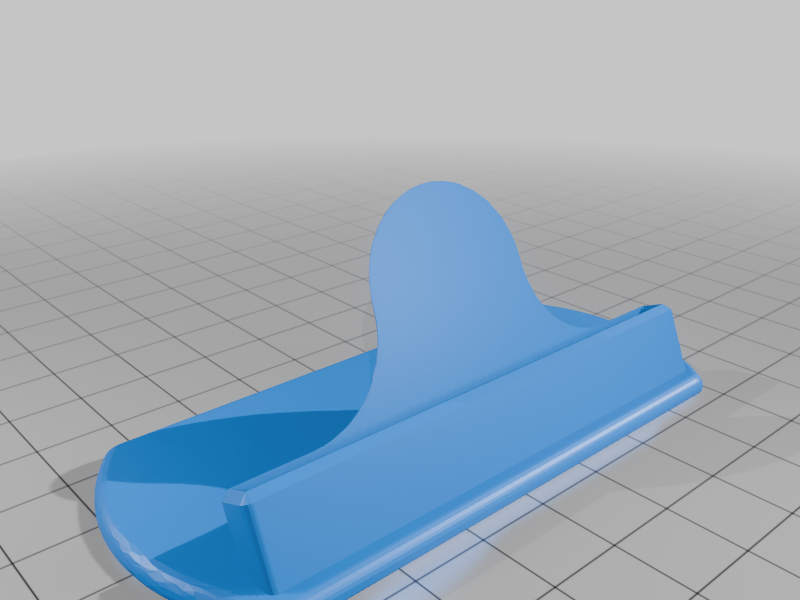 stl
stlqrcode_base_tilted_rounded_sides.stl
102 Ko · 146 téléchargements
-
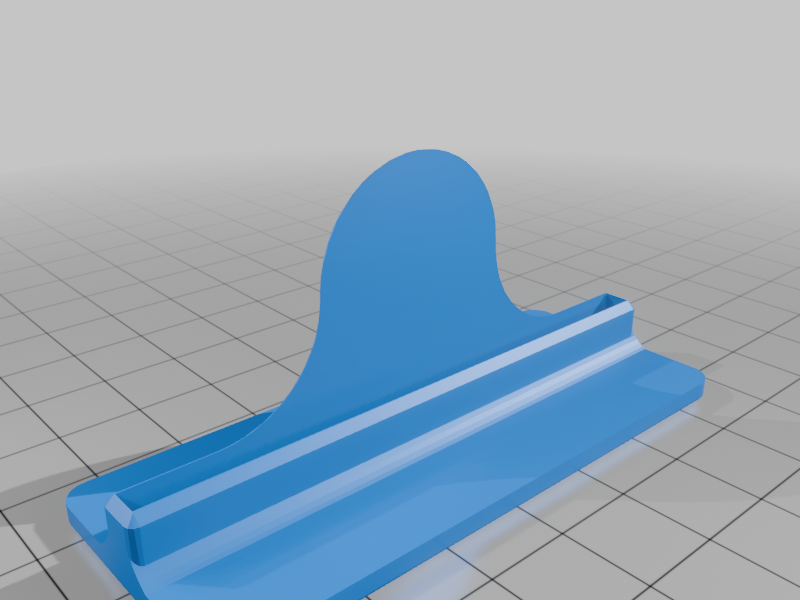 stl
stlqrcode_base_minimalist_vertical.stl
48 Ko · 141 téléchargements
-
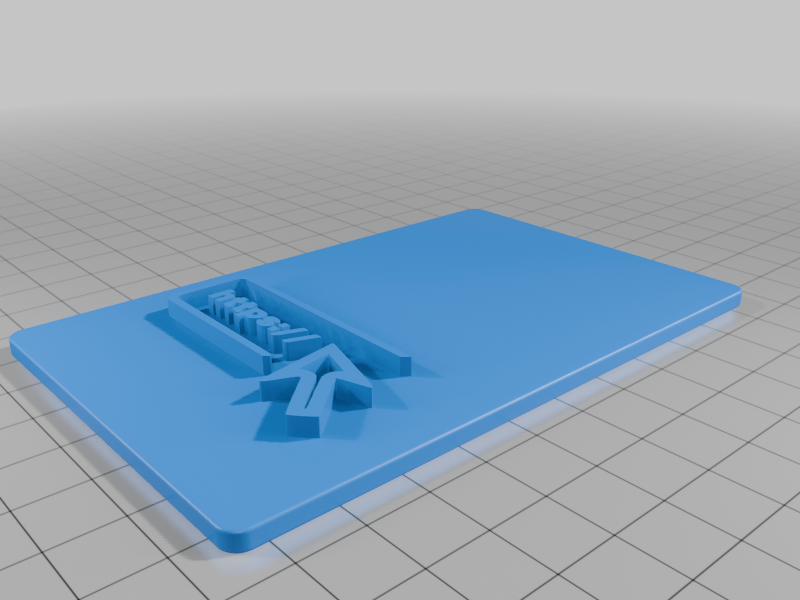 stl
stlqrcode_website_slab.stl
272 Ko · 142 téléchargements
-
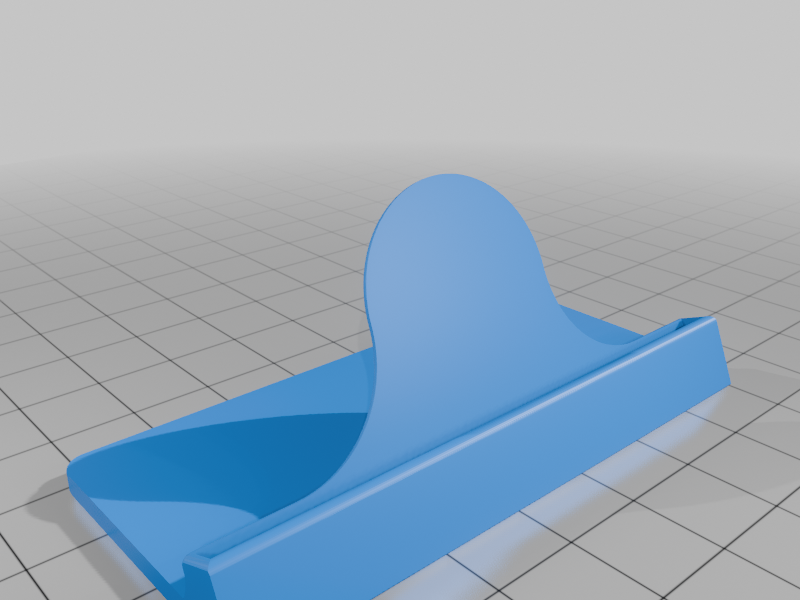 stl
stlqrcode_base_tilted_minimalist.stl
193 Ko · 144 téléchargements
-
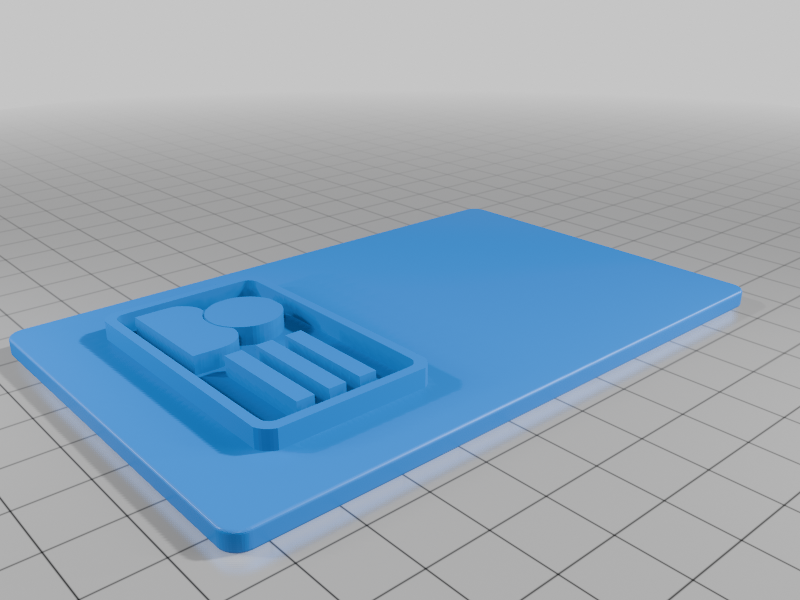 stl
stlqrcode_vcard_slab.stl
150 Ko · 135 téléchargements
-
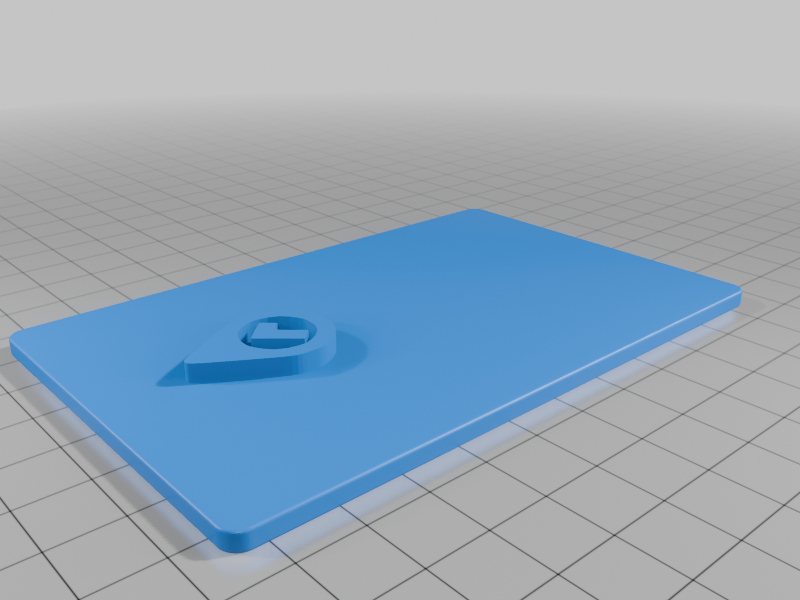 stl
stlqrcode_gps_location_checkmark_slab.stl
198 Ko · 135 téléchargements
-
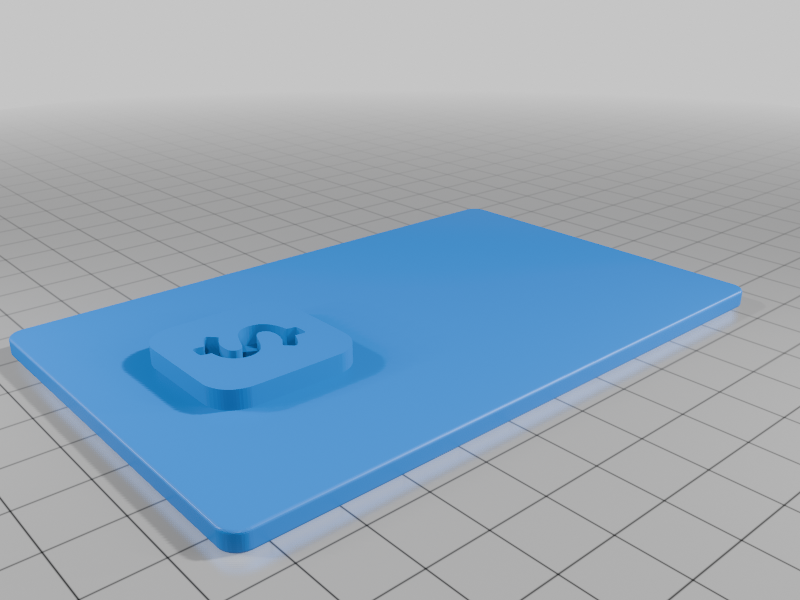 stl
stlqrcode_cashapp_slab.stl
150 Ko · 138 téléchargements
-
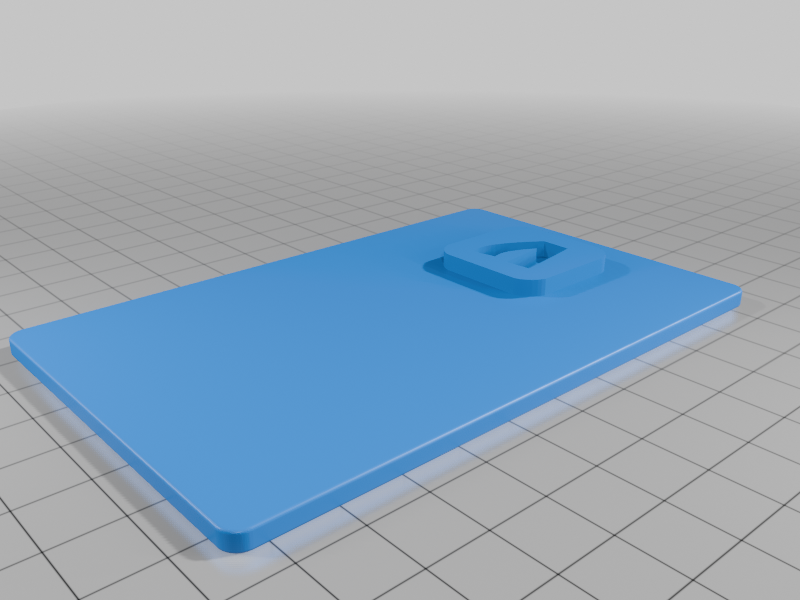 stl
stlqrcode_venmo_slab.stl
191 Ko · 135 téléchargements
-
 stl
stlqrcode_blank_slab.stl
159 Ko · 149 téléchargements
-
 stl
stlqrcode_email_slab.stl
213 Ko · 135 téléchargements
-
 stl
stlqrcode_base_vertical_rounded_sides.stl
94 Ko · 152 téléchargements
-
 stl
stlqrcode_feedback_slab_fixed.stl
429 Ko · 135 téléchargements
-
 stl
stlqrcode_check_in_slab.stl
248 Ko · 135 téléchargements
-
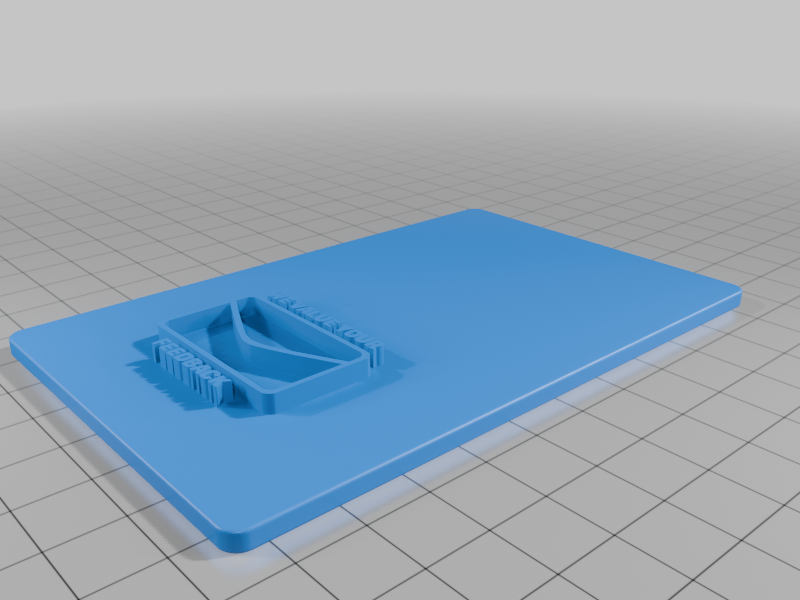 stl
stlqrcode_feedback_slab.stl
370 Ko · 137 téléchargements
-
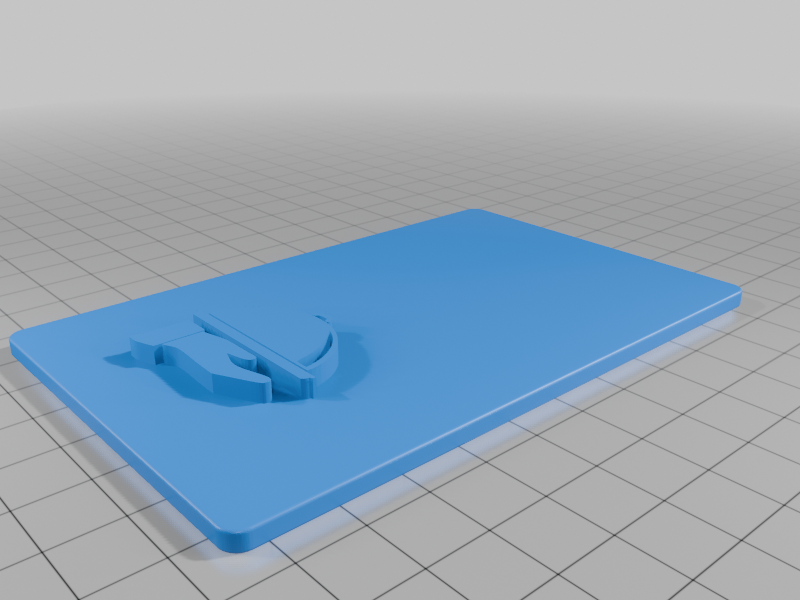 stl
stlqrcode_restaurant_menu_slab_fixed.stl
285 Ko · 135 téléchargements
-
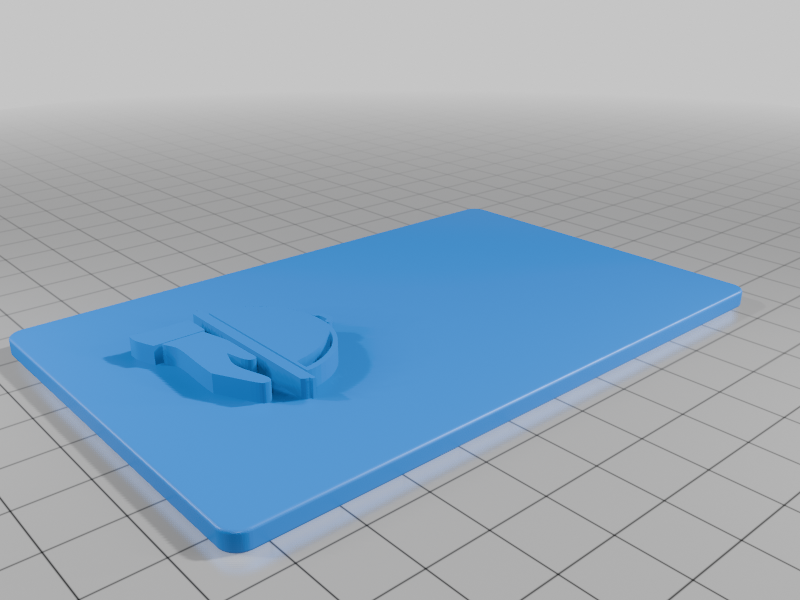 stl
stlqrcode_restaurant_menu_slab.stl
231 Ko · 135 téléchargements
-
 stl
stlQR_Card_Blank_v1.stl
166 Ko · 144 téléchargements
-
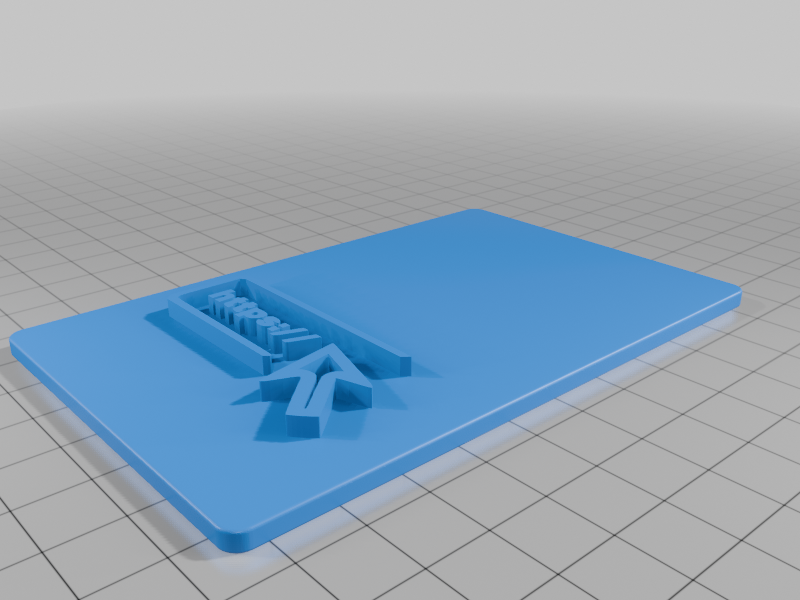 stl
stlqrcode_website_slab_fixed.stl
317 Ko · 140 téléchargements
Description
I'm too lazy to use Thinkercad so this project is born...
This project allows you to generate a slab with a custom QR code, without the need of any web service (no sign in, completly offline and privacy friendly) and without the need of manually joining the meshes together in a CAD application.
The only requirement is to have OpenSCAD installed, a lightweight software used for 3D modelling, but you must download and extract all the files to get it working (not only the openscad files)
Like the original post you can either print with two color filaments or print entirely with one color and paint the top surface later.
Features
Automatic, you only have to set the parameters for the QR code.
The script has customizer capable of generating QR codes for:
- Text
- Web links
- WiFi authentication
- Phone Call numbers
- SMS and Whatsapp templates
- E-Mail template
- vCards
All the slab in the original thing are provided, so you can choose any of them in the menu
Furthermore the script allow you to customize the size of the qr code, its thickness and the thickness of the logo (I suggest a thickness between 0.5 and 1.0 mm for the QR code)
Instructions
- Install OpenSCAD
- Download all the files, extract them in the same folder
- Open qr_slab.scad
- Use the customizer on the right panel
- In the first section choose the slab and QR type
- Then fill the corresponding section of the chosen QR type
- Press F5 to preview, if the results is OK press F6 to render, then F7 to save the mesh
- There you go
I recommend disabling the automatic preview function because the rendering is anything but immediate, be patient, it could takes a couple of minutes
Update 2024/08/12
- Updated scadqr library
Credits
Thanks to the library scadqr to allow generating qr codes
This is a remix of the Easy One-Color Custom QR Code for Wifi, Check-In, Menu, Website uploaded by wyqid