
Toroid Winder
 par WetBiscuitt


Fichiers imprimables (9)
-
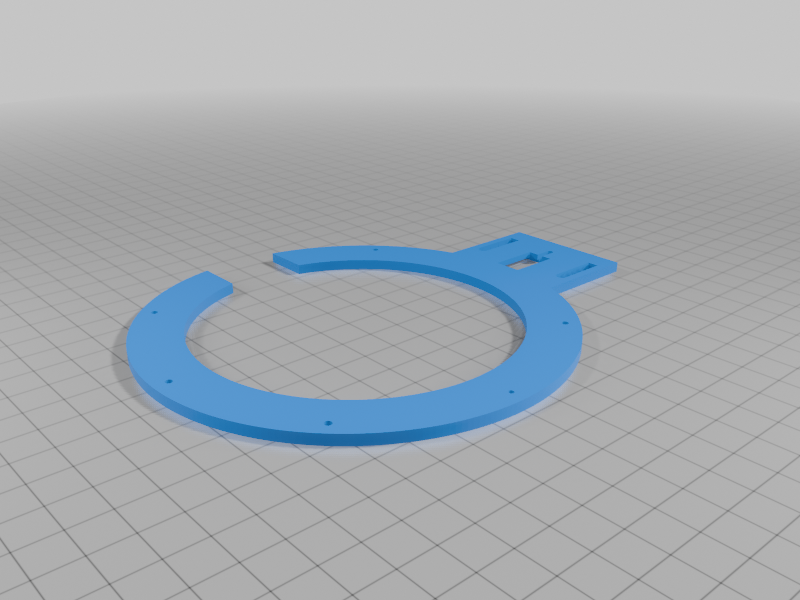 stl
stlbase.stl
145 Ko · 171 téléchargements
-
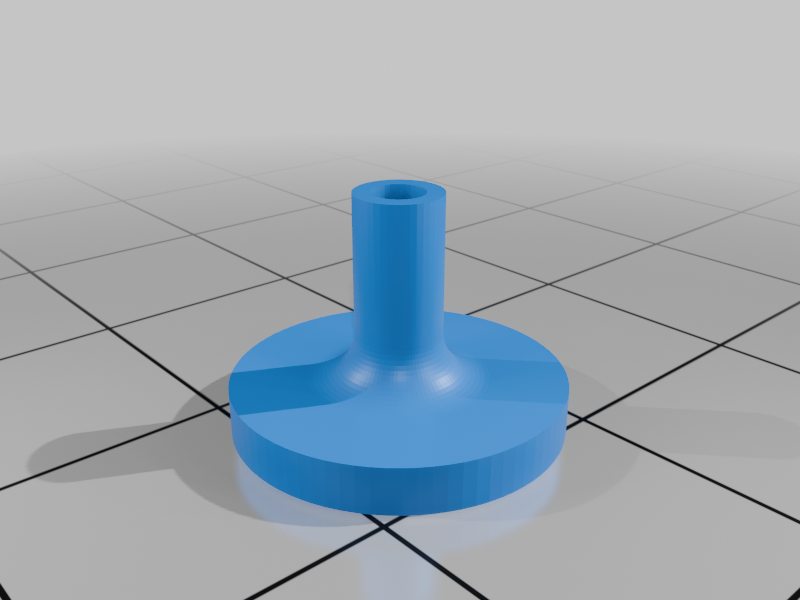 stl
stlbobbin.stl
168 Ko · 173 téléchargements
-
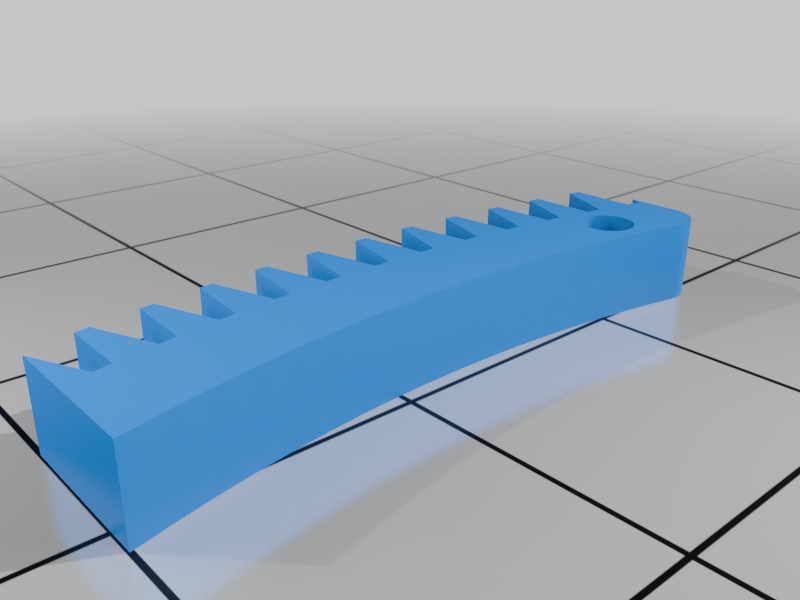 stl
stlgate.stl
25 Ko · 174 téléchargements
-
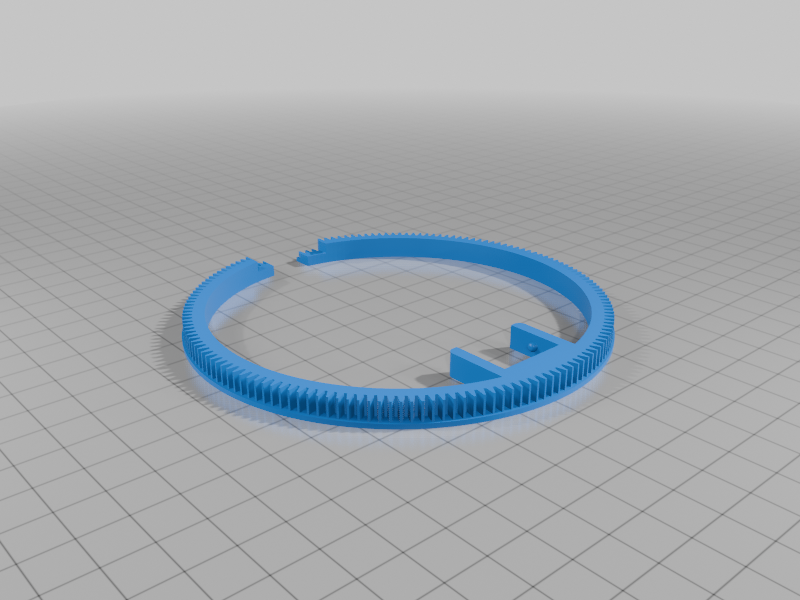 stl
stlinner_ring.stl
376 Ko · 174 téléchargements
-
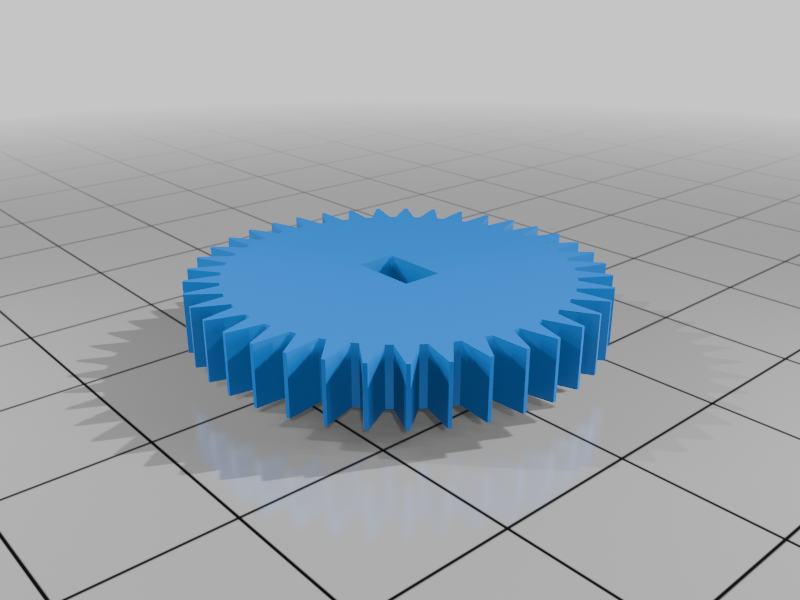 stl
stlsmall_gear.stl
58 Ko · 178 téléchargements
-
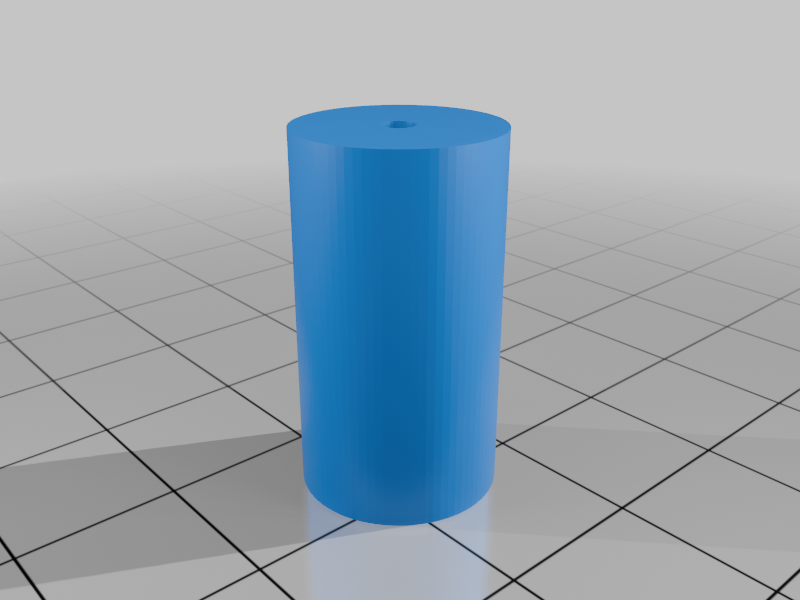 stl
stlstandoff.stl
22 Ko · 174 téléchargements
-
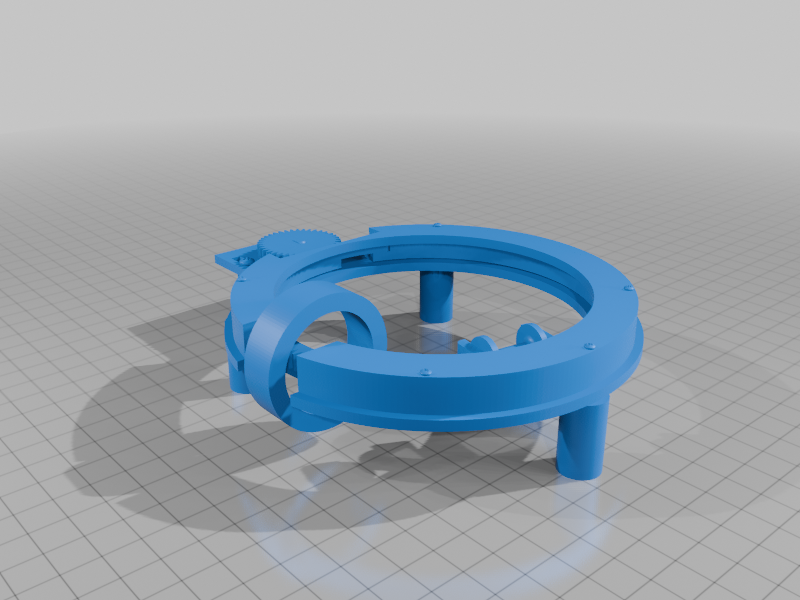 stl
stlwinder.stl
17.4 Mo · 232 téléchargements
-
 stl
stlYoke.stl
20 Ko · 176 téléchargements
-
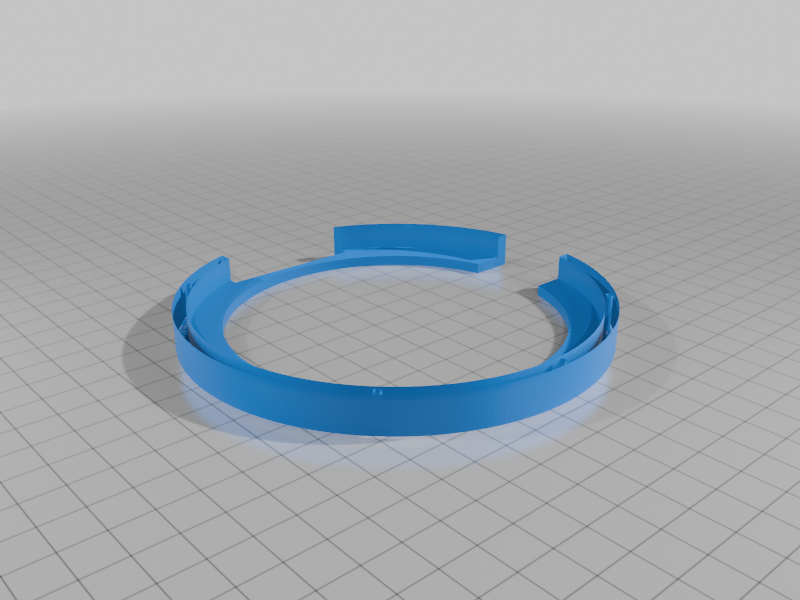 stl
stlcover.stl
160 Ko · 172 téléchargements
Description
The original model from 2019 was great, but the creator unfortunately uploaded it with a crucial missing part and hasn't fixed. Since I actually needed to use this thing, I had to fix it myself. Luckily, the original creator included a single combined mesh file of the whole assembly. I dragged that mesh into Fusion and isolated the missing part, then added it among the other files. The tolerance error should be around 0.005mm or so IDK, which is practically non-existent for 3D printing anyway.
Note: This is a Remix post. The core mechanical design belongs to the original creator; andersontyler174 I just fixed the missing parts and did the assembly work to make it actually printable and usable for everyone.
What Is This Thing? (From the Original Creator)
According to the original author, this thing is a low-cost solution to wind toroids easily (especially if you need like 100+ windings and don't want your hands to bleed). It's specifically sized for rings with an OD of 1.592", ID of 1.180", and 0.5" height. The bobbin can be popped out so you can wrap it and put it back. He also mentioned making a hand crank back in 2019 but he never uploaded it, so you either use the motor setup or spin it yourself IDK.
Required Hardware & Non-Printed Parts:
- The Motor: He used a
28BYJ-48stepper motor. He notes that it is very slow and mostly for demonstration, but it works. - Screws & Nuts: You'll need 5x of
0-80screws and nuts to hold the main assembly together. Also 2x of4-40screws and nuts to mount the motor. - Pins: A small spring pin is needed to connect the gate to the large ring, and to join the two ends of the bobbin together.
Important Slicer & Mesh Notes
- The "Slicer Error": When you first drop this once missing but recovered "cover.stl" file into Ultimaker Cura (or other slicers), you will likely see a purple/blue checkered texture on the outer walls indicating a "mesh error" or non-manifold geometry. This happens because of the mesh-splitting process in Fusion. Don't panic and just slice it. Cura's internal algorithm automatically repairs these overlapping faces during the slicing process. Hit the "Slice" button and check the Preview tab. You will see that the actual toolpath, walls, and infill are flawless. It prints perfectly.
My Personal Print Settings:
• 3D Printer: Creality Ender 3 Pro
• Slicer Software: Ultimaker Cura
• Filament: PLA (Standard 1.75mm)
• Nozzle Temperature:210°C
• Bed Temperature:60°C
• Nozzle Size:0.4mm
• Layer Height:0.2mm(Standard Quality)
• Infill:20%
Future Plans / Update Note
That 28BYJ motor is painfully slow and you can't really manage the rpm and other stuff. I am currently working on making a version or a mount for a Nema 17 stepper motor. If I can get it to work properly and actually get some decent performance out of it, I'll update this post later. I'll probably upload a build video, a working demo video, and a detailed production guide on how to assemble it.
If you encounter any weird issues or have questions, feel free to drop a comment here or shoot me an email at: susibabapiro@gmail.com