
Eggbot + Sphere-o-bot + Eggduino Mods + ArduinoUno (Updated)
 por Blubber33


Archivos imprimibles (21)
-
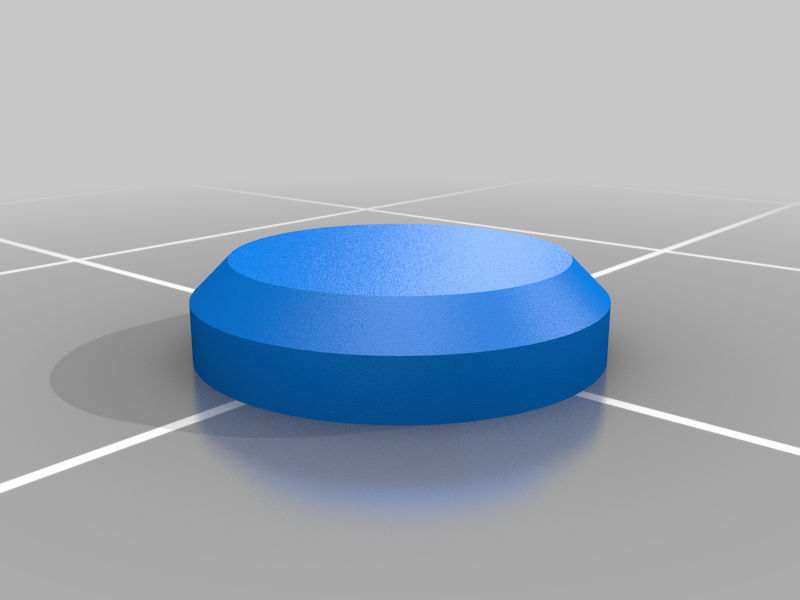 stl
stlCap-Knob-Nut_M3.stl
53 Ko · 260 descargas
-
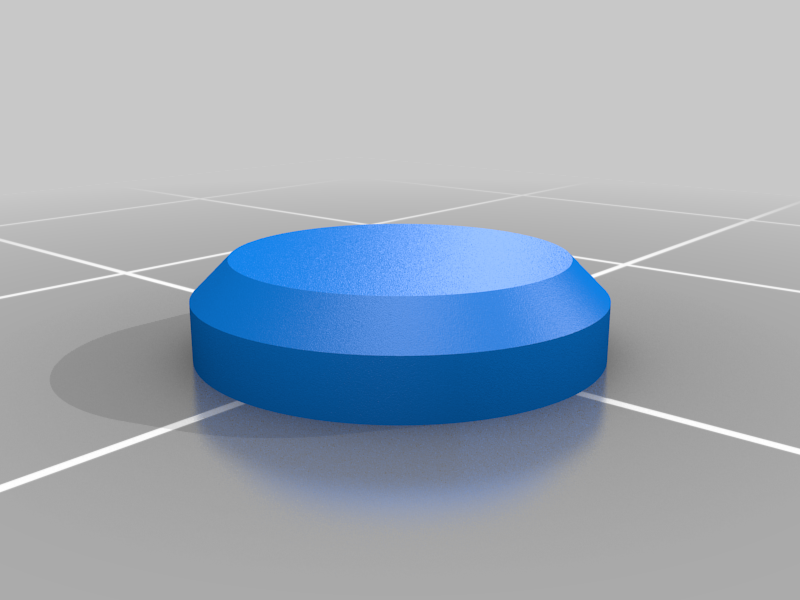 stl
stlCap-Knob-Nut_M4.stl
53 Ko · 258 descargas
-
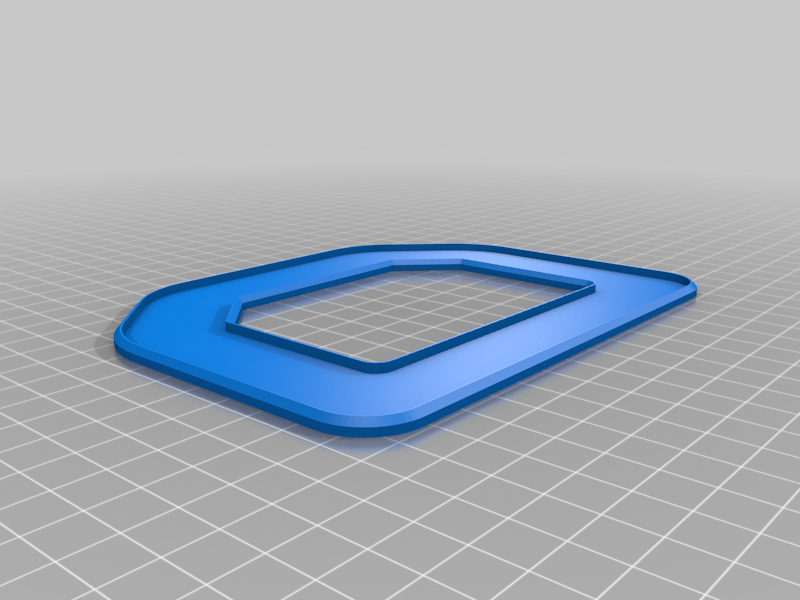 stl
stlbase.stl
61 Ko · 260 descargas
-
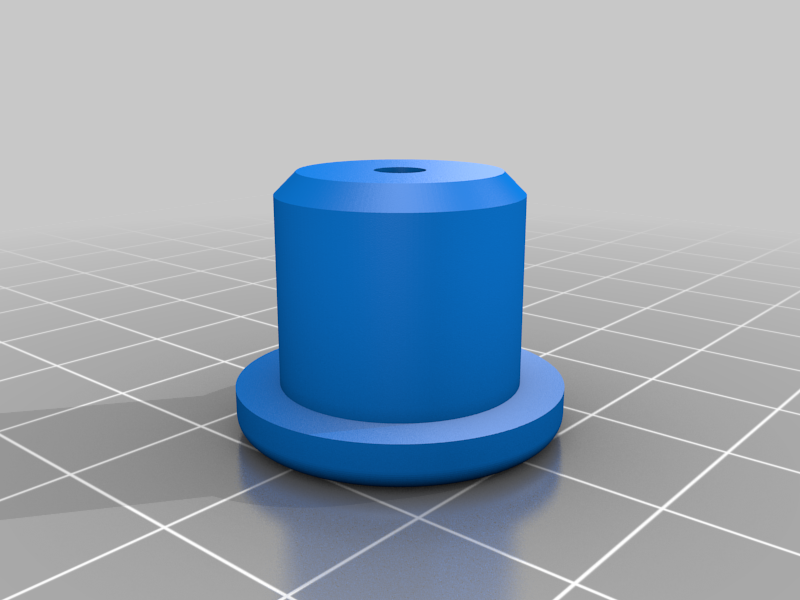 stl
stlaxle_carrier_inner_V3.stl
571 Ko · 270 descargas
-
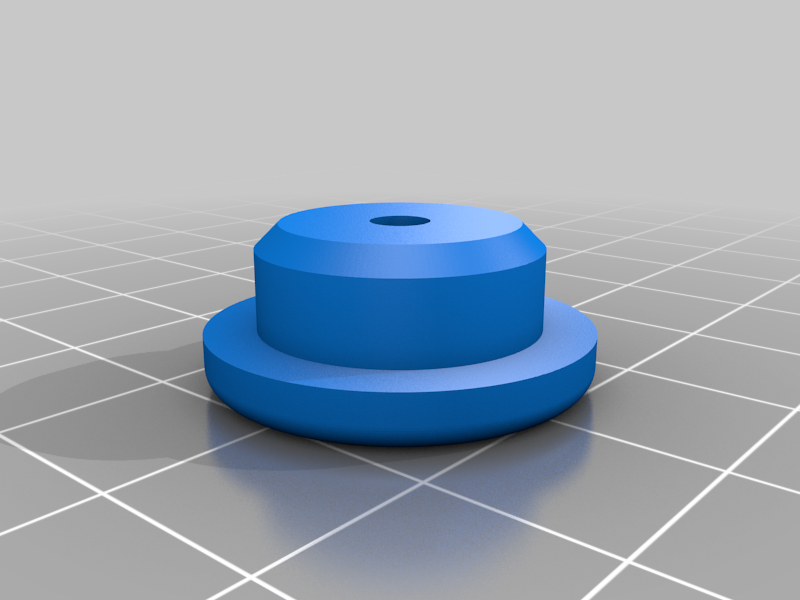 stl
stlaxle_carrier_outer_V3.stl
543 Ko · 269 descargas
-
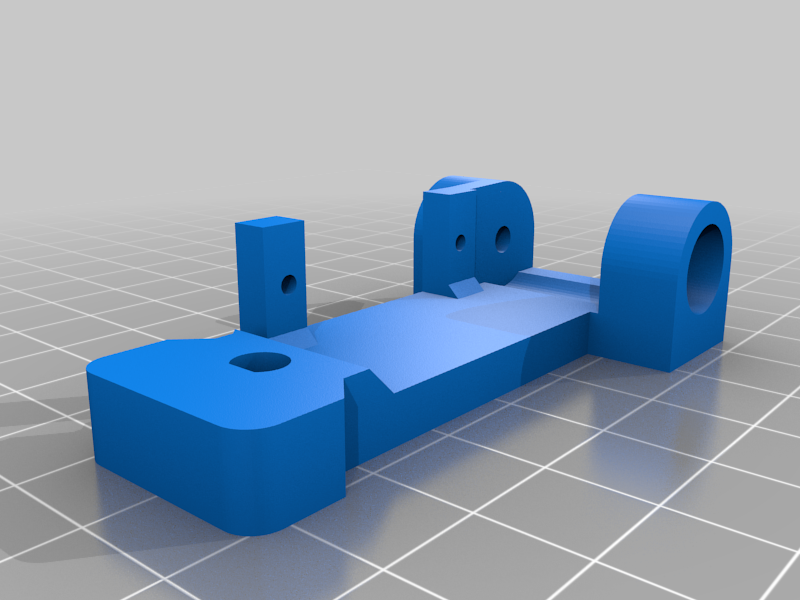 stl
stlVert_Arm_V3.stl
123 Ko · 276 descargas
-
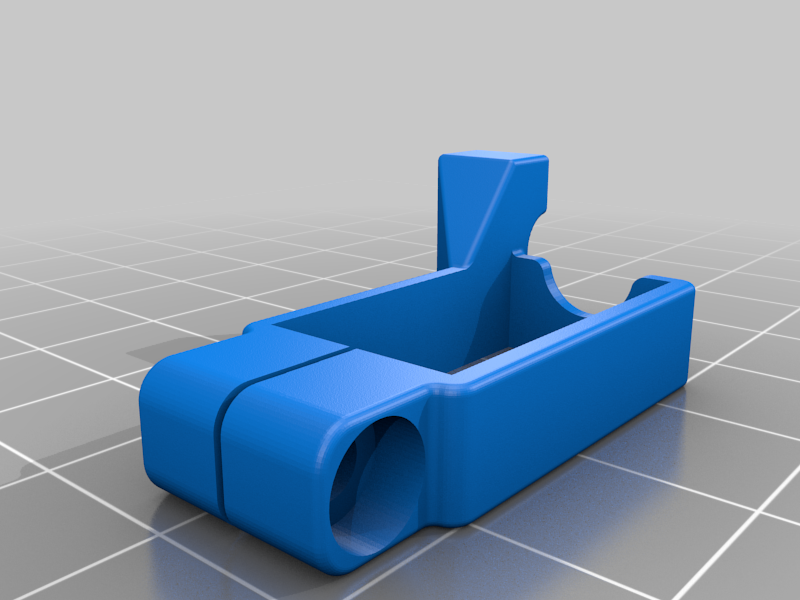 stl
stlstrain_relief_for_cable_wrap.stl
429 Ko · 258 descargas
-
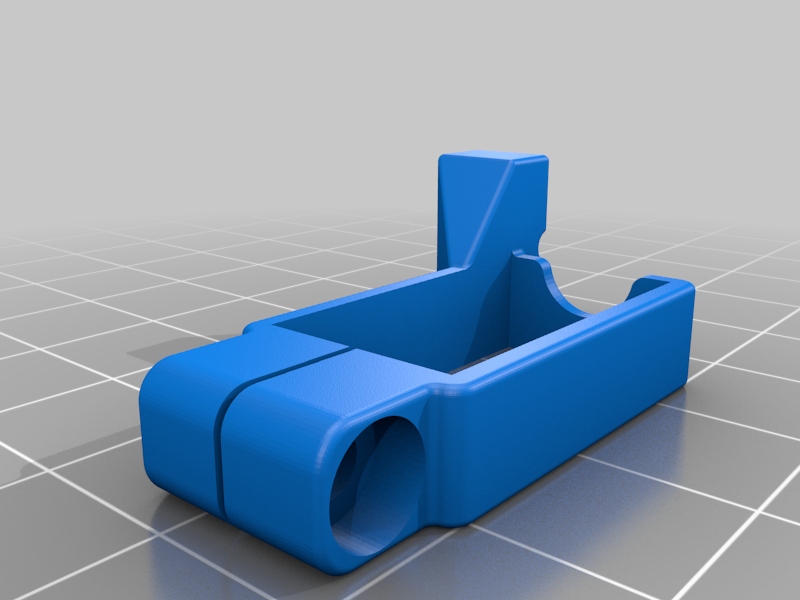 stl
stlstrain_relief_for_bare_wires.stl
413 Ko · 262 descargas
-
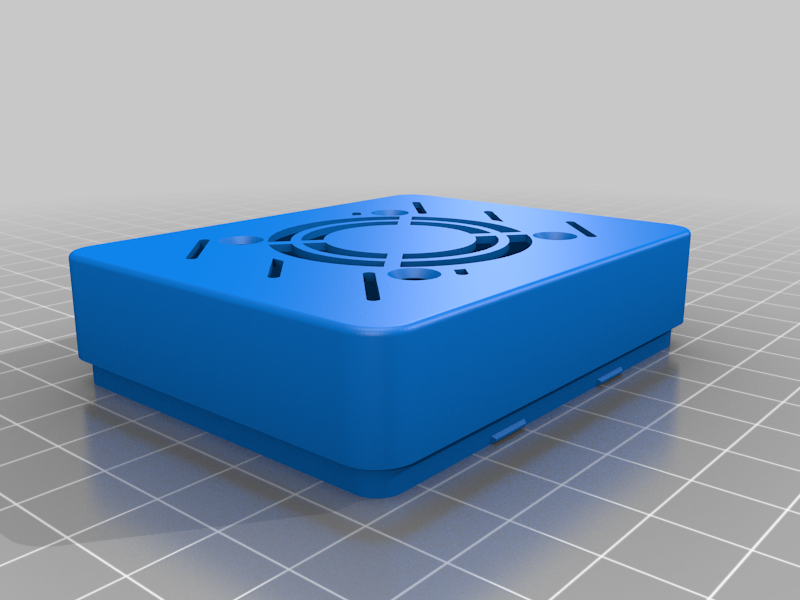 stl
stlelectronics_case_lid_wFan_V3.stl
394 Ko · 271 descargas
-
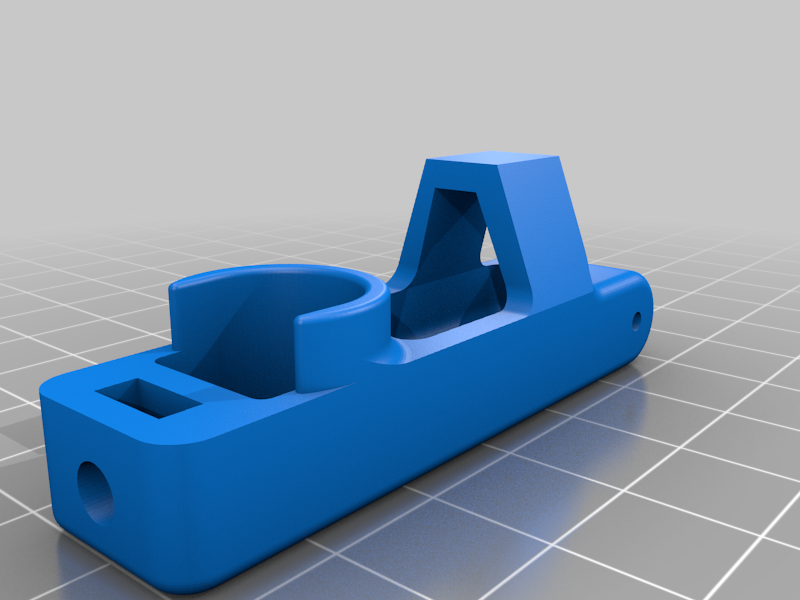 stl
stlpen_holder_V3.stl
583 Ko · 274 descargas
-
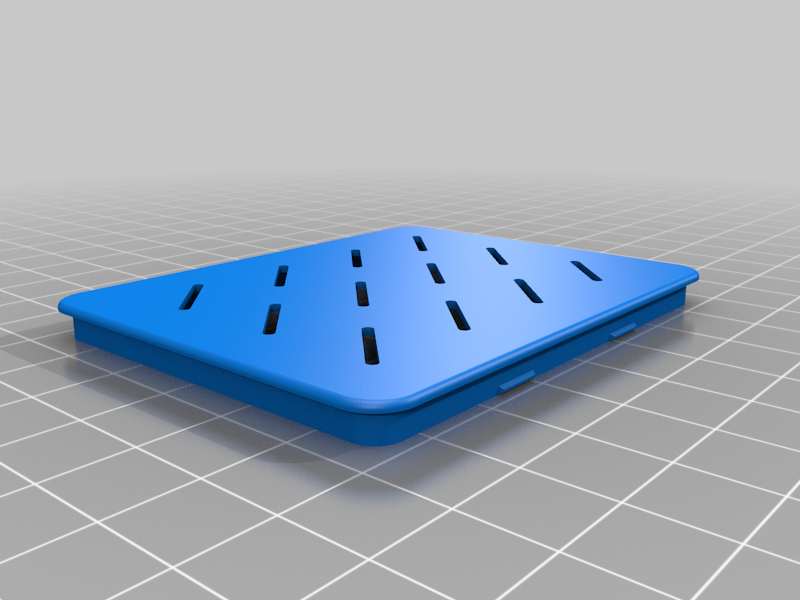 stl
stlelectronics_case_lid_V3.stl
258 Ko · 262 descargas
-
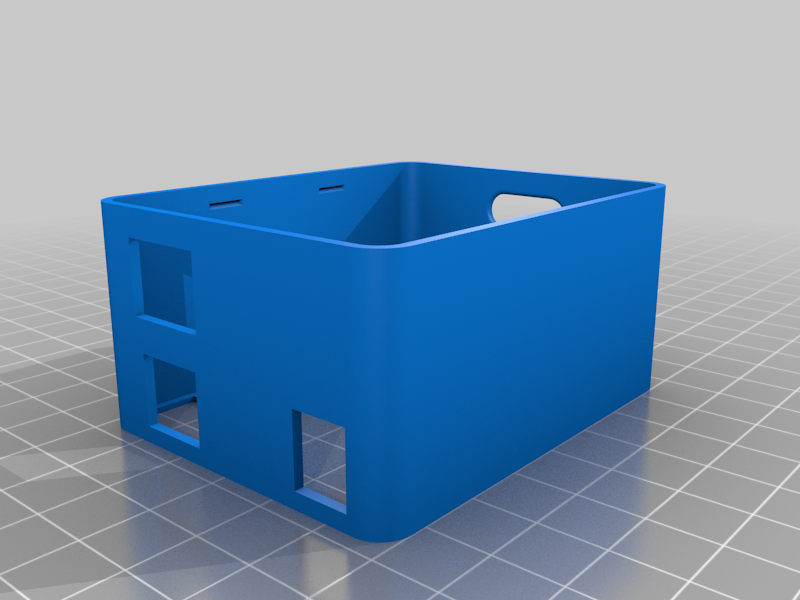 stl
stlelectronics_case_V3.stl
254 Ko · 273 descargas
-
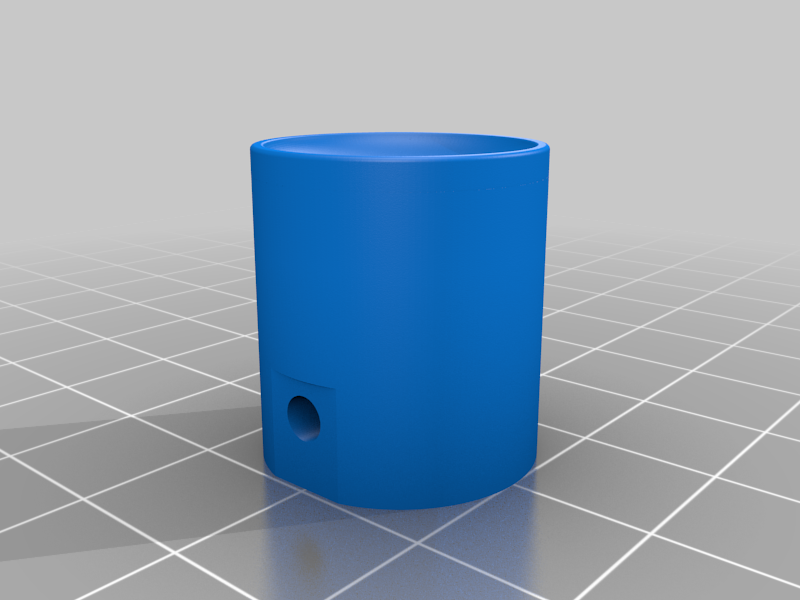 stl
stlcoupler_stepper_long_22_V3.stl
1.2 Mo · 273 descargas
-
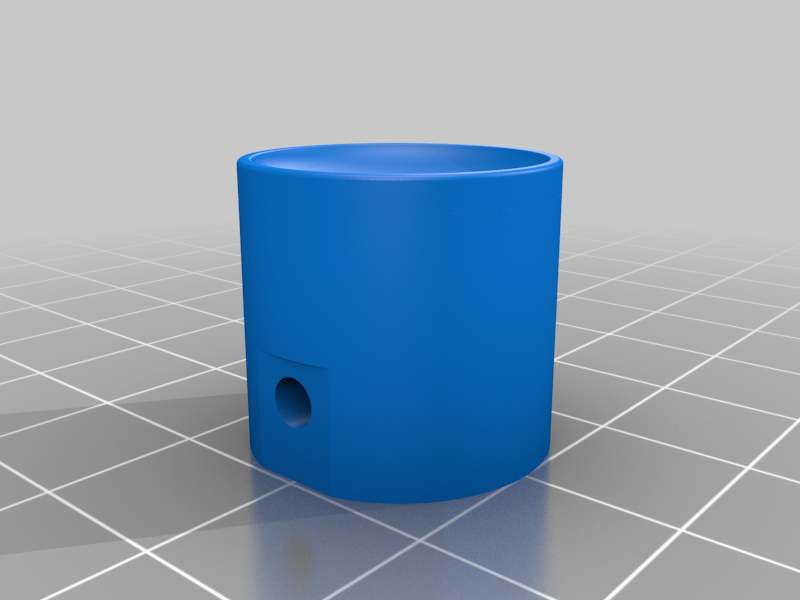 stl
stlcoupler_stepper_short_17_V3.stl
1.3 Mo · 268 descargas
-
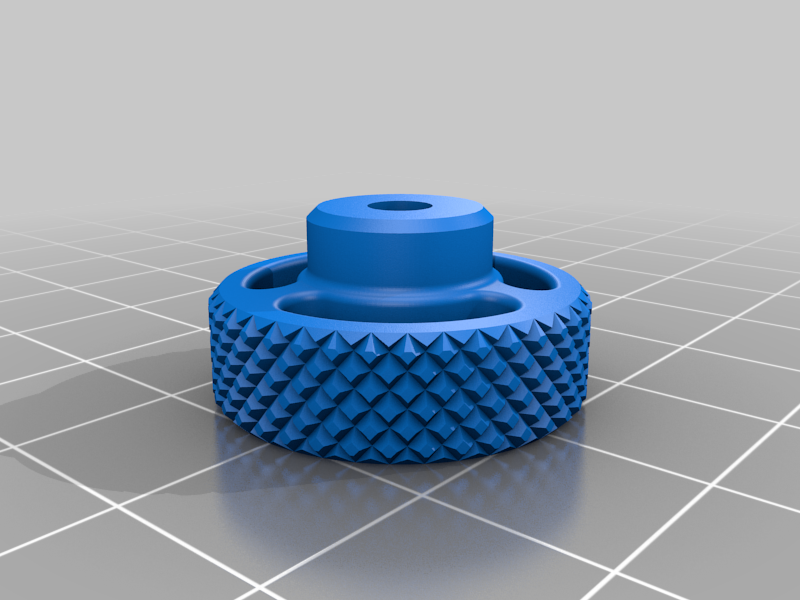 stl
stlKnob-Nut_M4_V3.stl
2.2 Mo · 264 descargas
-
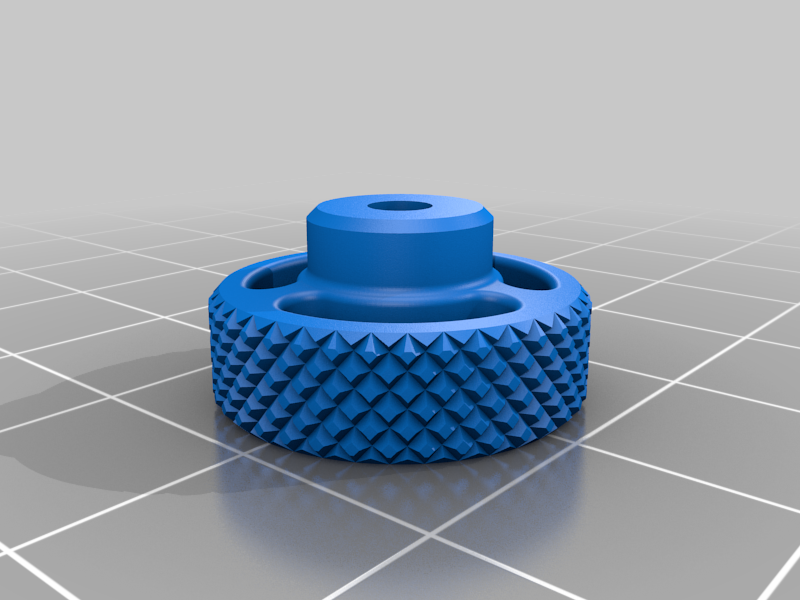 stl
stlKnob-Nut_M3_V3.stl
2.2 Mo · 263 descargas
-
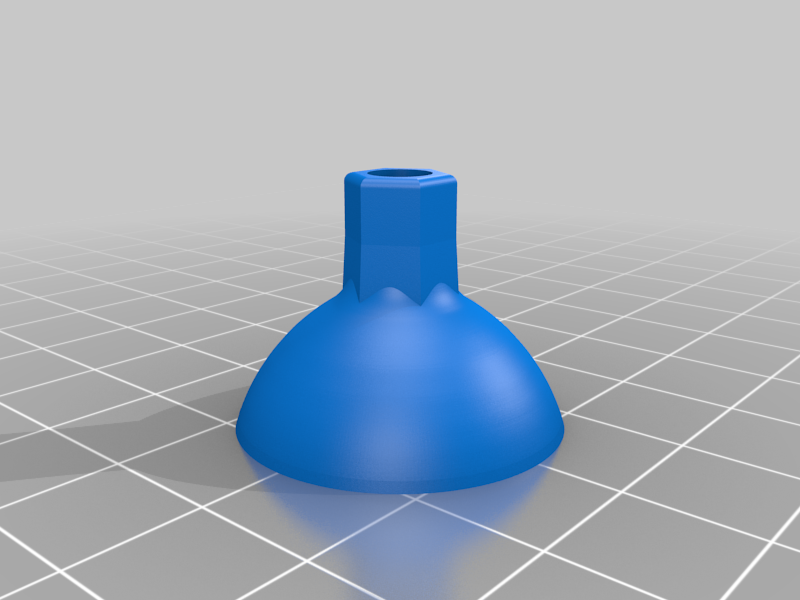 stl
stlCup_coupler_V3.stl
3.7 Mo · 280 descargas
-
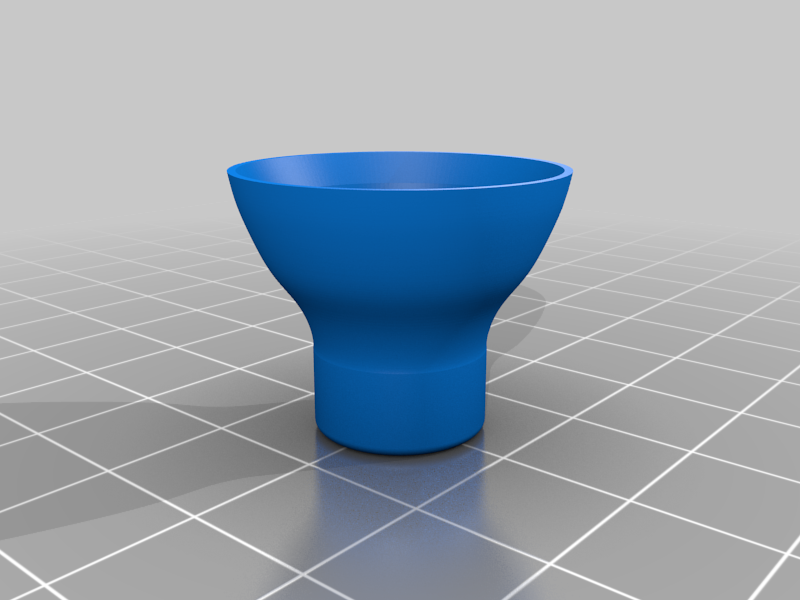 stl
stlCentering_cup_V3.stl
3.5 Mo · 283 descargas
-
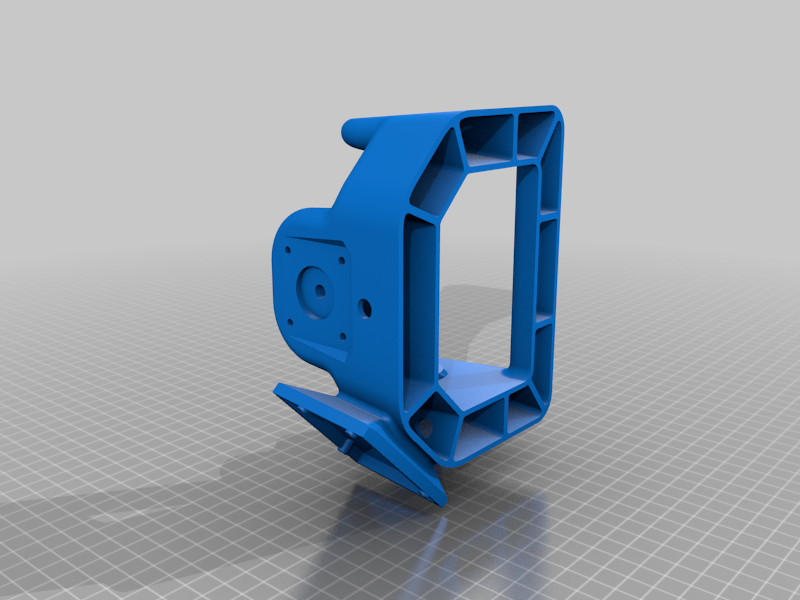 stl
stlMAIN_FRAME_[V2.stl
6.6 Mo · 253 descargas
-
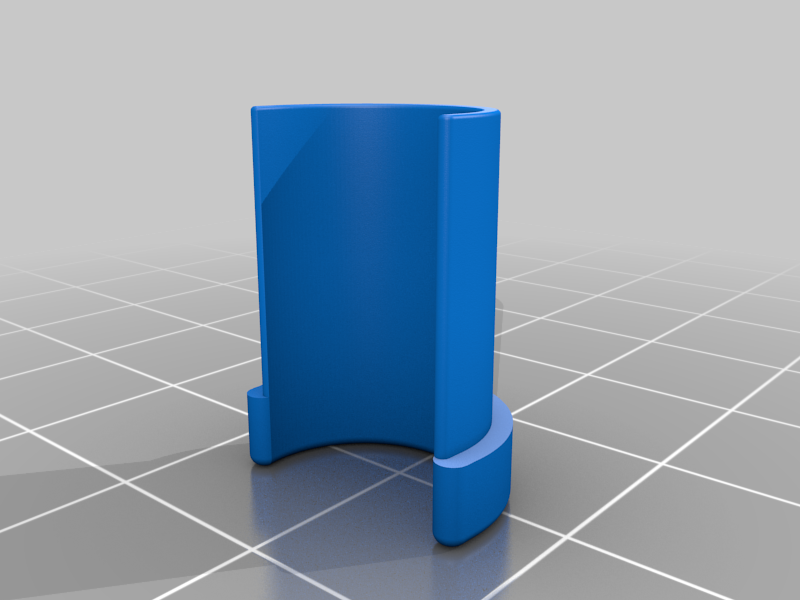 stl
stlAdapter_Sharpie_fine_V1.stl
607 Ko · 259 descargas
-
 stl
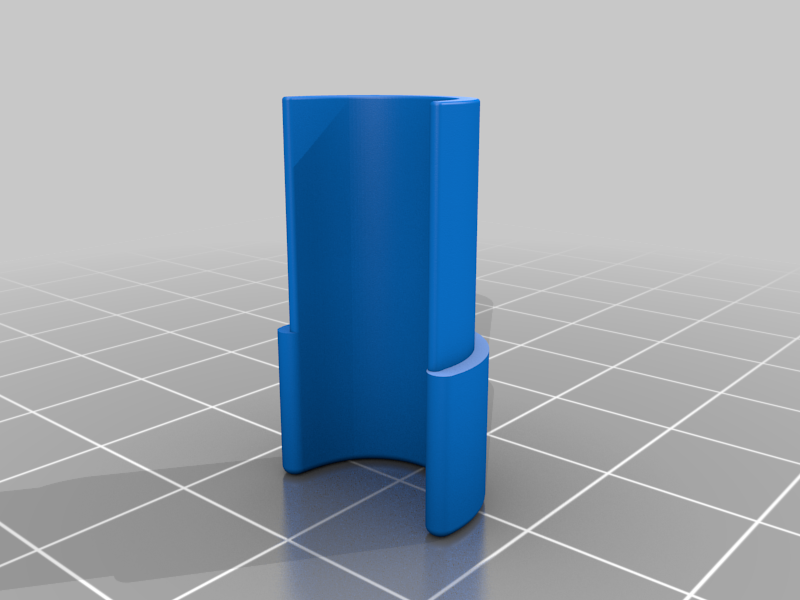
stlAdapter_Sharpie_ultra_V1.stl
599 Ko · 260 descargas
Descripción
The design of the Sphere-O-Bot is great! Thank you for that!
During the assambly with a mixure of remixed files, I had some issues that parts did not fit perfect to the MainFrame. I updated or create the not fitting components.
(pic of all modified / new parts)
To control the Eggbot, I use a ArduinoUno with a CNC shield with AT2100 stepper driver.
What you need to create this painting robot:
4x 623ZZ 3x10x4mm
2x Wood screw (3mm; for Pen-Arm)
1x Threaded steel rod (3mmØ,80mm length)
1x compression spring (4,5mmØ, 10 mm length)
2x 1.8deg NEMA 17 Stepper motors + cables
1x SG90 servo
1x Arduino Uno + CNC shield
1x 40mm 5V fan (optional)
2x Stepper motor drivers
1x Power supply 12v
1x 12V DC Plug DC Female Connector
12mm M3 bolts M3 nuts
Assambling is easy.
To get it runnung and controled with Inkscape... took me a while...
You can not use the original Sphere-O-Bot firmware, because they use there controler board. I got it running with the EggDuino firmware. But before you upload it, check in the EggDuino.ino file, which board is selectet!!! And may change it to the one you use (here: BOARD_CNCSHIELD). Otherwies you only here a humming of the steppers.
To control, you can use the latest version of Inkscape with the Eggbot plugin (ad-ink_320_r0). I had to change the timings for the servo, thats it.
To see it running is really cool.
Update 08.04.2022:
To use sharpie pencels, I upload two adapter one for fine and one for ultra fine.
Now you can switch the pencils without recalibrating the arm.