
Pi TFT plus Console Case
 di arcmatt


File stampabili (12)
-
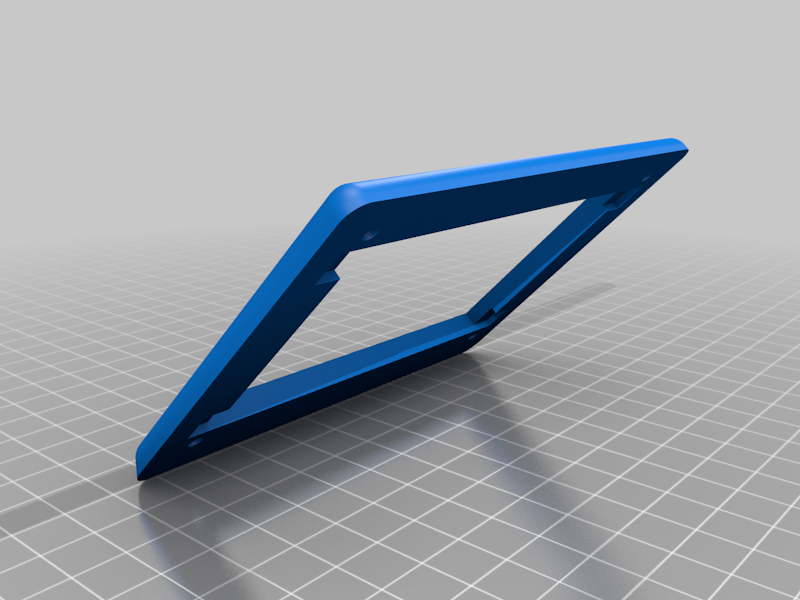 stl
stlPiBoxTFTTop.stl
155 Ko · 23 674 download
-
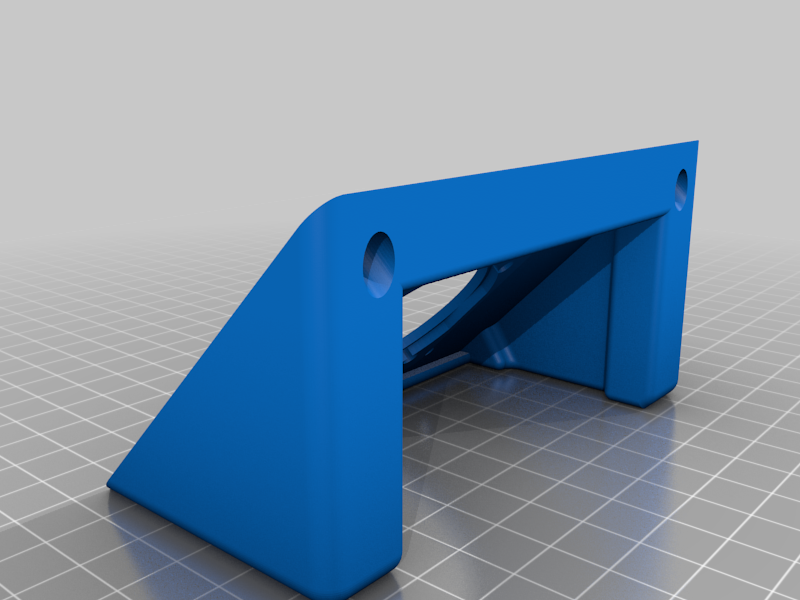 stl
stlPiBoxTFTBaseFanFrame.stl
441 Ko · 23 388 download
-
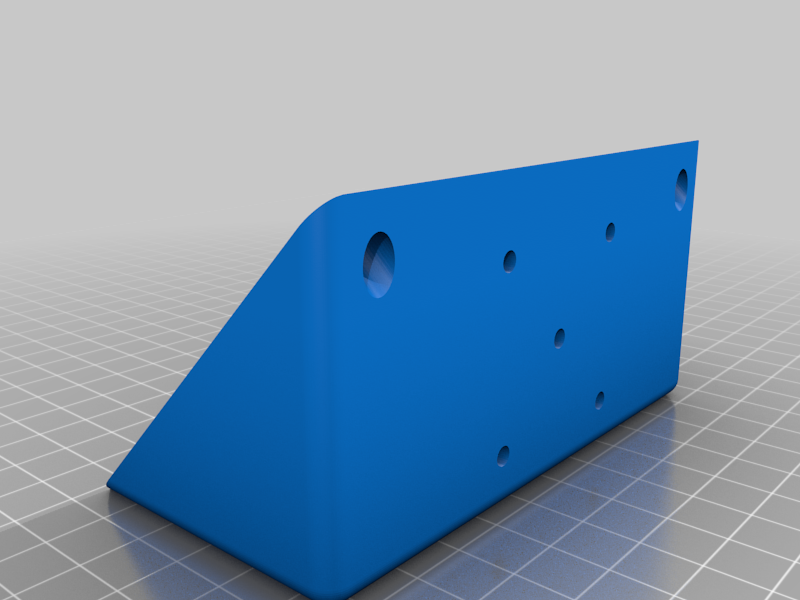 stl
stlPiBoxTFTBaseEnclosedFanDrill.stl
203 Ko · 23 334 download
-
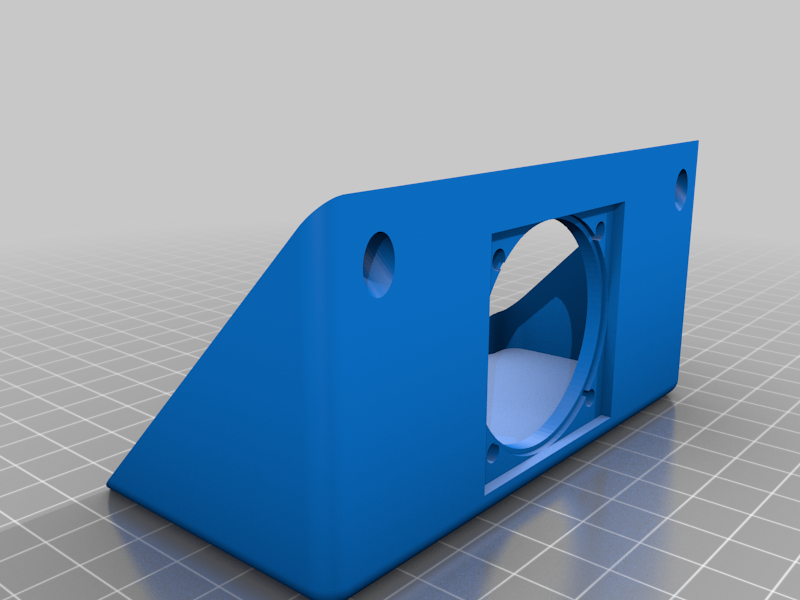 stl
stlPiBoxTFTBaseFanEnclosed.stl
232 Ko · 23 369 download
-
 stl
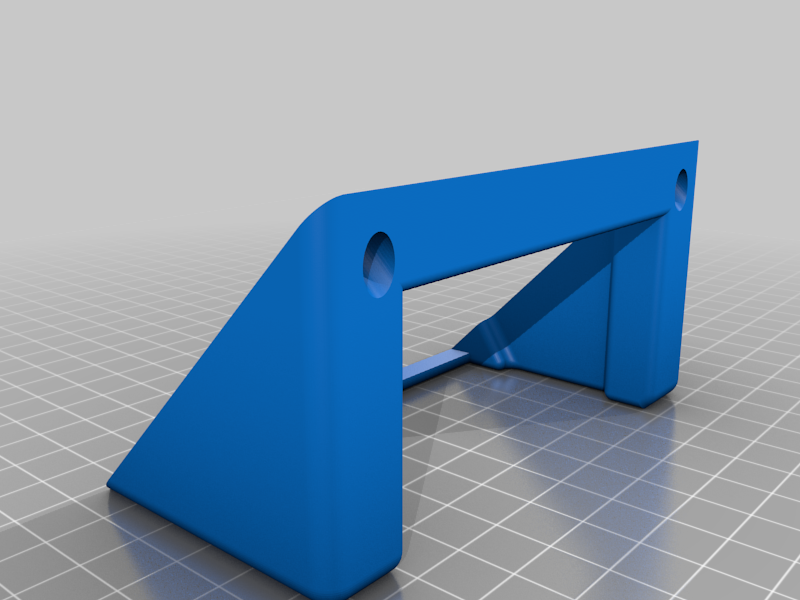
stlPiBoxTFTBaseFrame.stl
319 Ko · 23 320 download
-
 stl
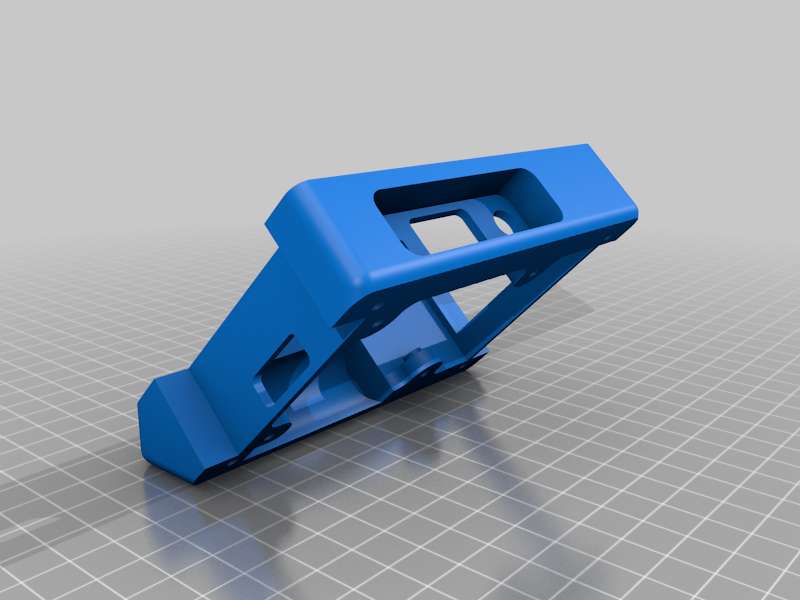
stlPiBoxTFTPiBox.stl
337 Ko · 23 357 download
-
 stl
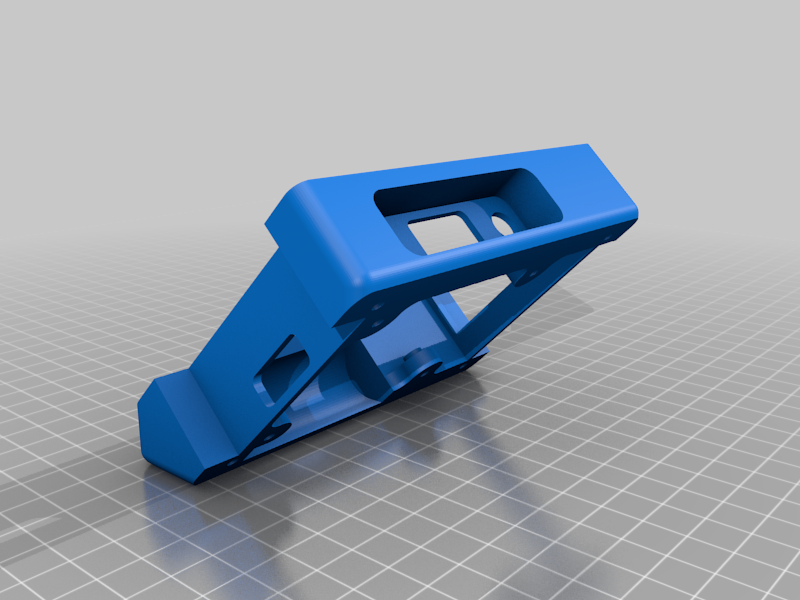
stlPiBoxTFTPiBoxPlugFriendly.stl
337 Ko · 23 350 download
-
 step
stepPiBoxTFT45BaseFanFrameMod.stp
160 Ko · 23 087 download
-
step
PiBoxTFT45TopDropHex.stp
60 Ko · 23 090 download
-
step
PiBoxTFTPiChannelModThinPlugRev.stp
315 Ko · 23 043 download
-
 stl
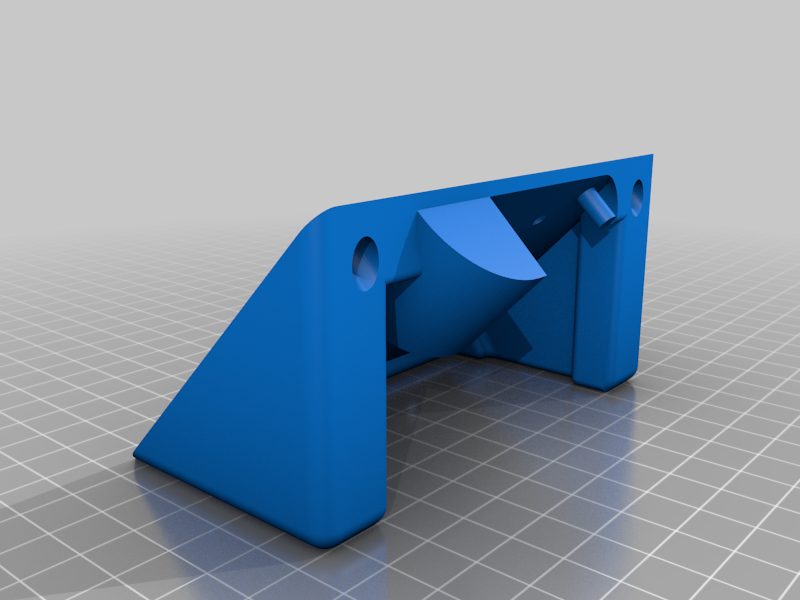
stlPiBoxTFT45BaseBlower2.stl
441 Ko · 23 023 download
-
step
PiBoxTFT45BaseBlower2.stp
172 Ko · 22 951 download
Descrizione
The AstroBox Touch has got me excited: Kickstarter or AstroPrint
So I made a case for a Raspberry Pi (3) and an Adafruit 3.5" TFT in a console style.
The Console consists of 3 parts: The Base, The Body and the Top or screen bezel. I used embedded nuts to bolt the parts together and for mounting the Raspberry Pi. The voids for the nuts are in the STL files, simply pause at the layer height and place the nuts then resume printing.
There are choices for the Base, some are enclosed and some an open frame. Both have options for a 40mm fan. The fan mounts below the Raspberry Pi, but there is an air duct that directs air flow over the top of the Pi as well.
The Body and Top should be rotated 45º to sit flat on your print bed. The BaseFanFrame should also be rotated to sit flat on the print bed for best results on the fan mounting surface.
After building your enclosure, follow this tutorial at Adafruit Learn to get it up and running.
When asked "Select project" choose option #2 and "Configure options manually".
Enjoy !
UPDATED
10/18/2017 Added: Revised PiBox, I made the wall with the power plug opening thinner to allow plug to seat better. Title: PiBoxTFTPiBoxPlugFriendly.stl
Added: I converted my SolidEdge part source files for those who would like to modify the parts into STEP (.stp) files which can be opened in a variety of software packages including AutoDesk's FREE Fusion 360.
11/14/2017 Added a Base for a 50mm blower fan with 20x15mm outlet. MUCH better airflow.