
Toolbox Labels
 por benjamenjohnson


Ficheiros imprimíveis (15)
-
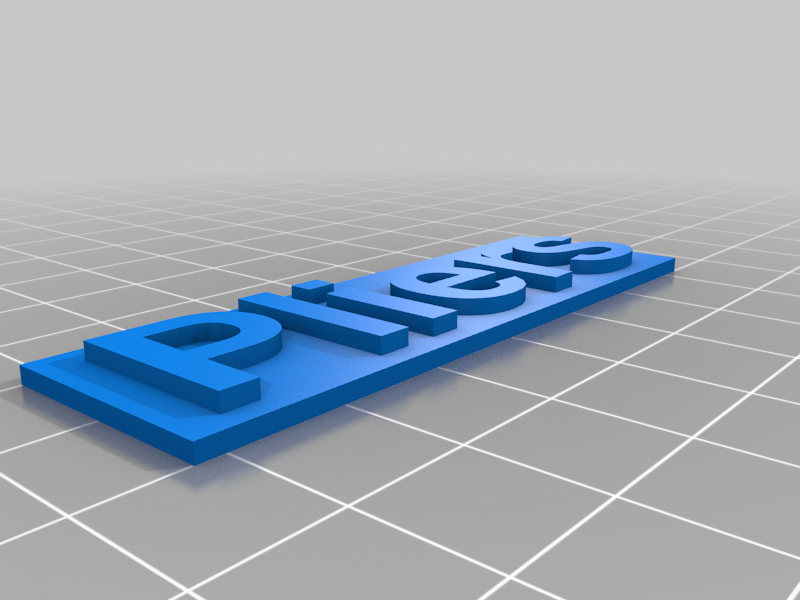 stl
stlPliers.stl
177 Ko · 1 960 descargas
-
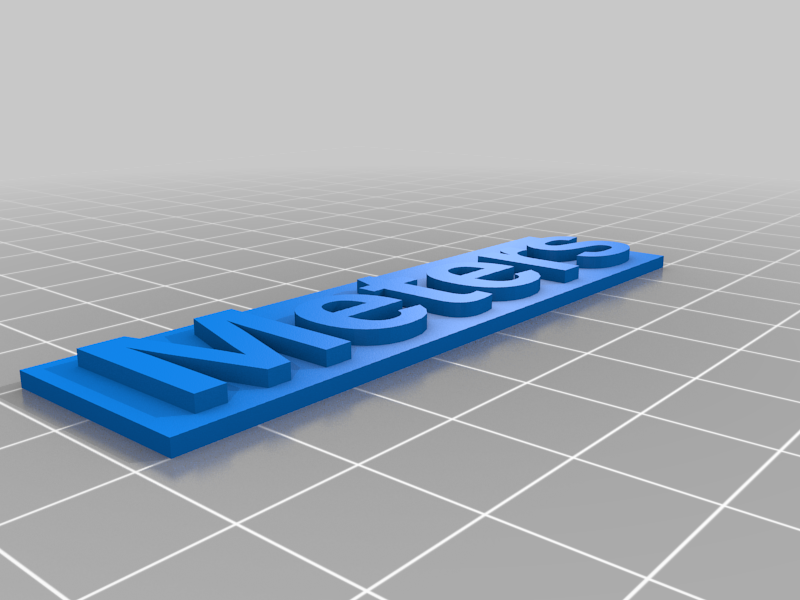 stl
stlMeters.stl
225 Ko · 1 916 descargas
-
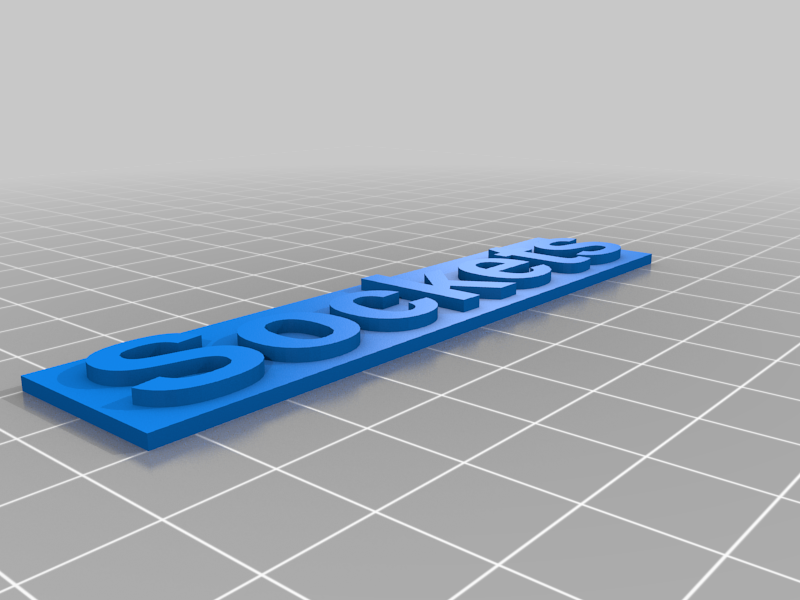 stl
stlSockets.stl
298 Ko · 1 953 descargas
-
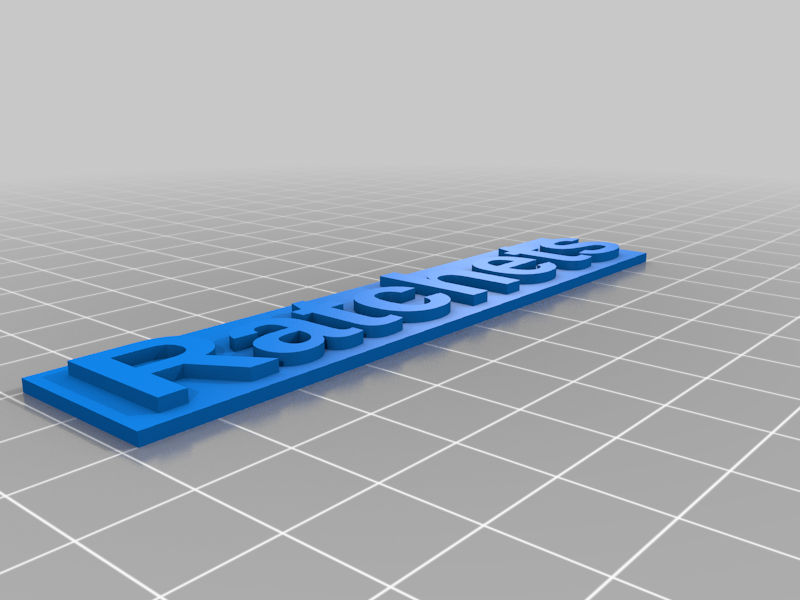 stl
stlRatchets.stl
331 Ko · 1 939 descargas
-
 stl
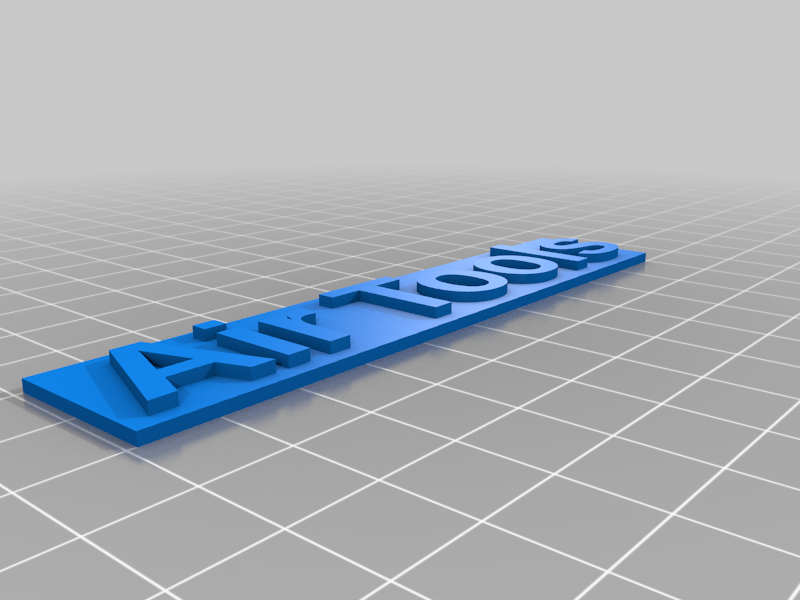
stlAir_Tools.stl
202 Ko · 1 922 descargas
-
 stl
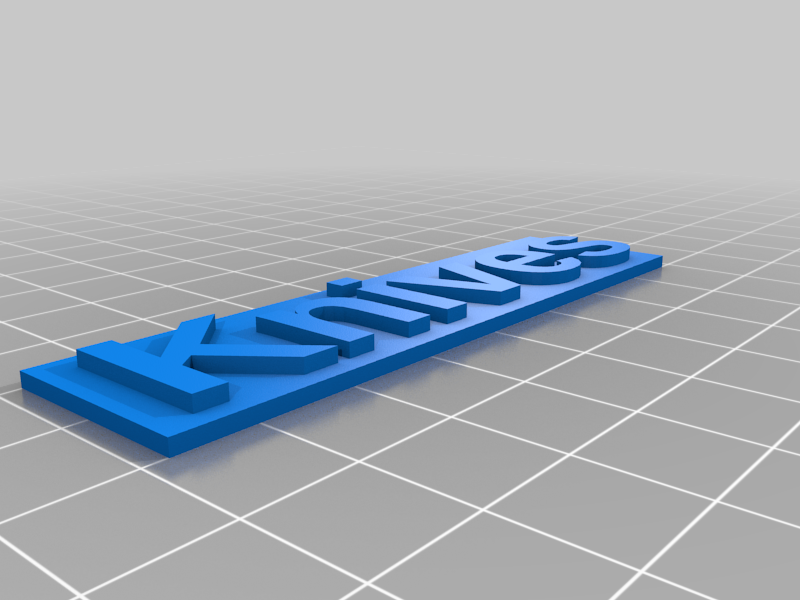
stlKnives.stl
168 Ko · 1 906 descargas
-
 stl
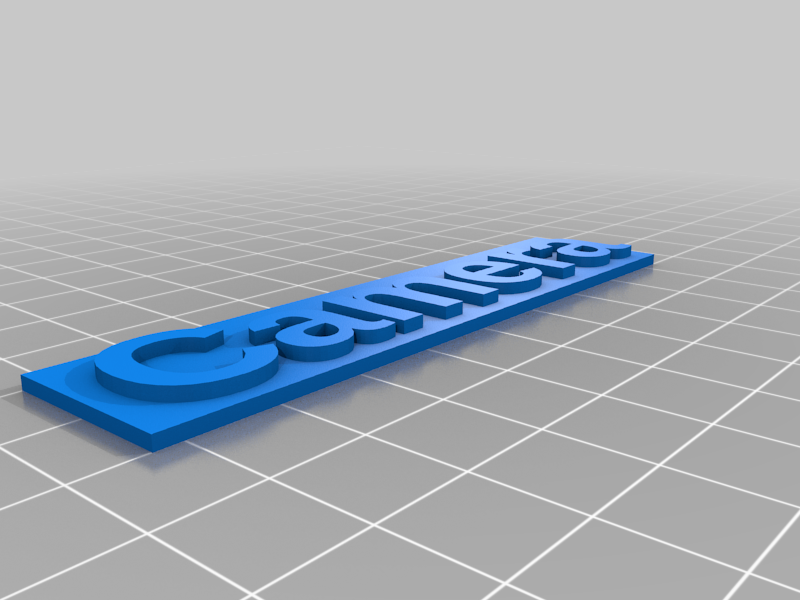
stlCamera.stl
323 Ko · 1 905 descargas
-
 stl
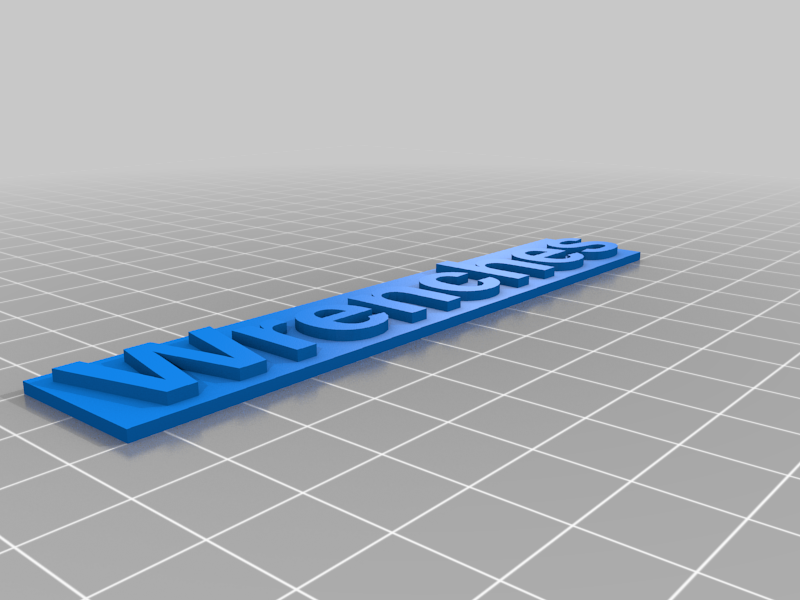
stlWrenches.stl
305 Ko · 1 939 descargas
-
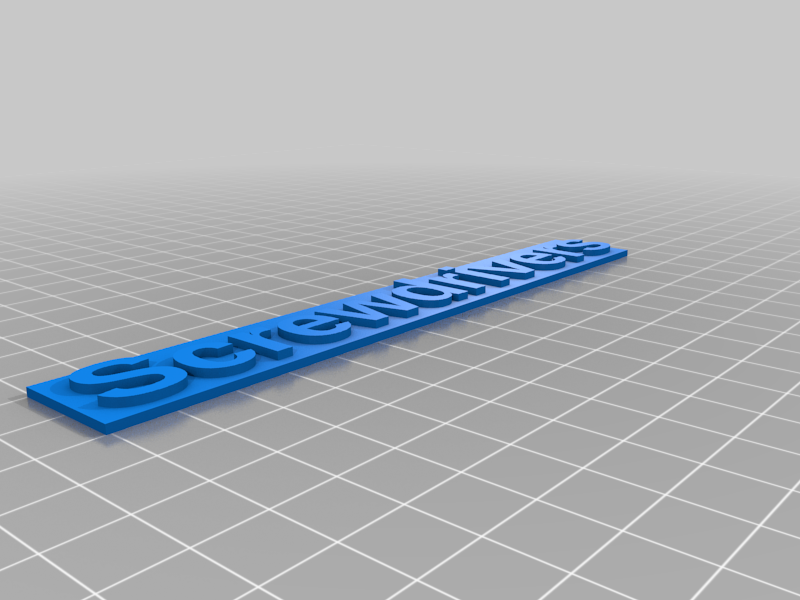 stl
stlScrewdrivers.stl
444 Ko · 1 947 descargas
-
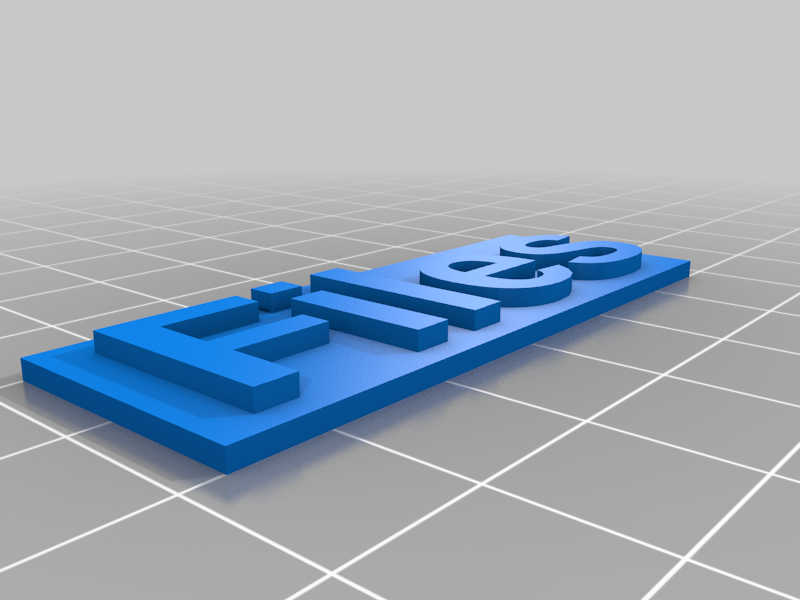 stl
stlFiles.stl
126 Ko · 1 922 descargas
-
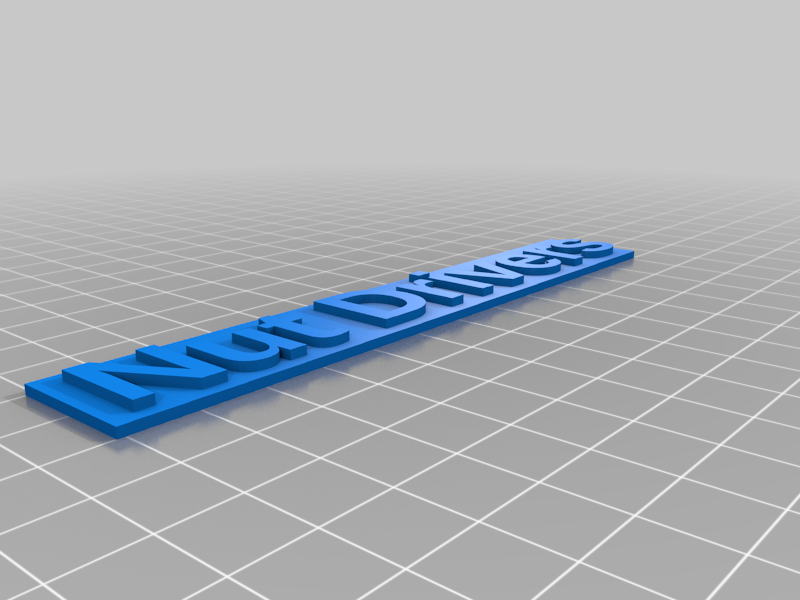 stl
stlNut_Drivers.stl
281 Ko · 1 920 descargas
-
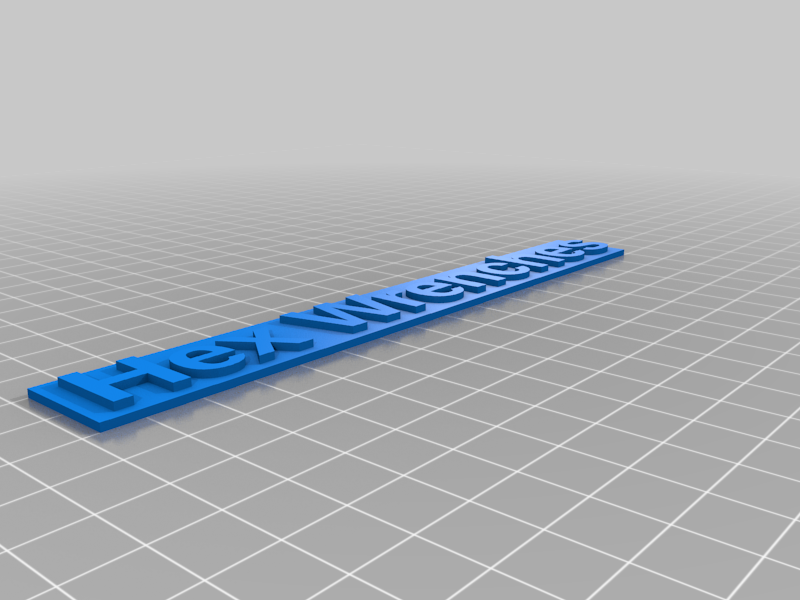 stl
stlHex_Wrenches.stl
359 Ko · 1 883 descargas
-
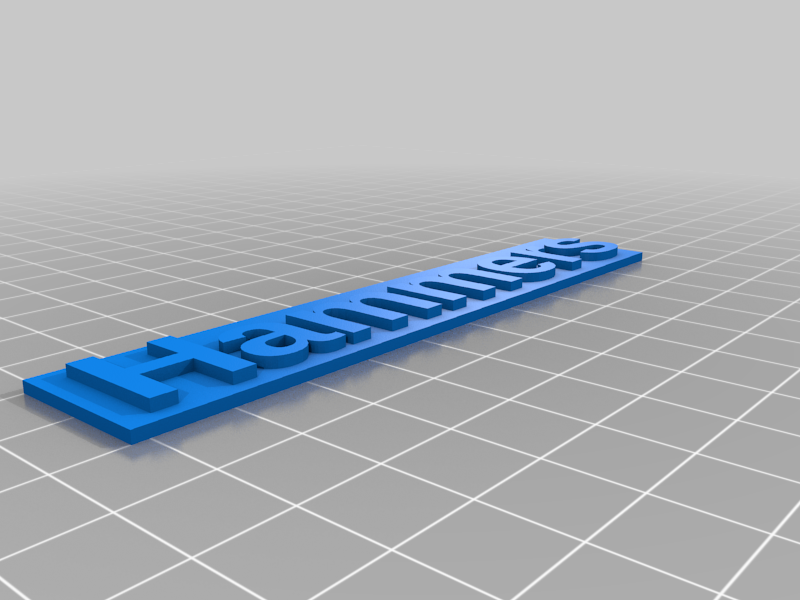 stl
stlHammers.stl
332 Ko · 1 866 descargas
-
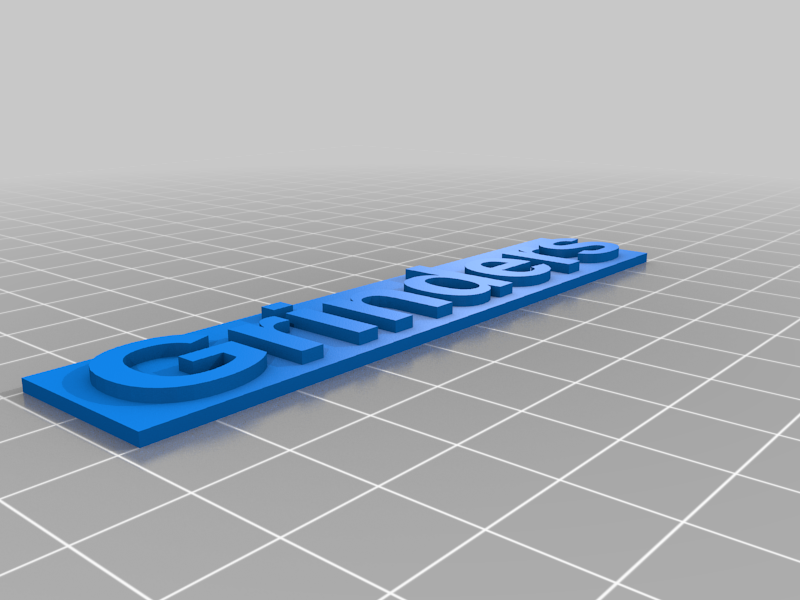 stl
stlGrinders.stl
303 Ko · 1 845 descargas
-
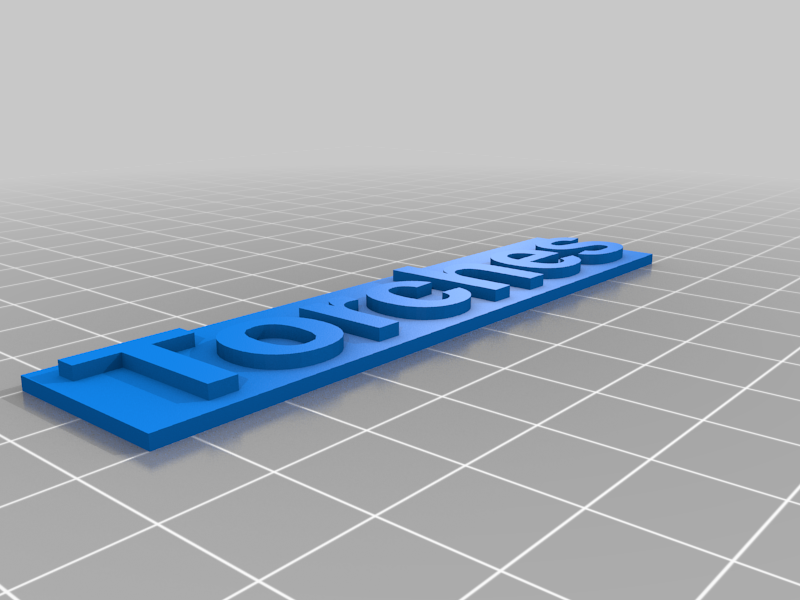 stl
stlTorches.stl
253 Ko · 1 862 descargas
Descrição
I created these 3/4" high labels to identify which drawers hold which tools. By applying magnetic tape to the back, you can stick them to metal toolbox drawers and easily move them around when you change the layout of your toolbox.
The STL files and the Customizer will create monochrome labels. You have to pause your printer and change spools to make the lettering a different color than the background. I recommend pausing after the first text layer before changing spools.
I used this magnetic tape from Home Depot: https://www.homedepot.com/p/MASTER-MAGNETICS-3-4-in-x-26-ft-Magnetic-Tape-with-Dispenser-96774/204752648
Sometimes it doesn't stick very well. In those cases I just apply a little bit of super glue.
I've supplied a few ready to print labels. If you need other ones you can run the Customizer. A few things to note: lower case letters with descenders will go off the bottom of the default size label. Also you will have to adjust the length of the label for your text.
I've also added the ability for different fonts, text sizes, or changing different label height. I am not checking for a valid font, so if you change font, be sure you know what you are doing.