
Toolbox Labels
 par benjamenjohnson


Fichiers imprimables (15)
-
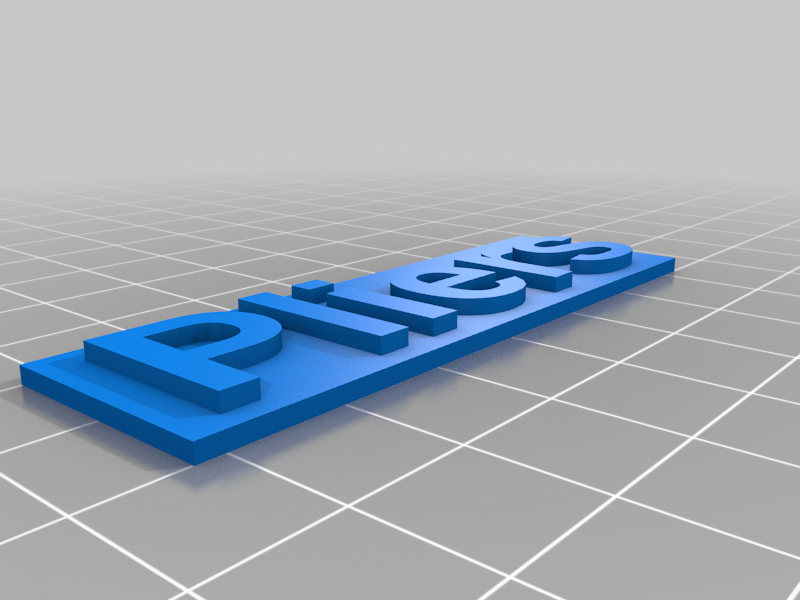 stl
stlPliers.stl
177 Ko · 1 947 téléchargements
-
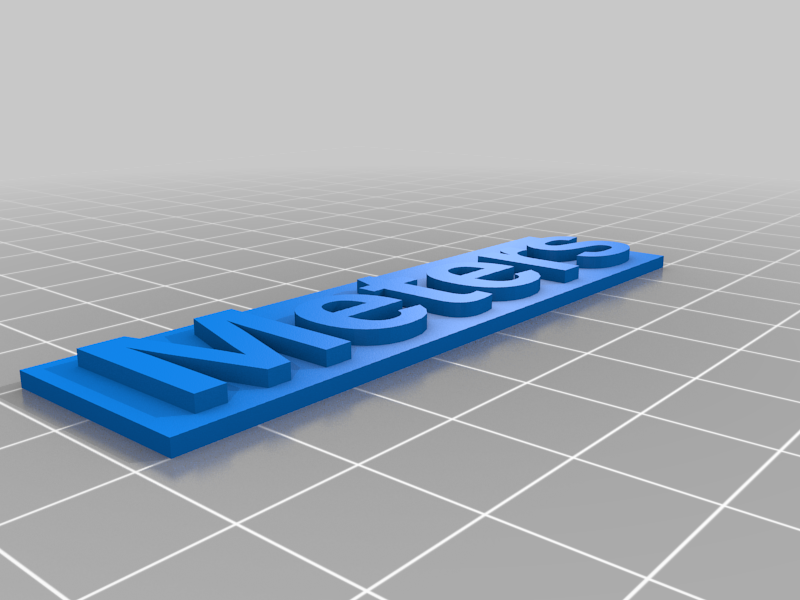 stl
stlMeters.stl
225 Ko · 1 905 téléchargements
-
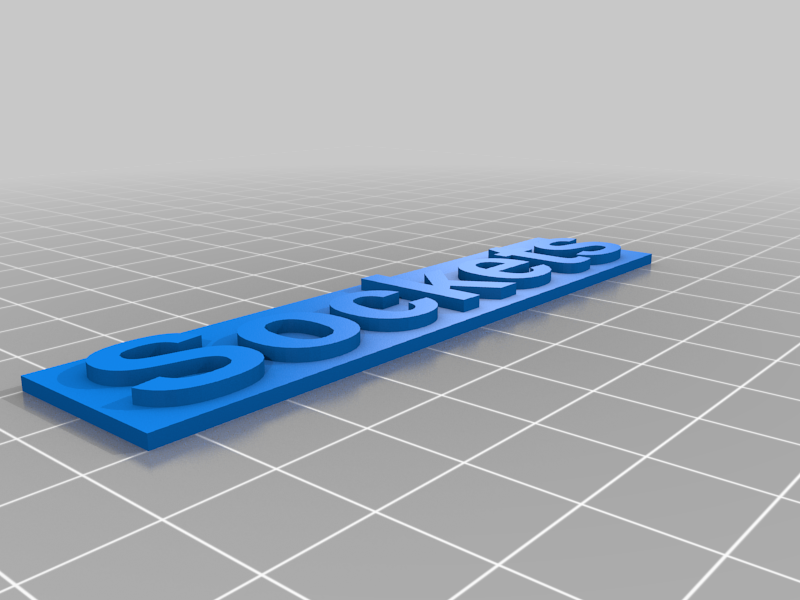 stl
stlSockets.stl
298 Ko · 1 939 téléchargements
-
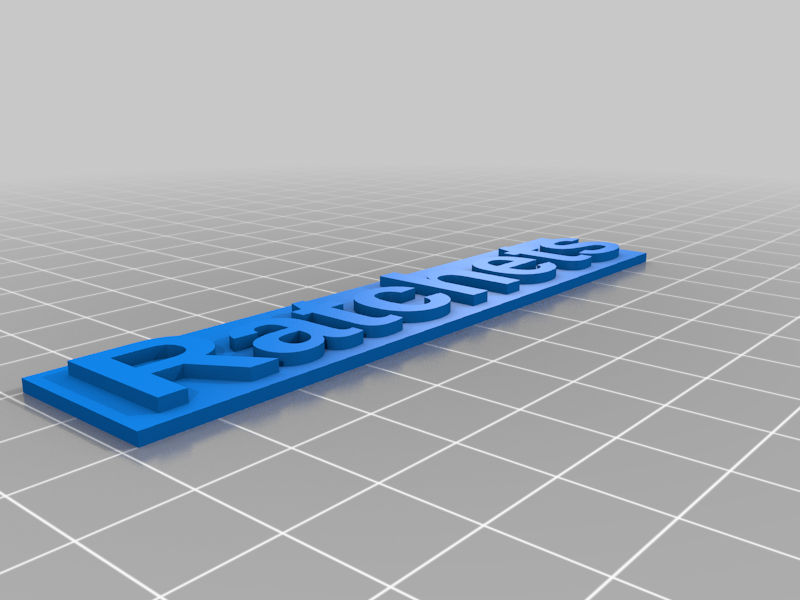 stl
stlRatchets.stl
331 Ko · 1 926 téléchargements
-
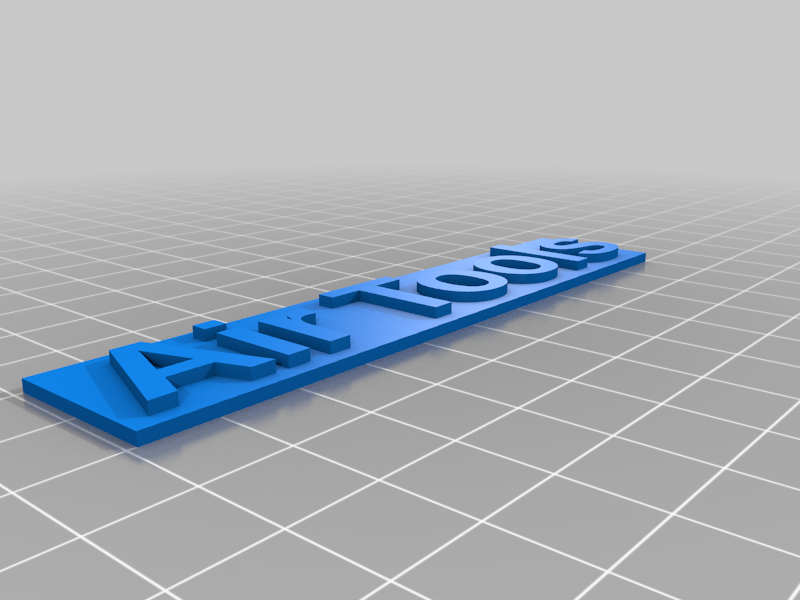 stl
stlAir_Tools.stl
202 Ko · 1 909 téléchargements
-
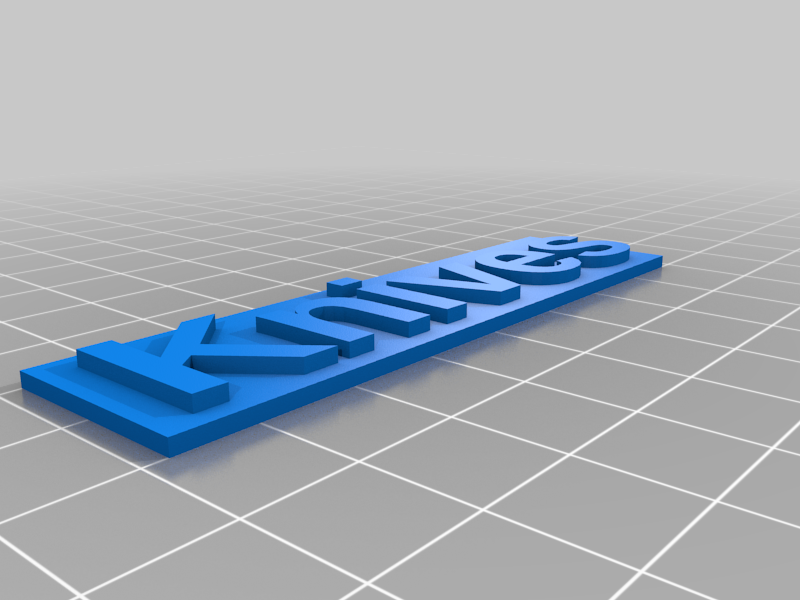 stl
stlKnives.stl
168 Ko · 1 894 téléchargements
-
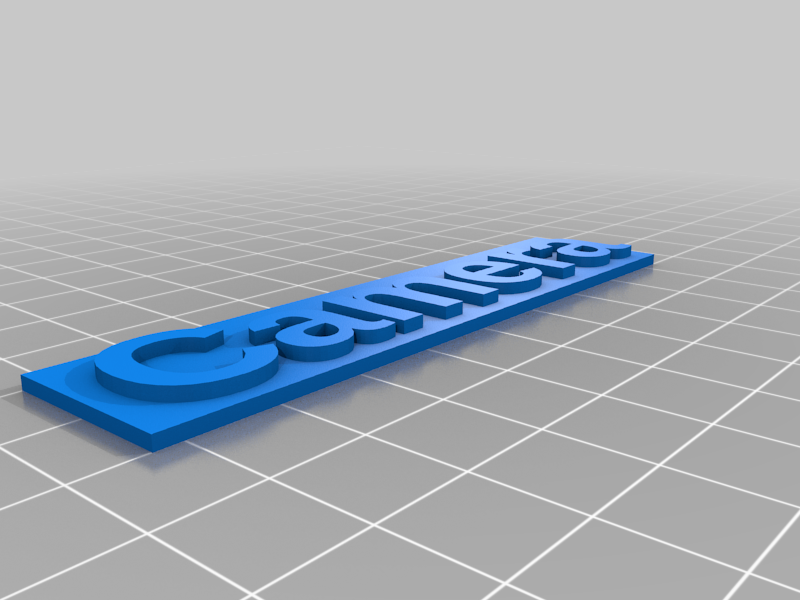 stl
stlCamera.stl
323 Ko · 1 893 téléchargements
-
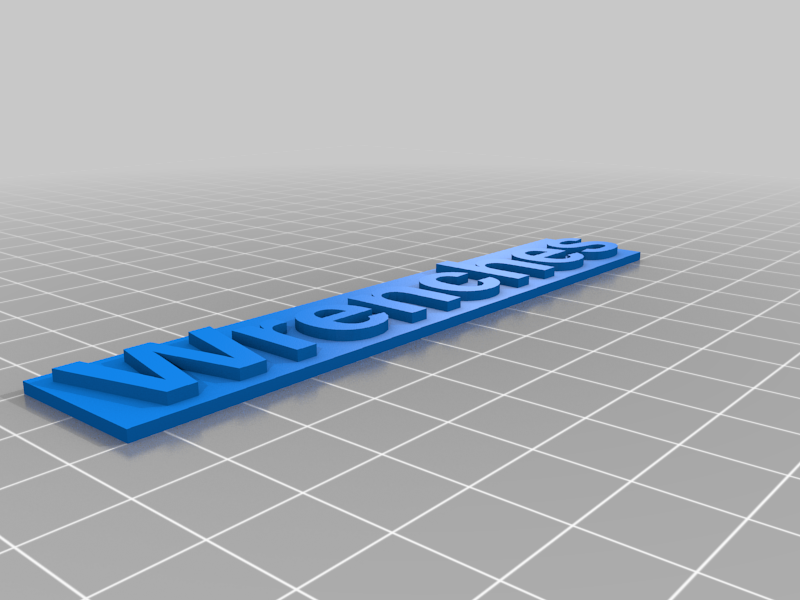 stl
stlWrenches.stl
305 Ko · 1 926 téléchargements
-
 stl
stlScrewdrivers.stl
444 Ko · 1 935 téléchargements
-
 stl
stlFiles.stl
126 Ko · 1 909 téléchargements
-
 stl
stlNut_Drivers.stl
281 Ko · 1 907 téléchargements
-
 stl
stlHex_Wrenches.stl
359 Ko · 1 869 téléchargements
-
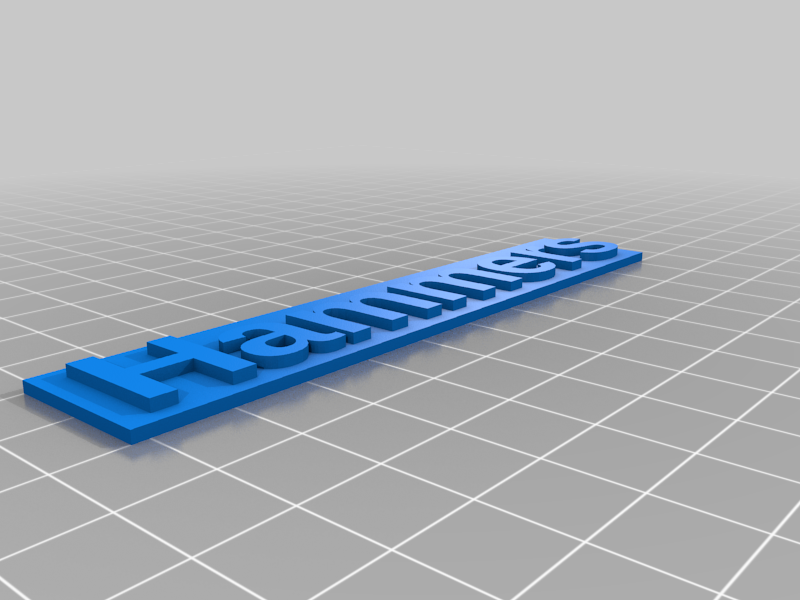 stl
stlHammers.stl
332 Ko · 1 853 téléchargements
-
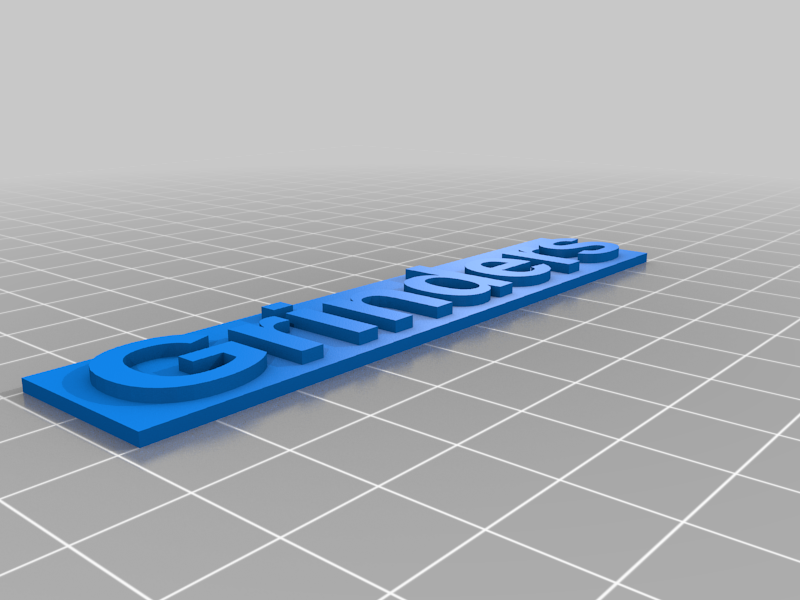 stl
stlGrinders.stl
303 Ko · 1 832 téléchargements
-
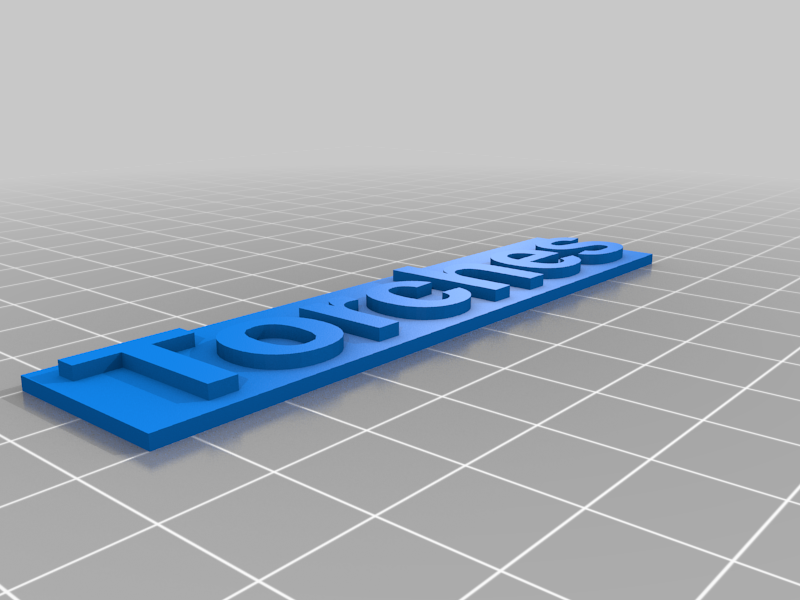 stl
stlTorches.stl
253 Ko · 1 849 téléchargements
Description
I created these 3/4" high labels to identify which drawers hold which tools. By applying magnetic tape to the back, you can stick them to metal toolbox drawers and easily move them around when you change the layout of your toolbox.
The STL files and the Customizer will create monochrome labels. You have to pause your printer and change spools to make the lettering a different color than the background. I recommend pausing after the first text layer before changing spools.
I used this magnetic tape from Home Depot: https://www.homedepot.com/p/MASTER-MAGNETICS-3-4-in-x-26-ft-Magnetic-Tape-with-Dispenser-96774/204752648
Sometimes it doesn't stick very well. In those cases I just apply a little bit of super glue.
I've supplied a few ready to print labels. If you need other ones you can run the Customizer. A few things to note: lower case letters with descenders will go off the bottom of the default size label. Also you will have to adjust the length of the label for your text.
I've also added the ability for different fonts, text sizes, or changing different label height. I am not checking for a valid font, so if you change font, be sure you know what you are doing.