
Drawing Machine V2
 par vertexENG


Fichiers imprimables (8)
-
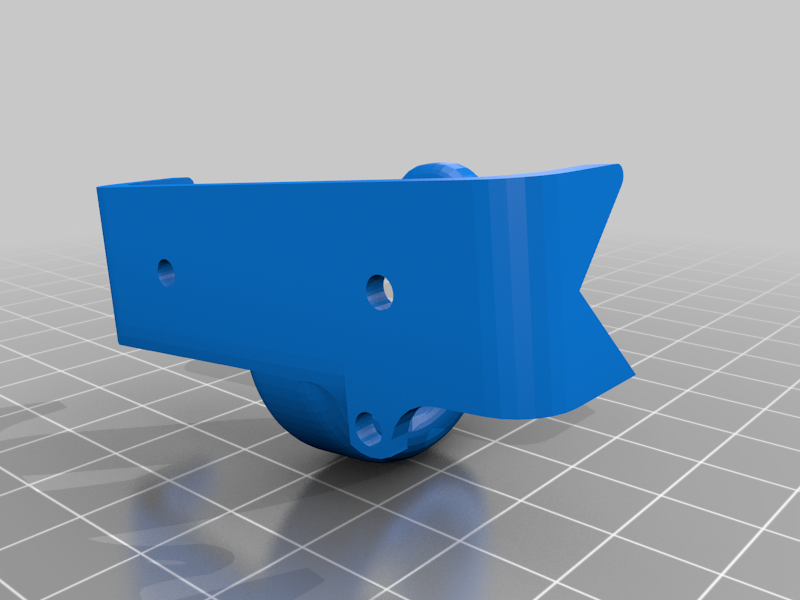 stl
stlPen_Holder.stl
178 Ko · 6 691 téléchargements
-
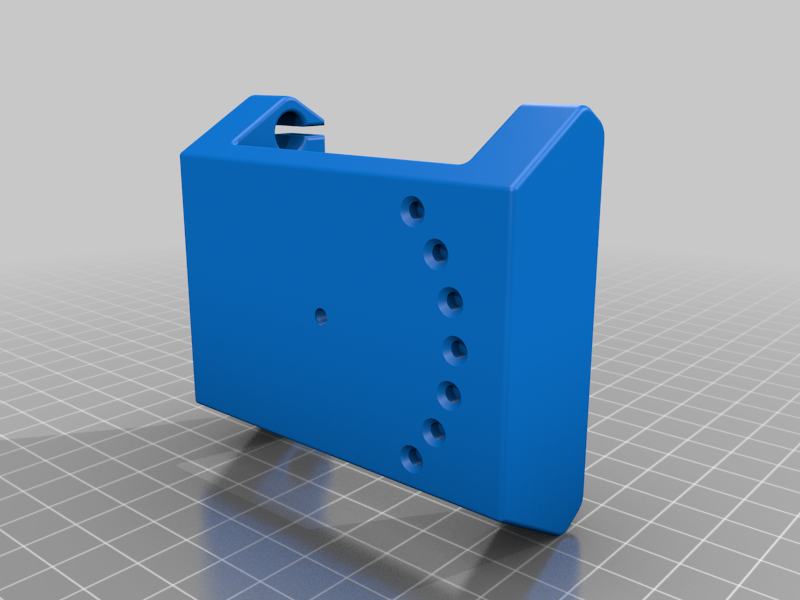 stl
stlZ_Carrage.stl
1 Mo · 6 699 téléchargements
-
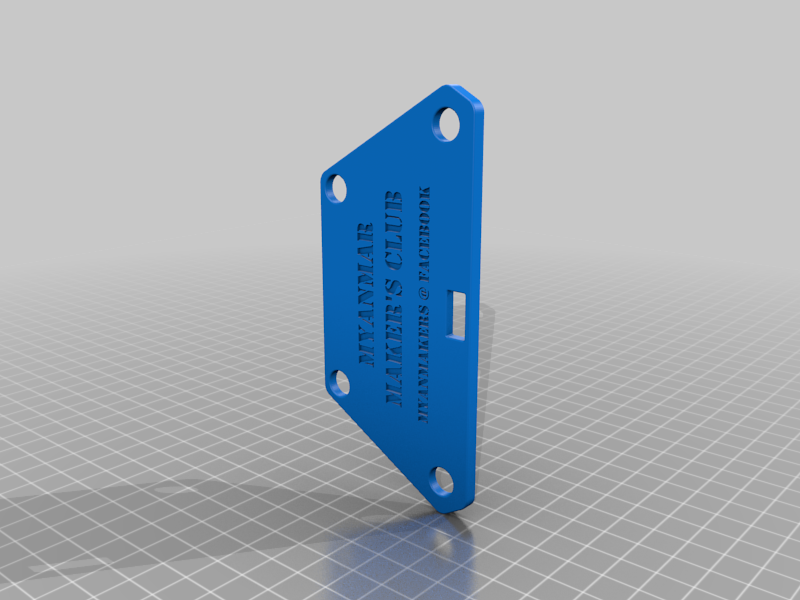 stl
stlY_Motor_Mount_Cover.stl
2.1 Mo · 6 641 téléchargements
-
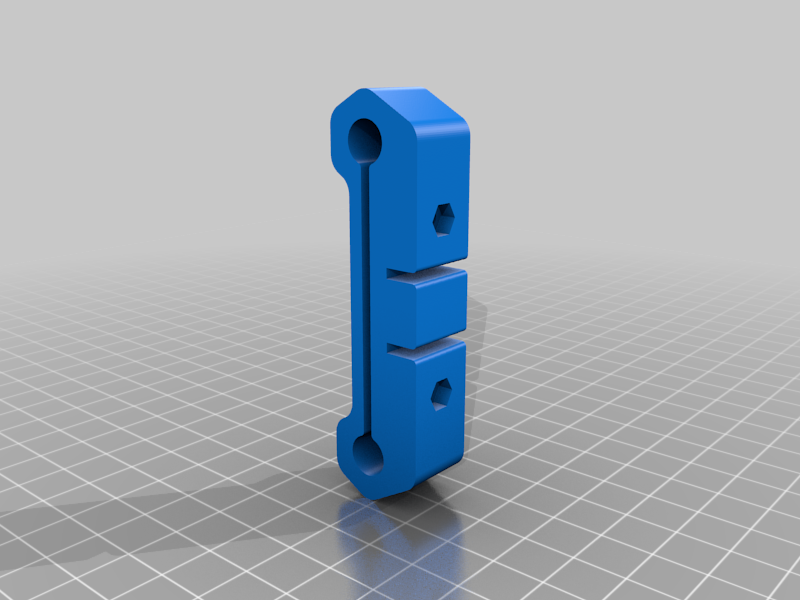 stl
stlX_Fixed.stl
150 Ko · 6 655 téléchargements
-
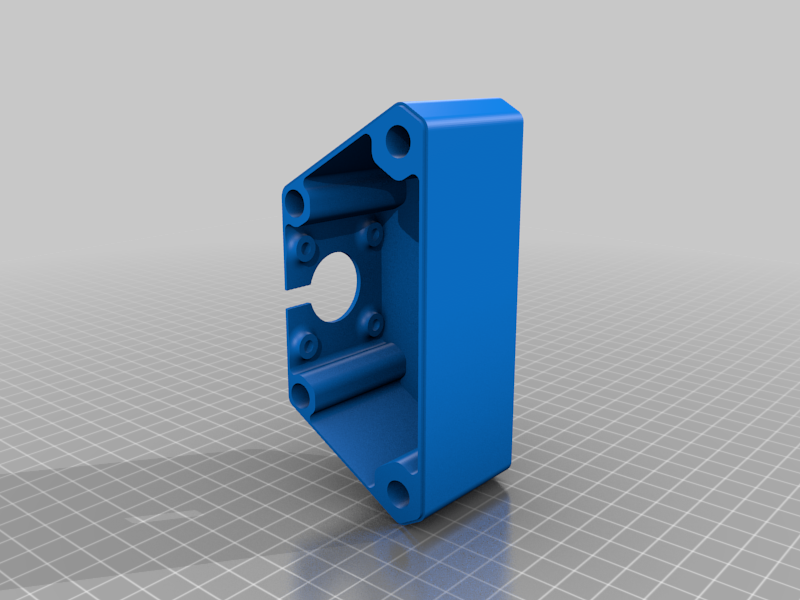 stl
stlY_Motor_Mount.stl
2.1 Mo · 6 657 téléchargements
-
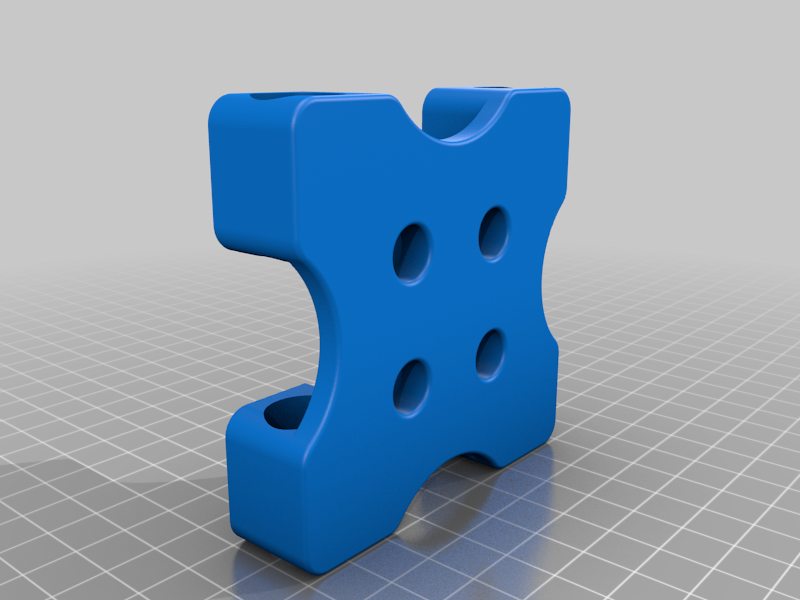 stl
stlX_Carrage_Top.stl
2.5 Mo · 6 676 téléchargements
-
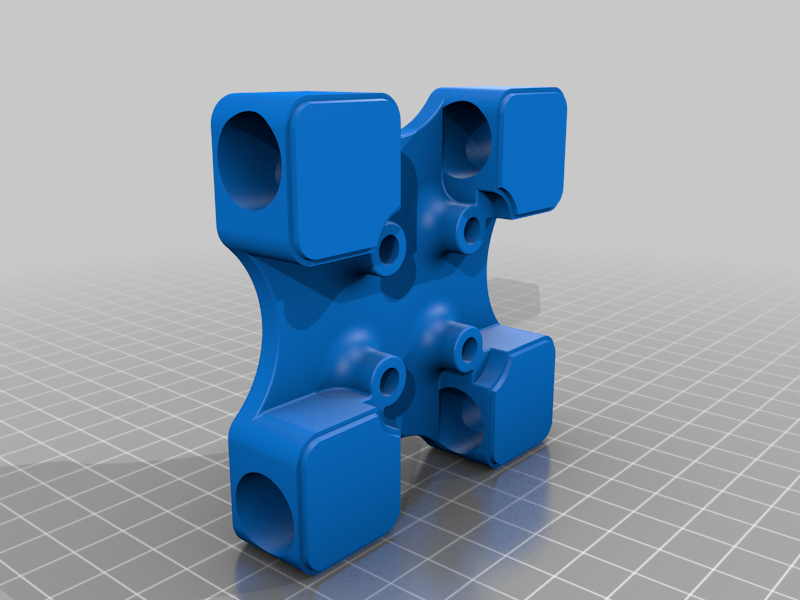 stl
stlX_Carrage_Bottom.stl
2.2 Mo · 6 681 téléchargements
-
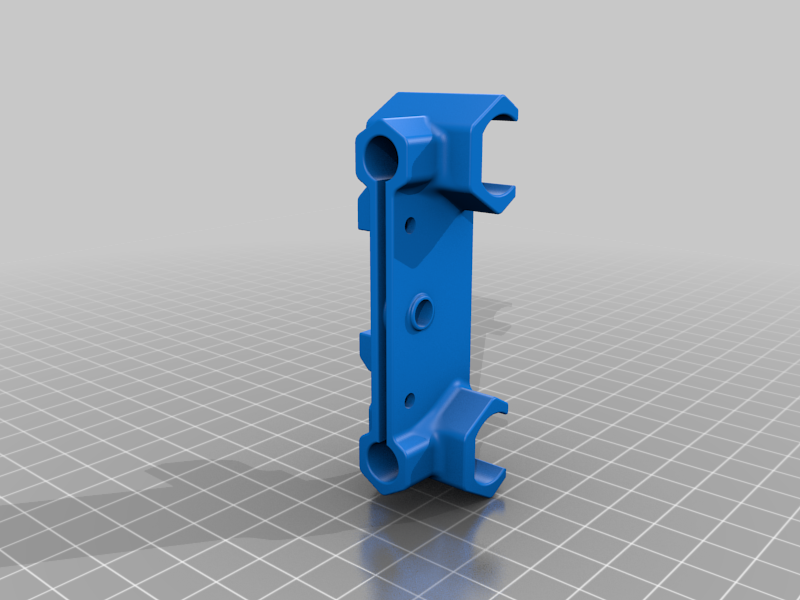 stl
stlX_Idler.stl
12.2 Mo · 6 682 téléchargements
Description
Update Oct 13 2017
BOM List included
STL file names changed to match with BOM list.
GRBL CPU Map changed back to original state. Now you can plug X and Y Motors accordingly.
Remix of 4XiDraw. Include STL files, IGS file, Inventor 2017 project files as well as GRBL 1.1f with Servo Support.
For this Modified GRBL 1.1f CNC Control Firmware to work, you need to connect two stepper motors to X axis and Z axis on CNC Shield. Because my Arduino pin for Y direction is burned so I make it work on Z axis. Connect Servo Sense wire (Yellow) to Z- pin, Red to +5V pin and Black or Brown to GND pin on CNC Shield. I use Laser Web 4 to generate and send GCode to the machine. You need to change GCode Setting in this software. Go to Setting -> GCode -> and fill in "M3S55" for Tool On and "M3S0" for Tool Off. To connect to Auduino, make sure you select your Baudrate to 115200 under Comms Tab.